

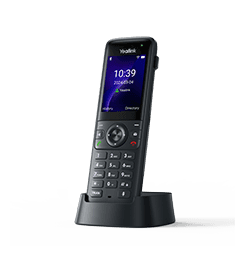
Yealink AX83H
Business Wi-Fi IP Phone
- Brand
- Yealink
- Series
- AX Series (Wi-Fi)
- Model
- AX83H
- Status
- Current
- Documents
- 20 manuals & files
- Knowledge base
- 218 articles
Overview
About the Yealink AX83H
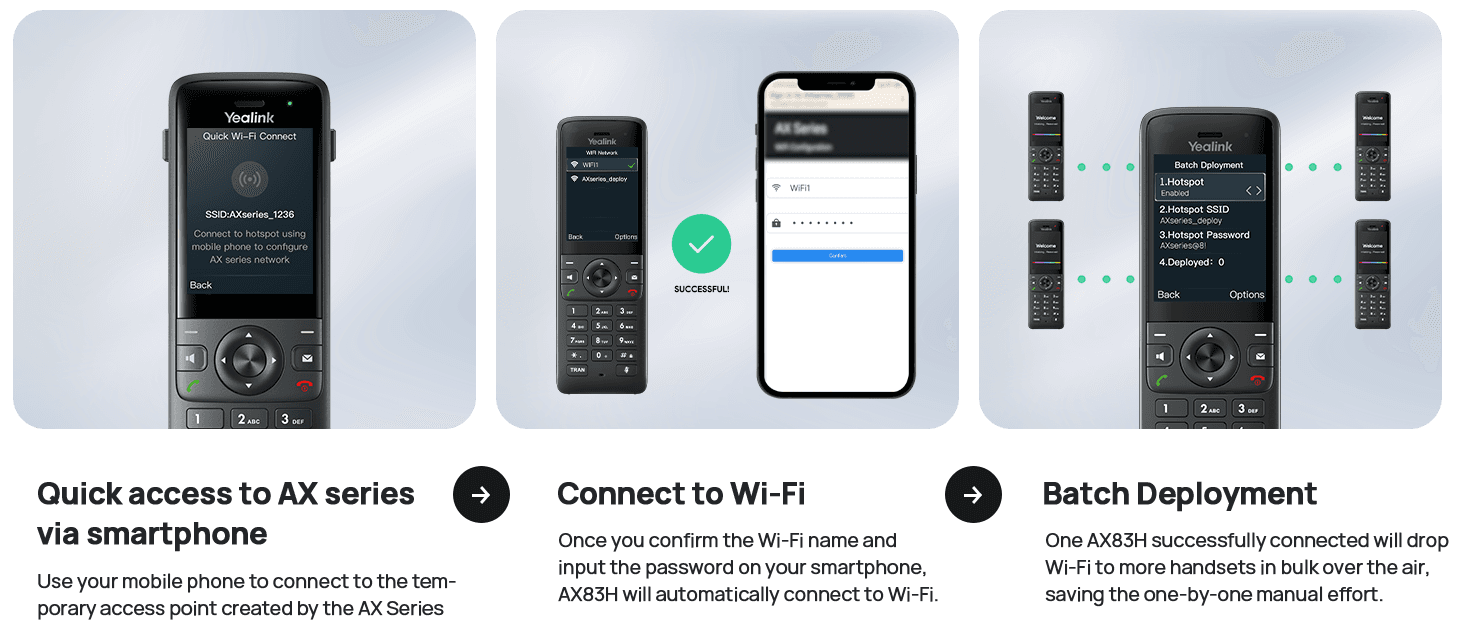
Wi-Fi brings mobility and flexibility anywhere with essential infrastructure. The integrated dual-band Wi-Fi 6 offers faster speed and greater capacity for connecting more devices.Good coverage and fast roaming for seamless AP switching make no dropped calls. Get access to a reliable, cordless calling experience with Yealink Wi-Fi handset AX83H.
Specifications
AX83H technical specifications
- Optimal HD audio: HD handset, HD speaker
- Hearing aid compatible (HAC) compliant
- Audio codec: G.722, PCMU (G.711μ), PCMA (G.711A), G.729, G.729A, G.729B, G.729AB, G.726, G.723.1, iLBCDTMF: In-band, Out-of-band (RFC 2833) and SIP INFO
- Full-duplex hands-free speakerphone with AEC
- Smart Noise Cancellation Technology
- VAD, CNG, AEC, PLC, AJB, AGC
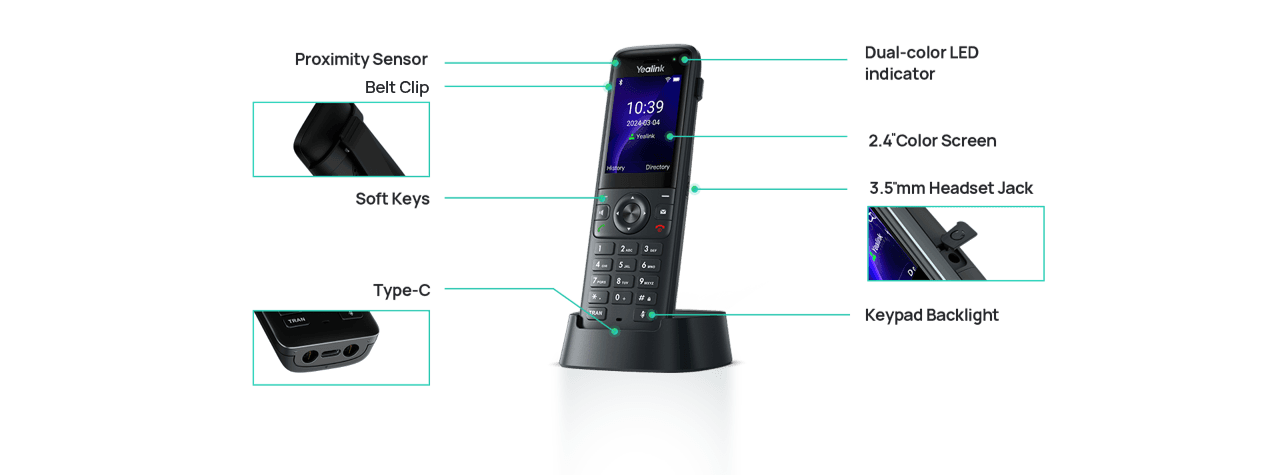
- 2.4" 240x320 TFT color screen
- Keypad backlight
- Vibration
- Wallpaper and screensaver
- LED for call and message waiting indication
- Multilingual user interface
- Caller ID with name, number, and avatar
Gallery
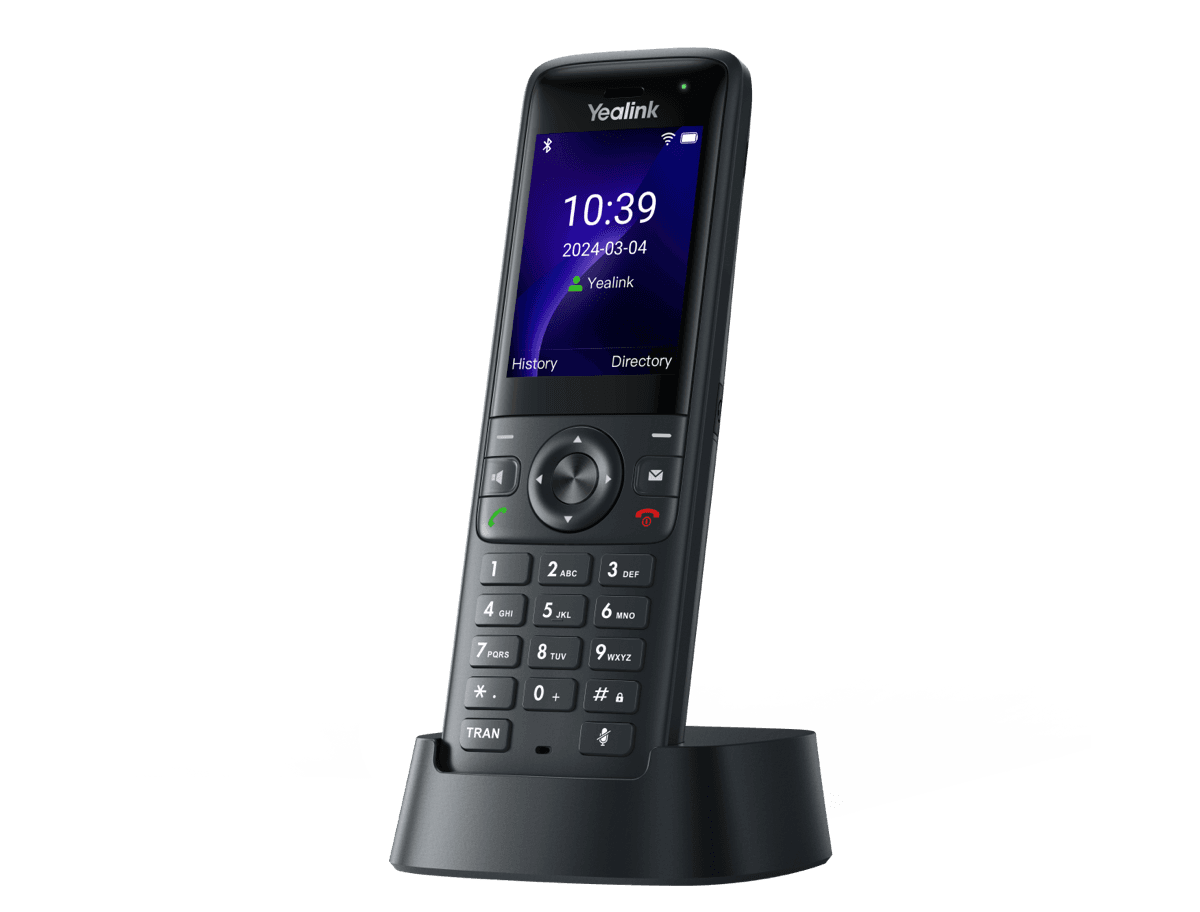
AX83H product photos


Documents
AX83H manuals & downloads
Datasheets
1Compatibility
4- Yealink Phone Features Integrated with BroadSoft UC-One User Guide V1.4PDFDec 3, 2025
- Yealink Phones Deployment Guide for BroadSoft UC-One Environment V1.7PDFDec 3, 2025
- Yealink Phones Integrated with Metaswitch CommPortal Phone Applications User Guide V1.6PDFDec 3, 2025
- Yealink Phones Integrated with Metaswitch Configuring Guide V1.5PDFDec 3, 2025
Deployment
5Technical Topics
2Firmware
AX83H firmware & release notes
- AX83H 180.87.0.15 - Firmware & Release NoteROMReleased Jul 1, 2026Withdrawn by Yealink
- AX83H 180.87.0.5 - Firmware & Release NoteROMReleased Oct 17, 2025Withdrawn by Yealink
Knowledge base
AX83H how-to articles
Call Features43
- Anonymous CallSep 15, 2025
- Anonymous Call RejectionSep 15, 2025
- Answer CallJul 2, 2026
- Auto AnswerSep 15, 2025
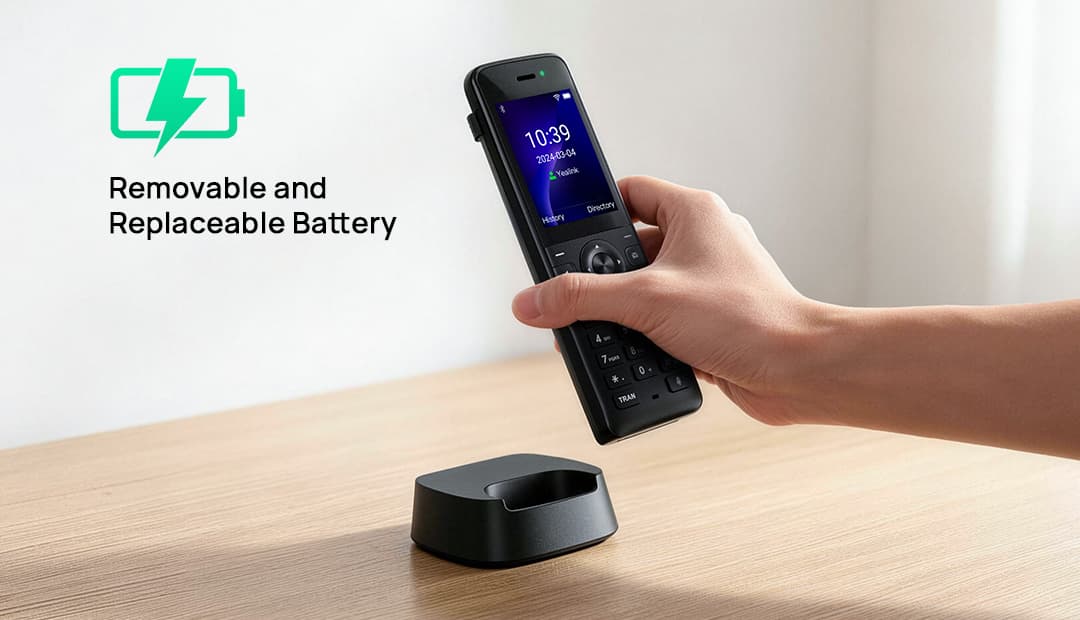
- Auto Answer by Pick up From the Charger CradleSep 4, 2025
Phone Customization17
- BatteryJun 9, 2026
- BluetoothSep 15, 2025
- Customization of the Com Version and the MAC VersionNov 18, 2025
- DisplayNov 18, 2025
- Handset and Headset and Speakerphone ModeNov 18, 2025
Audio Features14
- Acoustic Clarity TechnologySep 4, 2025
- Alert ToneSep 15, 2025
- Audio CodecsSep 15, 2025
- Audio VolumeJan 8, 2026
- Charging ToneJul 21, 2026
Auto Provisioning Guide13
- AppendixNov 3, 2025
- Configure a Provisioning ServerDec 27, 2025
- Download and Verify ConfigurationsDec 27, 2025
- Get StartedDec 27, 2025
- GlossaryJan 13, 2026
Customize Your Phone13
- BatteryJul 3, 2026
- Change Administrator PasswordFeb 9, 2026
- Change Backlight & TimeJul 3, 2026
- Change LanguageDec 27, 2025
- Customize Soft KeysFeb 9, 2026
Directory and Call Log13
- Call LogSep 15, 2025
- Comparison of Different ContactsSep 4, 2025
- Directory List for DirectoryDir Soft KeySep 17, 2025
- Directory Search SettingsSep 4, 2025
- Enterprise Directory ConfigurationSep 4, 2025
Network Configurations13
- 802.1x AuthenticationDec 2, 2025
- DHCP Option for IPv4Dec 27, 2025
- DHCP Option for IPv6Dec 27, 2025
- How to access the web user interfaceDec 2, 2025
- IPv4 and IPv6 Network SettingsDec 2, 2025
Advanced Features10
- Call CompletionSep 15, 2025
- Call Park and RetrieveSep 15, 2025
- Call PickupSep 15, 2025
- Device ManagementDec 29, 2025
- Hot DeskingSep 4, 2025
Troubleshooting10
- Analyze Configuration FilesSep 15, 2025
- Example of TroubleshootingSep 15, 2025
- Export All the Diagnostic FilesJun 9, 2026
- Get StartDec 27, 2025
- Log FilesSep 15, 2025
General Features9
- 100 Reliable RetransmissionNov 17, 2025
- Accept SIP Trust Server OnlyJun 9, 2026
- Busy Tone DelaySep 15, 2025
- Line Identification PresentationSep 15, 2025
- Reboot in TalkingSep 15, 2025
Related
More in the AX Series (Wi-Fi)
Need help with your AX83H?
The Tech Team™ can provision, update and troubleshoot your Yealink phones, and move your office onto smplVoice cloud voice.
Yealink and Yealink product names are trademarks of Yealink Network Technology Co., Ltd. Product information, images and documents are published by Yealink (source) and provided here for reference by smplVoice. Firmware and documents are Yealink’s original, unmodified files.