

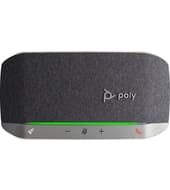
Poly Sync 20
Support for the Poly Sync 20: specifications, how-to articles and setup help from The Tech Team™.
Specifications
Sync 20 specifications
- Ideal for up to 4 x 4 m room size
- Up to 2 m (7 ft) microphone pickup range
- Full duplex audio
- Noise and echo reduction
- Bass reflect with dual passive radiators
- Up to 7 ft / 2 m microphone pickup range
- 28.1 in
Support articles
Sync 20 how-to & troubleshooting
Setup, troubleshooting and product articles from HP's Poly support library.
Audio Controls & Speakers9
- Basic Poly Bluetooth Speakerphone Troubleshooting (Smartphone)
- Basic Poly Bluetooth Speakerphone Troubleshooting (UC/Computer)
- Basic Poly USB Speakerphone Troubleshooting (Computer)
- How to configure the Poly Sync 20 rocket button
- How to link two Poly Sync's together
- Select settings to display on the device screen
Video Quality & Conferencing8
Product information6
Head Sets & Microphone5
Warranty4
Audio Software3
Recovery & Backup3
Cables, Ports, & USB2
Connecting Devices2
Compatibility & Availability1
Applications1
Network & Internet1
Product & Service Activation1
Power1
Identify & Fix1
Fan & Air Systems1
Security bulletins (5)
- Technical Bulletin 5471: Security Advisory Relating to JBoss Application Server on RealPresence Resource Manager
- Poly ztp - exposure of sensitive information to an unauthorized actor
- Poly systems – solar winds impact
- Plantronics Hub - Privilege Defined With Unsafe Actions
- Vulnerability in apache log4j affecting poly systems
Software
Software & firmware updates
HP distributes Poly firmware through Poly Lens and its provisioning services rather than as direct downloads. The Tech Team™ can keep your phones current for you.
Software release notes
- Poly Sync 20 Series Software Release Notes
- Install Poly and HP device software manually
- Update Poly and HP device software
- Update device software from device settings
- Update device software from the device screen
- Poly - HP Headset/Product Firmware Updates
- Poly Sync 20 firmware update fails resulting in the previous firmware version remaining on the device.
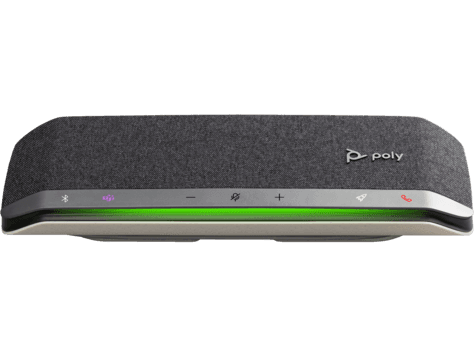
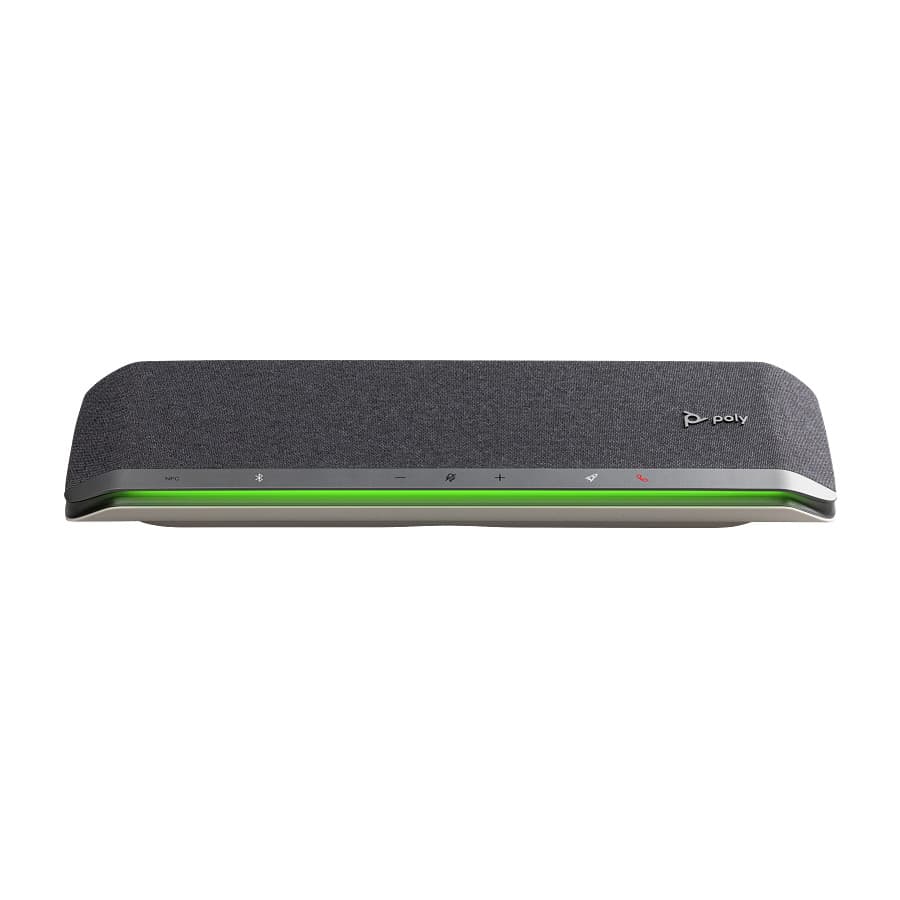
Need help with your Sync 20?
Tell us a little about your business and a voice specialist will reach out to talk it through.
- A plan built around how your team actually works
- Help moving your existing phone numbers
- Setup and ongoing support from The Tech Team™
Poly and Polycom are trademarks of HP Inc. and its affiliates. Product information, manuals and support articles are published by HP (source) and provided here for reference by smplVoice. Manuals are HP’s original, unmodified files.