

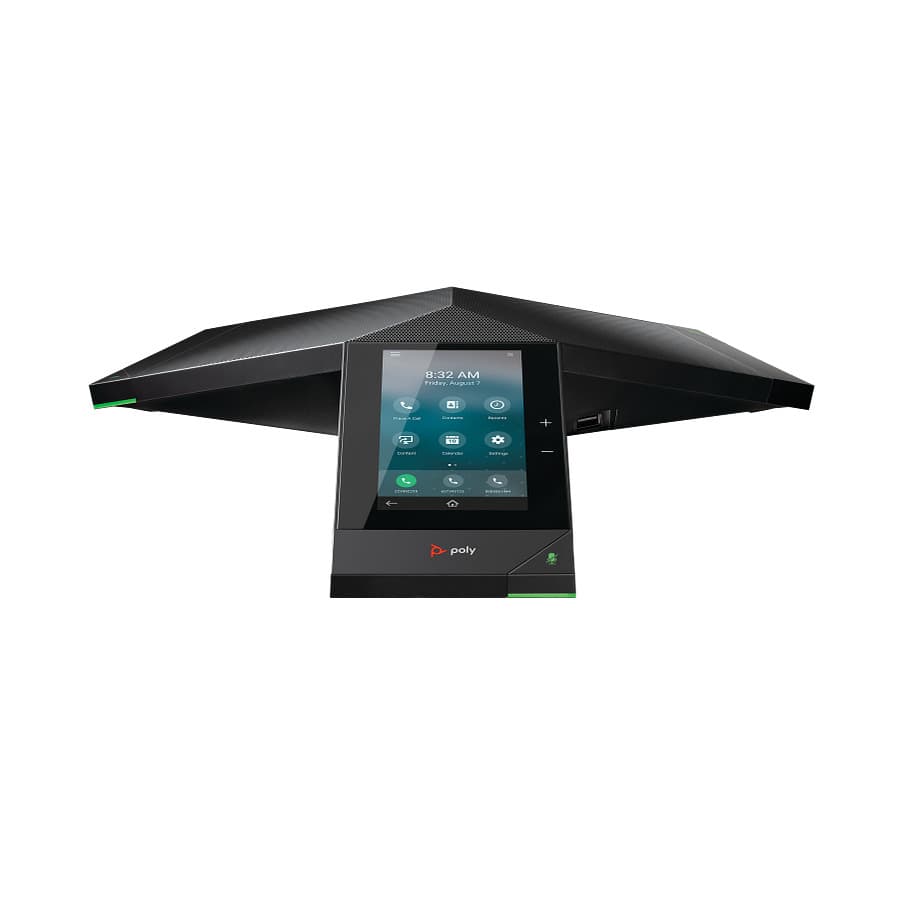
Poly Trio 8500
Support for the Poly Trio 8500: manuals, how-to articles and setup help from The Tech Team™.
Manuals
Trio 8500 manuals & guides
Administrator, user and quick start guides from HP, hosted by smplVoice. Open any guide to read it online or download the PDF.
Administrator guides 6
- Poly Trio C60 Administrator Guide 9.3.0PDF · Administrator guide · Trio
- Poly Voice Software Trio Solution Administrator GuidePDF · Administrator guide · Trio · on hp.com
- Trio Administrator Guide 7.1.0PDF · Administrator guide · Trio · on hp.com
- Trio Deployment GuidePDF · Administrator guide · Trio
- Trio Solution GuidePDF · Administrator guide · Trio
- Trio Solution Guide 1.0PDF · Administrator guide · Trio
User guides 2
Quick start guides 1
Reference manuals 1
Support articles
Trio 8500 how-to & troubleshooting
Setup, troubleshooting and product articles from HP's Poly support library.
Video Quality & Conferencing6
- Alexa for Business: Enabling and associating Polycom Trio devices with Alexa for Business rooms
- Connect a USB device or laptop
- How to put the Trio in USB mode for use with the MSR Dock
- Poly Trio: Converting Trio with Visual+ into a Microsoft Teams Rooms Solution
- Polycom Trio: Convert from Skype for Business Base Profile to Microsoft Teams
- Polycom Trio: How to manually dial a VMR
Product information5
Warranty4
Applications3
Recovery & Backup2
Cleaning & Maintenance1
Connectivity1
Product & Service Activation1
Audio Controls & Speakers1
Registration or Activation1
Connecting Devices1
Security bulletins (23)
- Poly Voice – Possible Remote Control of Certain Poly Devices
- Certain Poly Trio & CCX Devices – Potential Remote Code Execution
- Bash shell arbitrary code execution on various polycom products
- Web UI is vulnerable to cross site request forgery (XSRF) GS-26327 & EN-7509
- Poly Systems - Microsoft Azure Active Directory Privilege Escalation Impact
- Rprm - improper restriction of xml external entity reference
- Trio 8800 - improper control of generation of code
- Trio 8800 - uncontrolled resource consumption
- RealPresence WebSuite - Exposure of Private Personal Information to an Unauthorized Actor
- Trio Devices - Improper Neutralization of Input During Web Page Generation
- Poly systems - apache struts impact
- Poly systems - blueborne impact
- Poly systems - samba and sambacry impact
- Poly systems - spectre and meltdown
- Poly systems - wannacry impact
- Trio Devices - Incorrect Permission Assignment for Critical Resource
- Poly systems - drown impact
- Poly systems dirty cow linux kernel impact
- Poly systems – solar winds impact
- Unified communications - persistent cyber threats awareness
- RealPresence Resource Manager - Jboss Application Server Impact
- Vulnerability in apache log4j affecting poly systems
- Poly systems - h323 & sip botnet calling
Software
Software & firmware updates
HP distributes Poly firmware through Poly Lens and its provisioning services rather than as direct downloads. The Tech Team™ can keep your phones current for you.
Software release notes
- Minimum hardware and software laptop requirements
- Poly Unified Communication Software (UCS) 7 Release Notes
- Poly Virtual USB Connector for Zoom Rooms Release Notes
- UC Software - Improper Input Validation
- UC Software - Improper Neutralization of Special Elements Used in an OS Command
- UC Software - Use of Insufficiently Random Values
- Trio 8500 Software and Archived Release Notes
- UC Software - Hidden Functionality
Related
More Poly Trio Series models
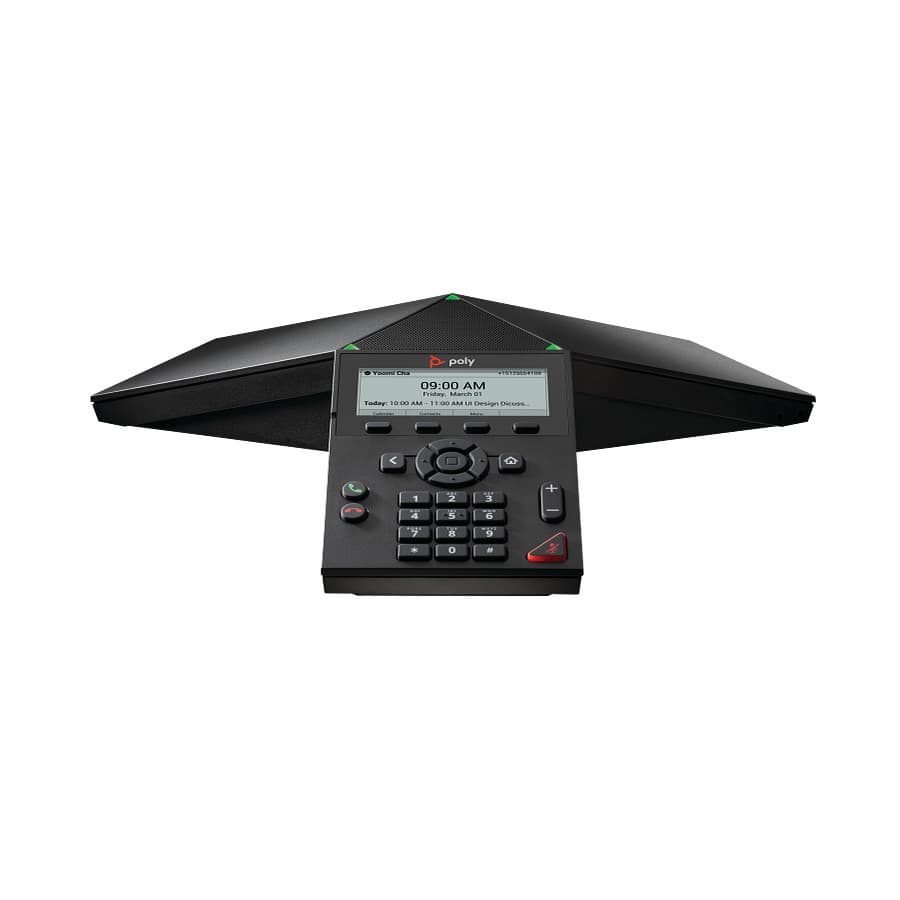
Trio Series · Conference phones
Trio 8300
Support & downloads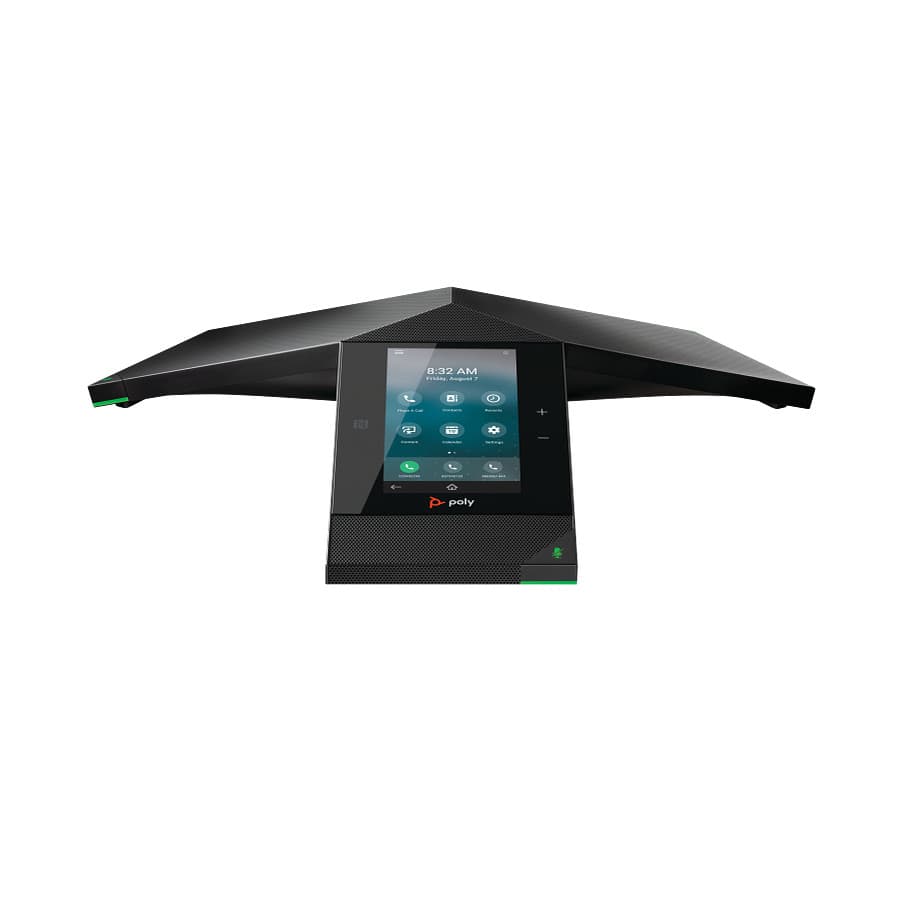
Trio Series · Conference phones
Trio 8800
Support & downloads
Trio Series · Conference phones
Trio C60
Support & downloadsPoly Trio T110
Trio Series · Conference phones
Trio T110
Support & downloadsPoly Trio Visual+
Trio Series · Conference phones
Trio Visual+
Support & downloadsNeed help with your Trio 8500?
Tell us a little about your business and a voice specialist will reach out to talk it through.
- A plan built around how your team actually works
- Help moving your existing phone numbers
- Setup and ongoing support from The Tech Team™
Poly and Polycom are trademarks of HP Inc. and its affiliates. Product information, manuals and support articles are published by HP (source) and provided here for reference by smplVoice. Manuals are HP’s original, unmodified files.