

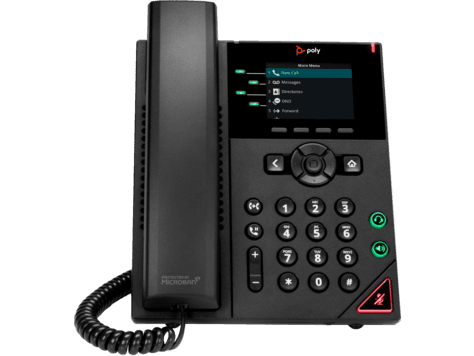
Poly VVX 250
Support for the Poly VVX 250: specifications, manuals, how-to articles and setup help from The Tech Team™.
Specifications
VVX 250 specifications
- Poly HD Voice
- Poly Acoustic Clarity technology provides full duplex conversations, acoustic echo cancellation, and background noise suppression
- Poly Acoustic Fence technology eliminates background noise when using a handset or wired headset
- Poly Computer Audio Connector app installed on your PC (Windows only) enables selecting your phone for PC audio in/out to use the phones handset, optional headset and handsfree speakerphone with PC applications
- Individual volume settings with visual feedback for each audio path
- Voice activity detection
- Comfort noise generation
- DTMF tone generation (RFC 2833 and in-band)
- Low delay audio packet transmission
- Adaptive jitter buffers
- 1 USB 2.0 Type-A (for media, storage applications, headset, optional Wi-Fi adapter)
- 2 RJ-45 (10/100/1000BASE-TX Mbps)
Manuals
VVX 250 manuals & guides
Administrator, user and quick start guides from HP, hosted by smplVoice. Open any guide to read it online or download the PDF.
Administrator guides 4
- UC Software Administrator Guide 6.0.0PDF · Administrator guide · UC Software platform
- UC Software Administrator Guide 6.1.0PDF · Administrator guide · UC Software platform · on hp.com
- UC Software Administrator Guide 6.2.2PDF · Administrator guide · UC Software platform
- UC Software Administrator Guide 6.4.0PDF · Administrator guide · VVX 400/410
User guides 4
- UC Software User Guide 6.0.0 (VVX 400/410)PDF · User guide · VVX 400/410 · on hp.com
- UC Software User Guide 6.0.0 (UC Software platform)PDF · User guide · UC Software platform · on hp.com
- UC Software User Guide 6.1.0PDF · User guide · VVX 400/410
- UC Software User Guide 6.4.0PDF · User guide · VVX 400/410
Quick start guides 2
Support articles
VVX 250 how-to & troubleshooting
Setup, troubleshooting and product articles from HP's Poly support library.
Product information9
Software7
- DHCP Provisioning fails with a VVX Skype SKU when Basic Profile is set to Generic
- How to configure Line 1 with RealConnect for Teams
- Idle Display refresh Period is missing under the Microbrowser section with VVX
- LDAP corporate directory search fails sometimes when VVX in idle and provisioned with Zoom or 8x8.
- One-Way audio after hold and resume call between VVX and Avaya endpoint registered to Genband.
- SIP calls fails with error 488 between VVX and RealPresence Desktop
Connectivity6
- A 5 to 10 second audio delay when answering call from the poly VVX business phone
- A high network trafic caused by VVX 3PIP when moved from Skype to Teams
- Cisco 531 USB headset not detected by the poly VVX running 5.9.6
- How to Enable Shared Line Appearance for Skype for Business (SLA) in VVX
- VVX doesn't cache DNS server when DNS fails causing registrations failure
- VVX return SSL/TLS handshake failed error message when trying to sign in Microsoft SIP gateway
Warranty4
Cables, Ports, & USB4
Cleaning & Maintenance1
Accounts & Logins1
Product & Service Activation1
Compatibility & Availability1
Computer System1
Hardware1
Audio Controls & Speakers1
Security bulletins (23)
- Poly Voice – Possible Remote Control of Certain Poly Devices
- Bash shell arbitrary code execution on various polycom products
- Web UI is vulnerable to cross site request forgery (XSRF) GS-26327 & EN-7509
- Poly Systems - Microsoft Azure Active Directory Privilege Escalation Impact
- Securing Your Phone with the Security Slot
- Vvx 410 / vvx 411 - multiple vulnerabilities
- Rprm - improper restriction of xml external entity reference
- RealPresence WebSuite - Exposure of Private Personal Information to an Unauthorized Actor
- Poly systems - apache struts impact
- Poly systems - blueborne impact
- Poly systems - samba and sambacry impact
- Poly systems - spectre and meltdown
- Poly systems - wannacry impact
- Poly systems - drown impact
- Poly systems - ghost impact
- Poly systems dirty cow linux kernel impact
- Poly systems – solar winds impact
- Unified communications - persistent cyber threats awareness
- Vvx - exposure of sensitive information to an unauthorized actor
- Vvx - use of hard-coded credentials
- Poly systems - Heartbleed impact
- RealPresence Resource Manager - Jboss Application Server Impact
- Vulnerability in apache log4j affecting poly systems
Software
Software & firmware updates
HP distributes Poly firmware through Poly Lens and its provisioning services rather than as direct downloads. The Tech Team™ can keep your phones current for you.
Software release notes
- Poly UC for VVX Business Media Phones Software and Archived Release Notes
- UC Software - Improper Input Validation
- UC Software - Improper Neutralization of Special Elements Used in an OS Command
- UC Software - Use of Insufficiently Random Values
- UC Software – Unverified Password Change
- Intermittent software upgrade failure where VVX phones report "Bad Image Checksum"
- UC Software - Heap Based Buffer Overflow
- UC Software - Improper Restriction of Operations within the Bounds of a Memory Buffer
Related
More Poly VVX Series models
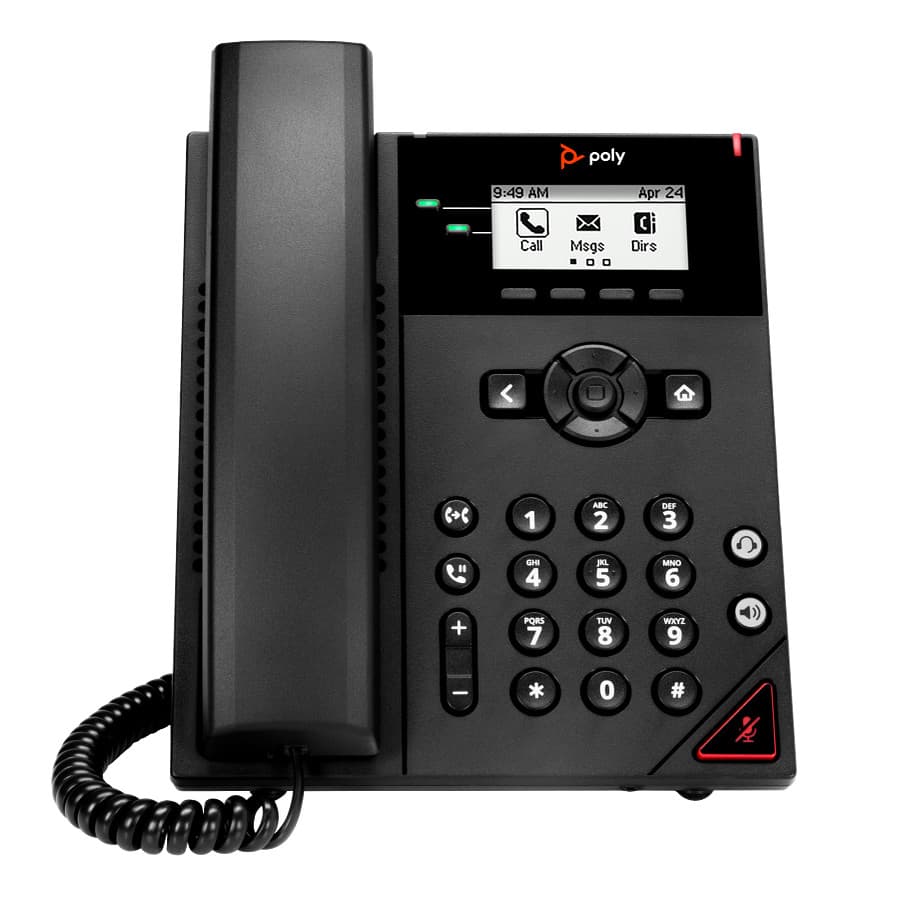
VVX Series · Business IP phones
VVX 150
Support & downloadsPoly VVX 150 OBi
VVX Series · Business IP phones
VVX 150 OBi
Support & downloads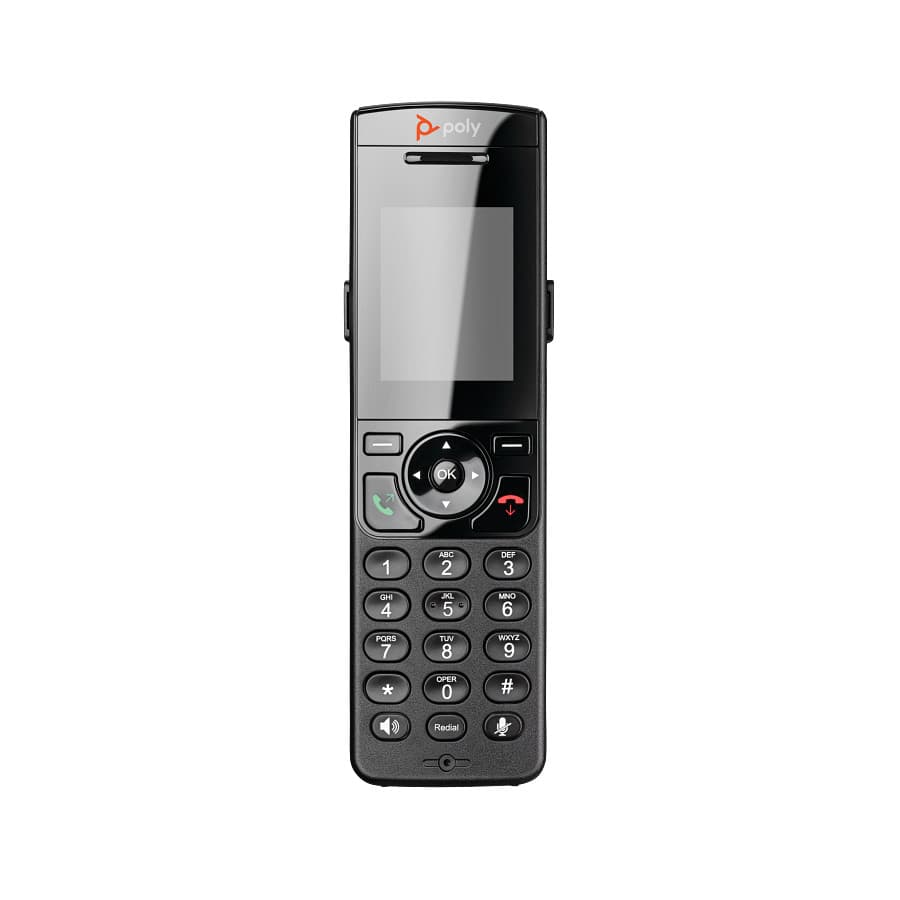
VVX Series · Business IP phones
VVX 230
Support & downloadsVVX Series · Business IP phones
VVX 230 Kit
Support & downloadsPoly VVX 250 OBi
VVX Series · Business IP phones
VVX 250 OBi
Support & downloadsNeed help with your VVX 250?
Tell us a little about your business and a voice specialist will reach out to talk it through.
- A plan built around how your team actually works
- Help moving your existing phone numbers
- Setup and ongoing support from The Tech Team™
Poly and Polycom are trademarks of HP Inc. and its affiliates. Product information, manuals and support articles are published by HP (source) and provided here for reference by smplVoice. Manuals are HP’s original, unmodified files.