

Polycom VVX 311
Support for the Polycom VVX 311: manuals, how-to articles and setup help from The Tech Team™.
Polycom has discontinued the VVX 311.
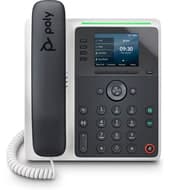
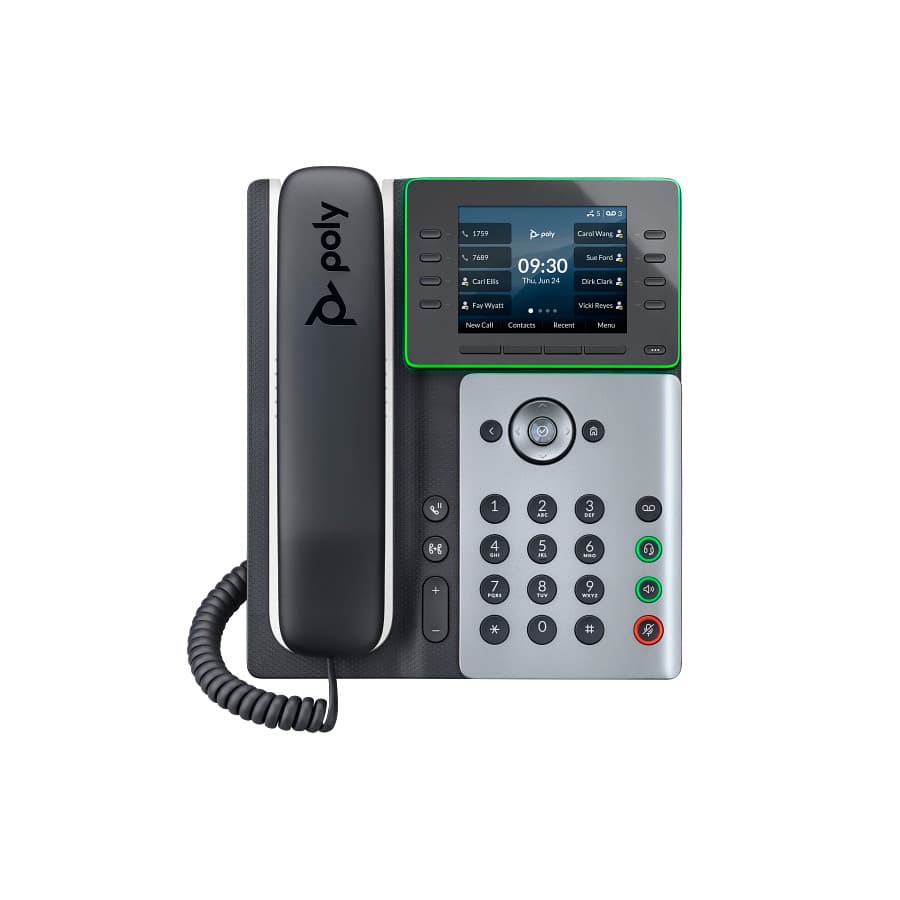
It still works on smplVoice and The Tech Team™ still supports it. Replace with Edge E220 or Edge E300, E320, E350.
Replacement
Replacing a Polycom VVX 311
Manuals
VVX 311 manuals & guides
Administrator guides 4
- UC Software Administrator Guide 6.0.0PDF · Administrator guide · UC Software platform
- UC Software Administrator Guide 6.1.0PDF · Administrator guide · UC Software platform · on hp.com
- UC Software Administrator Guide 6.2.2PDF · Administrator guide · UC Software platform
- UC Software Administrator Guide 6.4.2PDF · Administrator guide · UC Software platform
User guides 2
Quick start guides 1
Software
Software & firmware updates
HP distributes Poly firmware through Poly Lens and its provisioning services rather than as direct downloads. The VVX 311 no longer receives updates.
Related
More Polycom VVX Series models
VVX 101
Support & downloadsVVX 1500
Support & downloadsVVX 201
Support & downloadsVVX 300
HP service ended 2023
Support & downloadsVVX 301
Support & downloadsNeed help with your VVX 311?
Tell us a little about your business and a voice specialist will reach out to talk it through.
- A plan built around how your team actually works
- Help moving your existing phone numbers
- Setup and ongoing support from The Tech Team™
Poly and Polycom are trademarks of HP Inc. and its affiliates. Product information, manuals and support articles are published by HP (source) and provided here for reference by smplVoice. Manuals are HP’s original, unmodified files.