

Yealink compatibility reference
Yealink SIP Phones Integrated with Metaswitch Configuring Guide V1.5
Loading document preview…
About this compatibility reference
About the SIP Phones Integrated with Metaswitch Configuring Guide V1.5
Compatibility reference for the Yealink SIP-T54W and T54W+DD10K: supported headsets, accessories, platforms and firmware (94 pages). This is version 1.5, last updated by Yealink on December 3, 2025, and you can read it right here or download it.
What’s inside
- About This Guide
- In This Guide
- Configuration Methods
- Phone User Interface
- CommPortal Phone Configurator
- Customizing Your Phone
- IPv4 and IPv6 Network Settings
- Choosing IP Addressing Mode
- Configuring a Static IPv4 Address
- Configuring a Static IPv6 Address
- Registering Accounts
- SIP Session Timer
- Configuring SIP Session Timer
- Time & Date
- Time Zone
- Configuring NTP Server
- Configuring Daylight Saving Time
- Directory
- Configuring the Display Priority of the Directory
- Viewing the Directory on the Phone
- Remote Phone Book
- Configuring Access URL of the Remote Phone Book
- Enabling Presenting the Caller Identity
- Downloading the Business Group Contacts
- Viewing Remote Phone Book on the Phone
- Searching for a Contact in the Remote Phone Book
- Placing a Call from Remote Phone Book
- Search Source List in Dialing
- Configuring Search Source List
- Line Keys Configuration
- Line Key Features
- Keypad Lock
- Configuring the Keypad Lock
- Unlocking the Phone
- Dial-now
- Adding a Dial-now Rule
- Configuring the Delay Time for Dial-now Rules
- Configuring Live Dialpad
- Downloading Configuration Files to Phones
- Obtaining the Provisioning Server Address
Phones covered
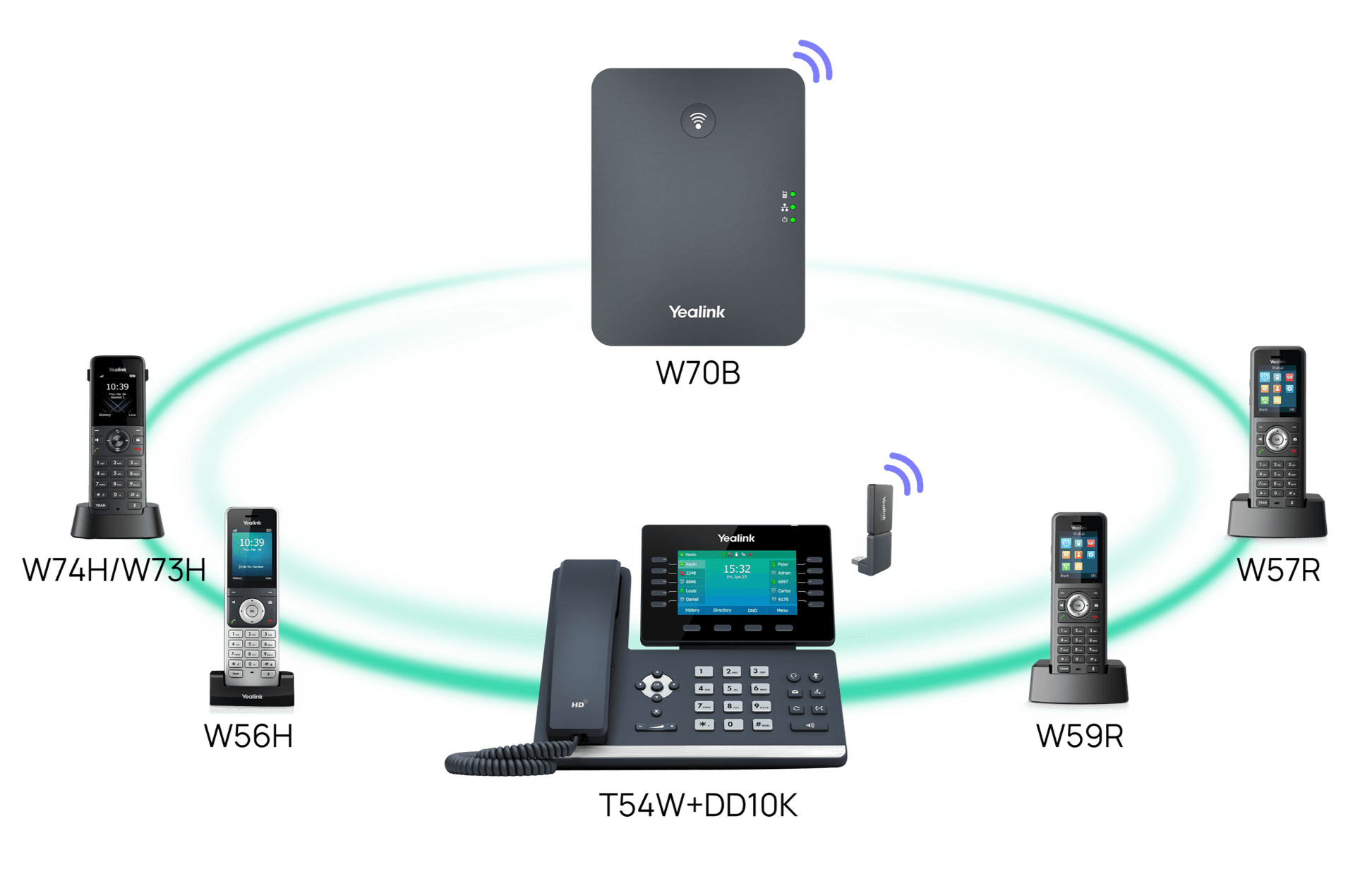
Yealink phones this compatibility reference covers

Related
More Yealink compatibility
- ArticlePBX PartnerOpenUpdated Aug 24, 2026SIP-T54WT54W+DD10K
- ArticleHeadset CompatibilityOpenUpdated Jul 20, 2026SIP-T54WT54W+DD10K
- PDFYealink IP Phone Features Integrated with BroadSoft UC-One User Guide V1.5DownloadUpdated Jun 15, 2026SIP-T54WT54W+DD10K
- PDFYealink SIP Phones Integrated with Metaswitch CommPortal Phone Applications User Guide V1.6DownloadUpdated Dec 3, 2025SIP-T54WT54W+DD10K
- PDFYealink IP Phones Deployment Guide for BroadSoft UC-One Environment V1.6DownloadUpdated Dec 3, 2025SIP-T54WT54W+DD10K
FAQ
Questions about this document
Quick answers, and The Tech Team™ is a call away if you need more.
Need help with your SIP-T54W?
The Tech Team™ can provision, update and troubleshoot your Yealink phones, and move your office onto smplVoice cloud voice.
Yealink and Yealink product names are trademarks of Yealink Network Technology Co., Ltd. Product information, images and documents are published by Yealink and provided here for reference by smplVoice. Firmware and documents are Yealink’s original, unmodified files.