

Yealink deployment guide
Deploying Yealink IP Phones for Using with Skype for Business Server V9.16
Loading document preview…
About this deployment guide
About the Deploying Yealink IP Phones for Using with Skype for Business Server V9.16
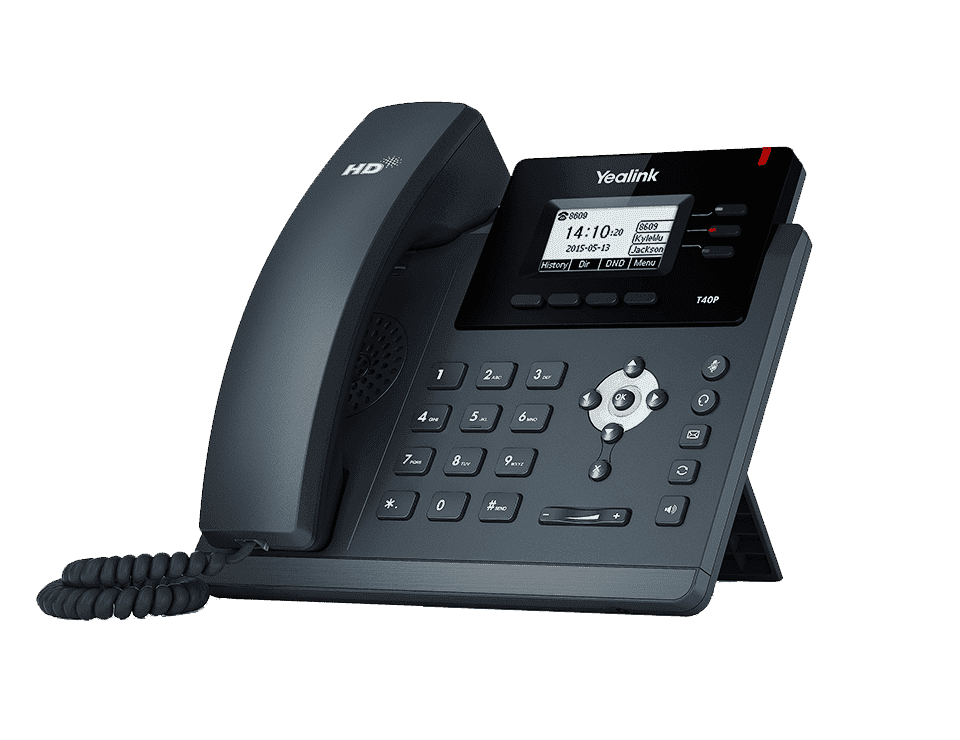
Deployment and provisioning reference for the Yealink SIP-T40P: templates, parameters and rollout steps (69 pages). This is version 9.16, last updated by Yealink on December 10, 2025, and you can read it right here or download it.
The SIP-T40P has been discontinued by Yealink, but it's still widely used, and this document is still the reference for setting it up. The Tech Team™ supports end-of-life Yealink phones and can help you plan a replacement when you're ready.
SIP-T40P is end of sale. Support options, dates and replacementsWhat’s inside
- About This Guide
- In This Guide
- Documentations
- Conventions Used in Yealink Documentations
- Summary of Changes
- Changes for Release 9, Guide Version 9.16
- Changes for Release 9, Guide Version 9.15
- Changes for Release 9, Guide Version 9.14
- Changes for Release 9, Guide Version 9.9
- Changes for Release 9, Guide Version 9.5
- Changes for Release 9, Guide Version 9.46
- Changes for Release 9, Guide Version 9.27
- Changes for Release 9, Guide Version 9.45
- Getting Started
- Available Phone Features
- Before You Begin
- Deploying Phones with Skype for Business Server
- Setting up the Network
- Provisioning Methods
- Manual Provisioning Methods
- Centralized Provisioning Methods
- Installing a Skype for Business Feature License
- Checking License Status
- Configuring Phones with Skype for Business Server
- Microsoft Exchange Integration
- Signing into Skype for Business
- PIN Authentication
- User Sign-in
- Web Sign-in
- Signing in via PC
- Signing Out of Skype for Business
- Configuring Boss-Admin Feature
- Configuring Security Features
- Web Server Type
- Phone Lock
- User and Administrator Passwords
- Uploading a Trusted Certificate
- Uploading a Trusted Certificate from the Provisioning Server
- Uploading a Trusted Certificate via Web User Interface
- Device and Firmware Support
Phones covered
Yealink phones this deployment guide covers
Related
More Yealink deployment
- PDFYealink Skype for Business HD IP Phones Auto Provisioning Guide V9.11DownloadUpdated Dec 10, 2025SIP-T40P
- PDFYealink SIP IP Phones Auto Provisioning Guide V1.0DownloadUpdated Dec 10, 2025SIP-T40P
- PDFYealink SIP IP Phones Auto Provisioning Guide V1.0DownloadUpdated Dec 10, 2025SIP-T40P
- ZIPYealink SIP Phones AutoProvisioning Template V85.5DownloadUpdated Dec 10, 2025SIP-T40P
- ZIPYealink SIP Phones AutoProvisioning Template V85.5DownloadUpdated Dec 10, 2025SIP-T40P
FAQ
Questions about this document
Quick answers, and The Tech Team™ is a call away if you need more.
Need help with your SIP-T40P?
The Tech Team™ can provision, update and troubleshoot your Yealink phones, and move your office onto smplVoice cloud voice.
Yealink and Yealink product names are trademarks of Yealink Network Technology Co., Ltd. Product information, images and documents are published by Yealink and provided here for reference by smplVoice. Firmware and documents are Yealink’s original, unmodified files.