

Yealink deployment guide
Yealink Teams Phone Setup Guide with Microsoft Configuration Platforms
Yealink publishes this document as a web page on its support portal.
Read the documentAbout this deployment guide
About the Teams Phone Setup Guide with Microsoft Configuration Platforms
Deployment and provisioning reference for the Yealink MP52 Teams Audio Phone: templates, parameters and rollout steps. This copy, last updated by Yealink on December 27, 2025, and you can read it right here or download it.
What’s inside
- Provisioning templates and parameters
- Deployment steps
- Verification and troubleshooting
Phones covered
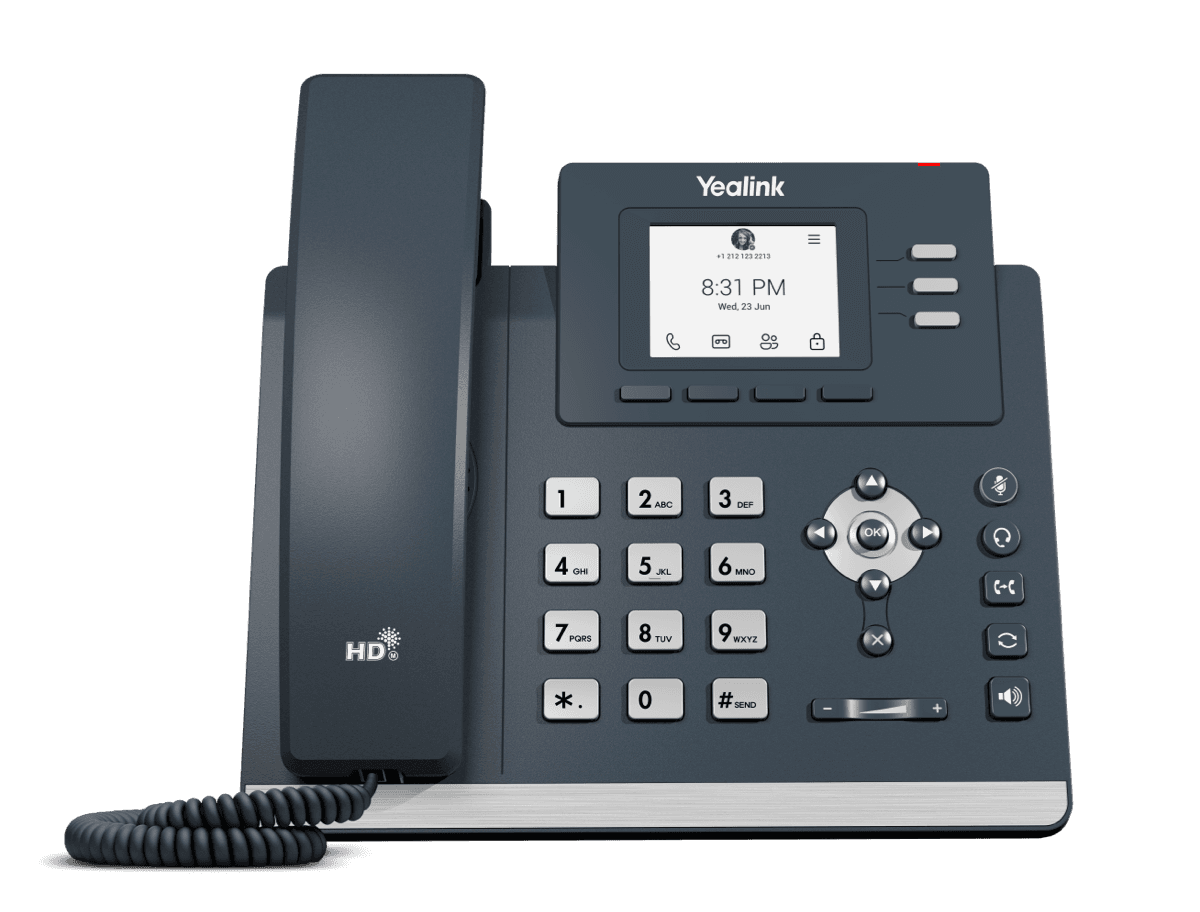
Yealink phones this deployment guide covers
Related
More Yealink deployment
- ArticleQuick SetupOpenUpdated Dec 27, 2025MP52 Teams Audio Phone
- PDFDownload
FAQ
Questions about this document
Quick answers, and The Tech Team™ is a call away if you need more.
Need help with your MP52 Teams Audio Phone?
The Tech Team™ can provision, update and troubleshoot your Yealink phones, and move your office onto smplVoice cloud voice.
Yealink and Yealink product names are trademarks of Yealink Network Technology Co., Ltd. Product information, images and documents are published by Yealink and provided here for reference by smplVoice. Firmware and documents are Yealink’s original, unmodified files.