

Yealink deployment guide
Yealink Zoom HD IP Phones Auto Provisioning Guide V1.0
Loading document preview…
About this deployment guide
About the Zoom HD IP Phones Auto Provisioning Guide V1.0
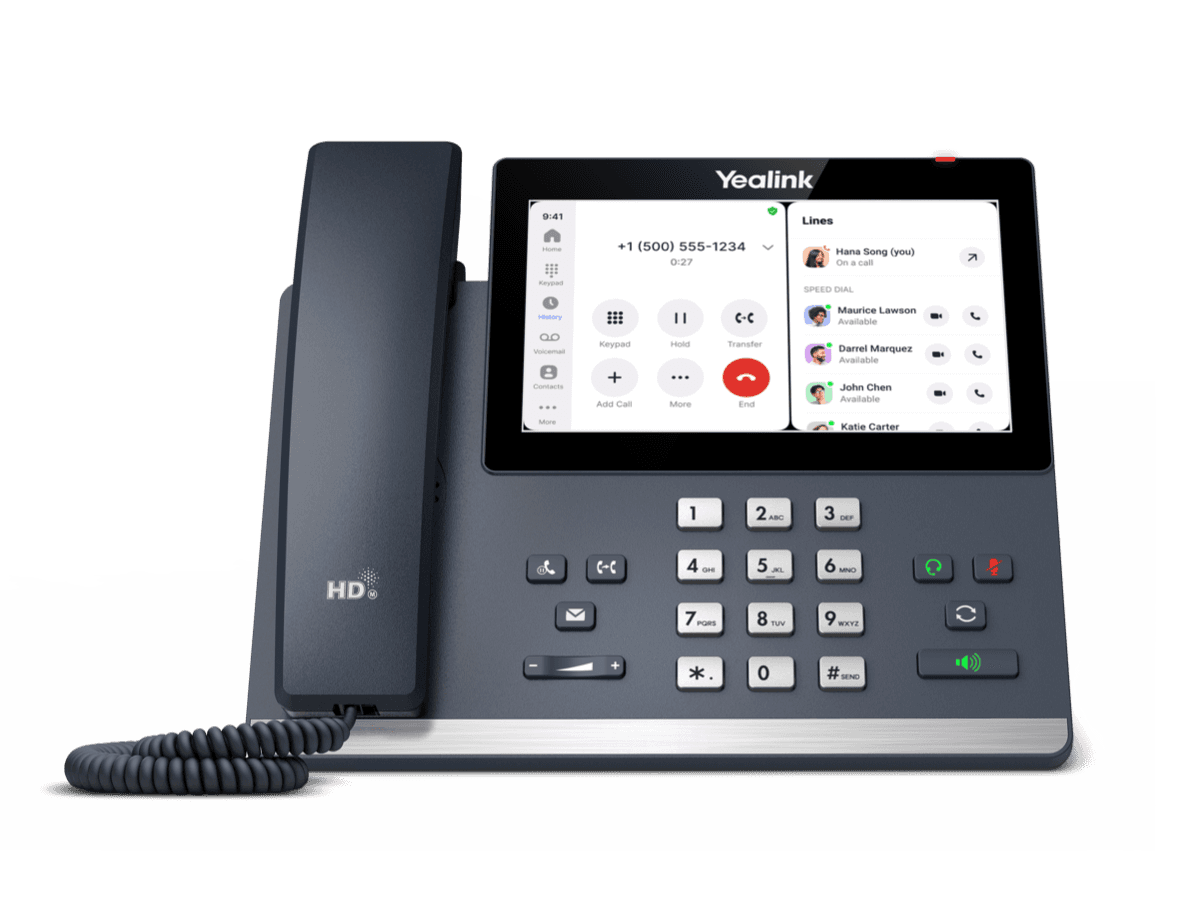
Deployment and provisioning reference for the Yealink MP56 E2 Zoom: templates, parameters and rollout steps (64 pages). This is version 1.0, last updated by Yealink on December 4, 2025, and you can read it right here or download it.
What’s inside
- Introduction
- Getting Started
- Obtaining Boot, Configuration and Resource Files
- Boot Files
- Configuration Files
- Resource Files
- Obtaining Template Files
- Obtaining Phone Information
- Provisioning Yealink Zoom IP phones
- Interoperating with Provisioning Server
- Auto Provisioning Process
- Without Boot Files (Old Mechanism)
- With Boot Files (New Mechanism)
- Major Tasks for Auto Provisioning
- An Instance of Auto Provision Configuration
- Managing Boot Files
- Editing Common Boot File
- Creating MAC-Oriented Boot File
- Managing Configuration Files
- Editing Common CFG File
- Editing MAC-Oriented CFG File
- Creating a New CFG File
- Managing MAC-local CFG File
- Encrypting Configuration Files
- Managing Resource Files
- Customizing Resource Files
- Configuring a Provisioning Server
- Preparing a Root Directory
- Configuring a TFTP Server
- Obtaining the Provisioning Server Address
- DHCP Options
- Phone Flash
- Triggering the Phone to Perform the Auto Provisioning
- Power On
- Repeatedly
- Weekly
- Auto Provision Now
- Multi-mode Mixed
- Downloading and Verifying Configurations
- Downloading Boot, Configuration and Resource Files
Phones covered
Yealink phones this deployment guide covers
Related
More Yealink deployment
- ZIPYealink ZoomPhones AutoProvisioning TemplateDownloadUpdated Dec 4, 2025MP56 E2 Zoom
FAQ
Questions about this document
Quick answers, and The Tech Team™ is a call away if you need more.
Need help with your MP56 E2 Zoom?
The Tech Team™ can provision, update and troubleshoot your Yealink phones, and move your office onto smplVoice cloud voice.
Yealink and Yealink product names are trademarks of Yealink Network Technology Co., Ltd. Product information, images and documents are published by Yealink and provided here for reference by smplVoice. Firmware and documents are Yealink’s original, unmodified files.