

Yealink document
Accessibility Features on Yealink Devices
Loading document preview…
About this document
About the Accessibility Features on Yealink Devices
A Yealink document for the Yealink T55A Teams Audio Phone (5 pages). This copy, last updated by Yealink on October 21, 2025, and you can read it right here or download it.
The T55A Teams Audio Phone has been discontinued by Yealink, but it's still widely used, and this document is still the reference for setting it up. The Tech Team™ supports end-of-life Yealink phones and can help you plan a replacement when you're ready.
T55A Teams Audio Phone is end of life. Support options, dates and replacementsWhat’s inside
- Accessibility Features on Yealink Devices
- Features for Hearing-Impaired Users on Teams Phones
- Features for Visually-impaired and Blind Users on Teams Phones
- Features for Mobility-Impaired Users on Teams Phones
- Features for Hearing-Impaired Users on Headsets
- Features for Visually-impaired and Blind Users on Headsets
- Features for Mobility-Impaired Users on Headsets
Phones covered
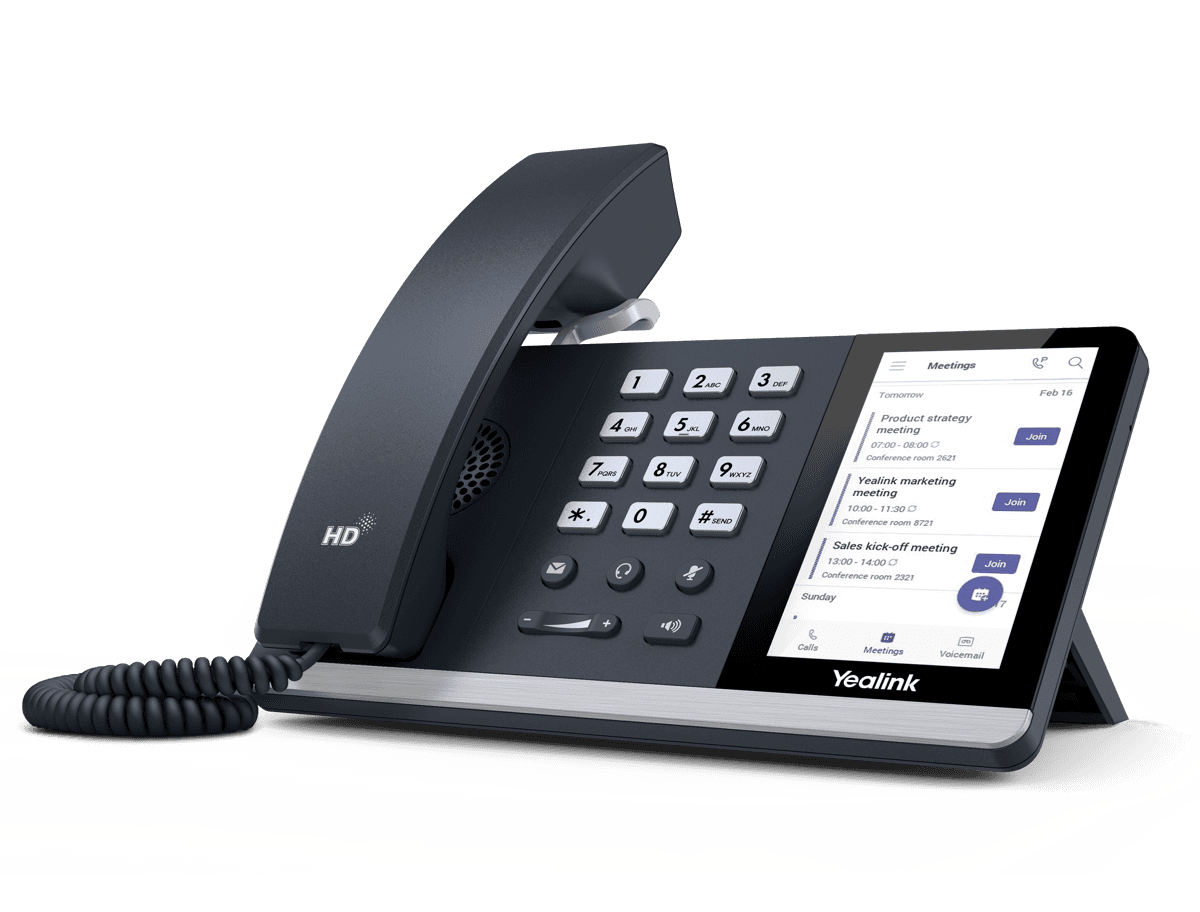
Yealink phones this document covers
Related
More Yealink other downloads
- PDFYealink Regulatory Notice V1.2DownloadUpdated Oct 21, 2025T55A Teams Audio Phone
- PDFYealink Hybrid-mode Feature Compatible with AudioCodes SBC V15.3DownloadUpdated Oct 21, 2025T55A Teams Audio Phone
- PDFTeams-Tested headset list compatible with Yealink IP phoneDownloadUpdated Oct 21, 2025T55A Teams Audio Phone
- PDFYealink Teams Phone Setup Guide with Microsoft Configuration PlatformsDownloadUpdated Oct 21, 2025T55A Teams Audio Phone
FAQ
Questions about this document
Quick answers, and The Tech Team™ is a call away if you need more.
Need help with your T55A Teams Audio Phone?
The Tech Team™ can provision, update and troubleshoot your Yealink phones, and move your office onto smplVoice cloud voice.
Yealink and Yealink product names are trademarks of Yealink Network Technology Co., Ltd. Product information, images and documents are published by Yealink and provided here for reference by smplVoice. Firmware and documents are Yealink’s original, unmodified files.