

Yealink document
Yealink IP Phones Deployment Guide for BroadSoft UC-One Environment V1.6
Loading document preview…
About this document
About the IP Phones Deployment Guide for BroadSoft UC-One Environment V1.6
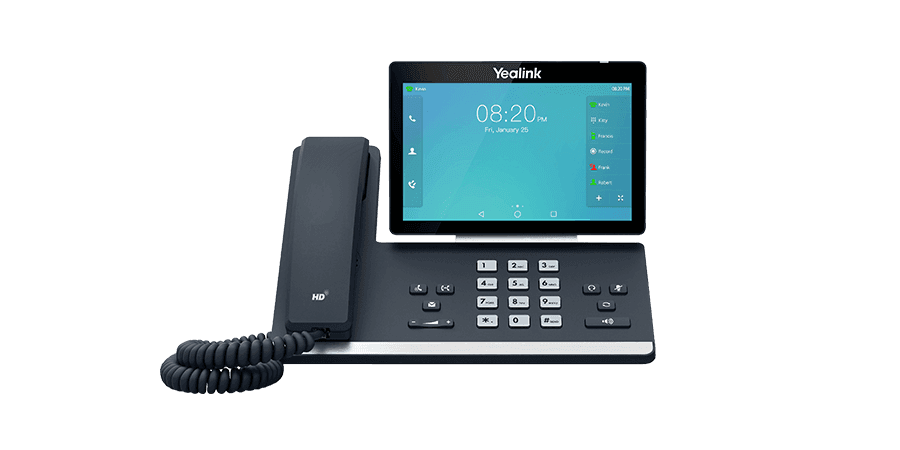
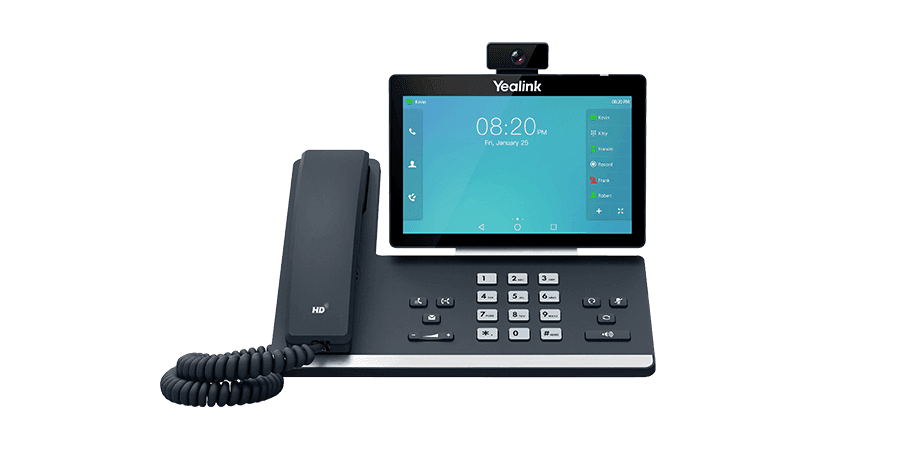
A Yealink document for the Yealink SIP-T58A and SIP-T58A with Camera (283 pages). This is version 1.6, last updated by Yealink on October 21, 2025, and you can read it right here or download it.
These phones have been discontinued by Yealink, but they're still widely used, and this document is still the reference for setting them up. The Tech Team™ supports end-of-life Yealink phones and can help you plan a replacement when you're ready.
SIP-T58A is end of sale. Support options, dates and replacementsWhat’s inside
- About This Guide
- Who should use this guide?
- In This Guide
- BroadWorks Device Management
- Overview
- Key Concepts
- Network Architecture
- Configuring Device Management on BroadWorks
- Log in BroadWorks as System Administrator
- Customizing BroadWorks Tags
- Creating the Device Profile Type
- Defining Device Profile Type Files
- Log in BroadWorks as Group Administrator
- Creating the BroadWorks Device Profile
- Customizing a Static Tag
- Uploading Device Template Files
- Uploading Static Files
- Assigning the Device Profile to the User
- Checking the Users Assigned the Device Profile
- Configuring BroadSoft Integrated Features
- BroadCloud Features
- Configuring Yealink IP Phones
- Xtended Services Interface (XSI)
- Simultaneous Ring Personal
- Configuring the BroadSoft Server
- Line ID Blocking
- Anonymous Call Rejection
- BroadWorks Anywhere
- Remote Office
- BroadSoft Directory
- BroadSoft Call Log
- Local Call Log
- Call Park
- Group Paging
- Instant Group Call
- Hunt Group
- CommPilot Call Manager
- Authentication
- Authorization/Account Codes
- Call Waiting
Phones covered
Yealink phones this document covers
Related
More Yealink other downloads
- PDFYealink SIP IP Phones XML Browser Developer's Guide V1.0DownloadUpdated Jun 15, 2026SIP-T58ASIP-T58A with Camera
- PDFYealink SIP IP Phones XML Browser Developer's Guide V1.0DownloadUpdated Jun 15, 2026SIP-T58ASIP-T58A with Camera
- PDFYealink Configuration Encryption Tool User Guide V1.2DownloadUpdated Apr 3, 2026SIP-T58ASIP-T58A with Camera
- PDFYealink Configuration Encryption Tool User Guide V1.2DownloadUpdated Apr 3, 2026SIP-T58ASIP-T58A with Camera
- PDFCalling and Connected Line Identification Presentation on Yealink IP PhonesDownloadUpdated Apr 3, 2026SIP-T58ASIP-T58A with Camera
- PDFCalling and Connected Line Identification Presentation on Yealink IP PhonesDownloadUpdated Apr 3, 2026SIP-T58ASIP-T58A with Camera
- PDFLDAP Directory on Yealink IP PhonesDownloadUpdated Apr 3, 2026SIP-T58ASIP-T58A with Camera
- PDFLDAP Directory on Yealink IP PhonesDownloadUpdated Apr 3, 2026SIP-T58ASIP-T58A with Camera
FAQ
Questions about this document
Quick answers, and The Tech Team™ is a call away if you need more.
Need help with your SIP-T58A?
The Tech Team™ can provision, update and troubleshoot your Yealink phones, and move your office onto smplVoice cloud voice.
Yealink and Yealink product names are trademarks of Yealink Network Technology Co., Ltd. Product information, images and documents are published by Yealink and provided here for reference by smplVoice. Firmware and documents are Yealink’s original, unmodified files.