

Yealink technical note
LDAP Directory on Yealink IP Phones
Loading document preview…
About this technical note
About the LDAP Directory on Yealink IP Phones
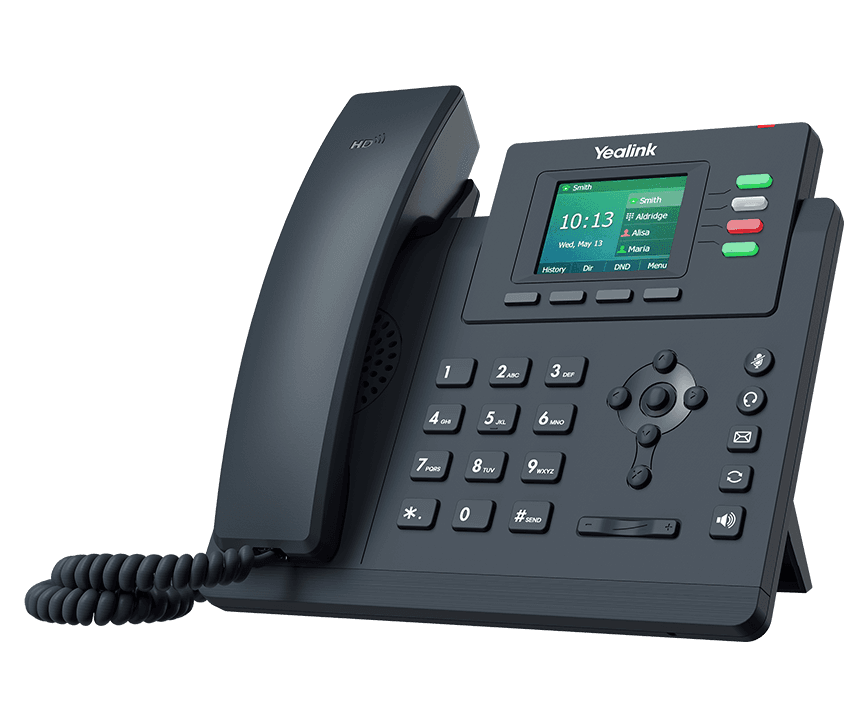
A Yealink technical note for the Yealink SIP-T33G and SIP-T33P (87 pages). This copy, last updated by Yealink on April 3, 2026, and you can read it right here or download it.
Some of the phones it covers (SIP-T33P) are end of sale or end of life. We still support them, and this document still applies.
SIP-T33P is end of sale. Support options, dates and replacementsWhat’s inside
- Introduction
- Installing and Configuring the LDAP Server
- OpenLDAP
- Installing the OpenLDAP Server
- Configuring the OpenLDAP Server
- Configuring the LDAPExploreTool2
- Microsoft Active Directory
- Installing the Microsoft Active Directory Domain Services
- Installing Active Directory Lightweight Directory Services Role
- Configuring the Microsoft Active Directory Server
- Microsoft Active Directory Application Mode
- Installing the Active Directory Application Mode
- Configuring the ADAM ADSI Edit
- Sun One Directory Server
- Installing the Sun One Directory
- Configuring the Sun Java(TM) System Server Console
- Configuring Yealink IP Phones
- Configuring LDAP via Web User Interface
- Configuring LDAP Using Configuration Files
- Using LDAP Directory on Yealink IP Phones
- For SIP-T2 Series, T19(P) E2, T4 Series, T5 Series, and CP Series IP Phones
- For DECT IP Phones
Phones covered
Yealink phones this technical note covers
Related
More Yealink technical topics
FAQ
Questions about this document
Quick answers, and The Tech Team™ is a call away if you need more.
Need help with your SIP-T33G?
The Tech Team™ can provision, update and troubleshoot your Yealink phones, and move your office onto smplVoice cloud voice.
Yealink and Yealink product names are trademarks of Yealink Network Technology Co., Ltd. Product information, images and documents are published by Yealink and provided here for reference by smplVoice. Firmware and documents are Yealink’s original, unmodified files.