

Yealink technical note
Yealink SIP IP Phones XML Browser Developer's Guide V1.0
A Yealink technical note for the Yealink SIP-T54W and T54W+DD10K (130 pages).
Loading document preview…
About this technical note
About the SIP IP Phones XML Browser Developer's Guide V1.0
A Yealink technical note for the Yealink SIP-T54W and T54W+DD10K (130 pages). This is version 1.0, last updated by Yealink on June 15, 2026, and you can read it right here or download it.
What’s inside
- About This Guide
- Who should use this guide?
- XML and Yealink IP Phones
- What is XML?
- XML Format
- Functionality
- How does it work?
- Phone-initiated application
- Server-initiated application
- XML display control and keys on Yealink IP phones
- Yealink IP Phone XML Objects
- XML Object Definitions
- TextMenu Object
- TextScreen Object
- InputScreen Object
- Directory Object
- Status Object
- Execute Object
- Configuration Object
- FormattedTextScreen Object
- ImageScreen Object
- ImageMenu Object
- Customizable Soft keys
- XML Objects Pushed to the Phone
- Some Development Guidelines
- Configuring the HTTP Server
- Configuring the Push XML Server
- Yealink IP Phone XML Configurations
- Configuring an XML Browser Key
- Configuring the XML Authentication
- Configuring the Block XML in Calling
- Configuring the Push XML Server Address
- Configuring the XML SIP Notify
- Configuring the Default Input Method
- Configuring the Loading Tip Delay
- Configuring the XML Phonebook Search Delay
- Troubleshooting
- Troubleshooting Tools
- Parsing Error Debug Example
- Appendix
Phones covered
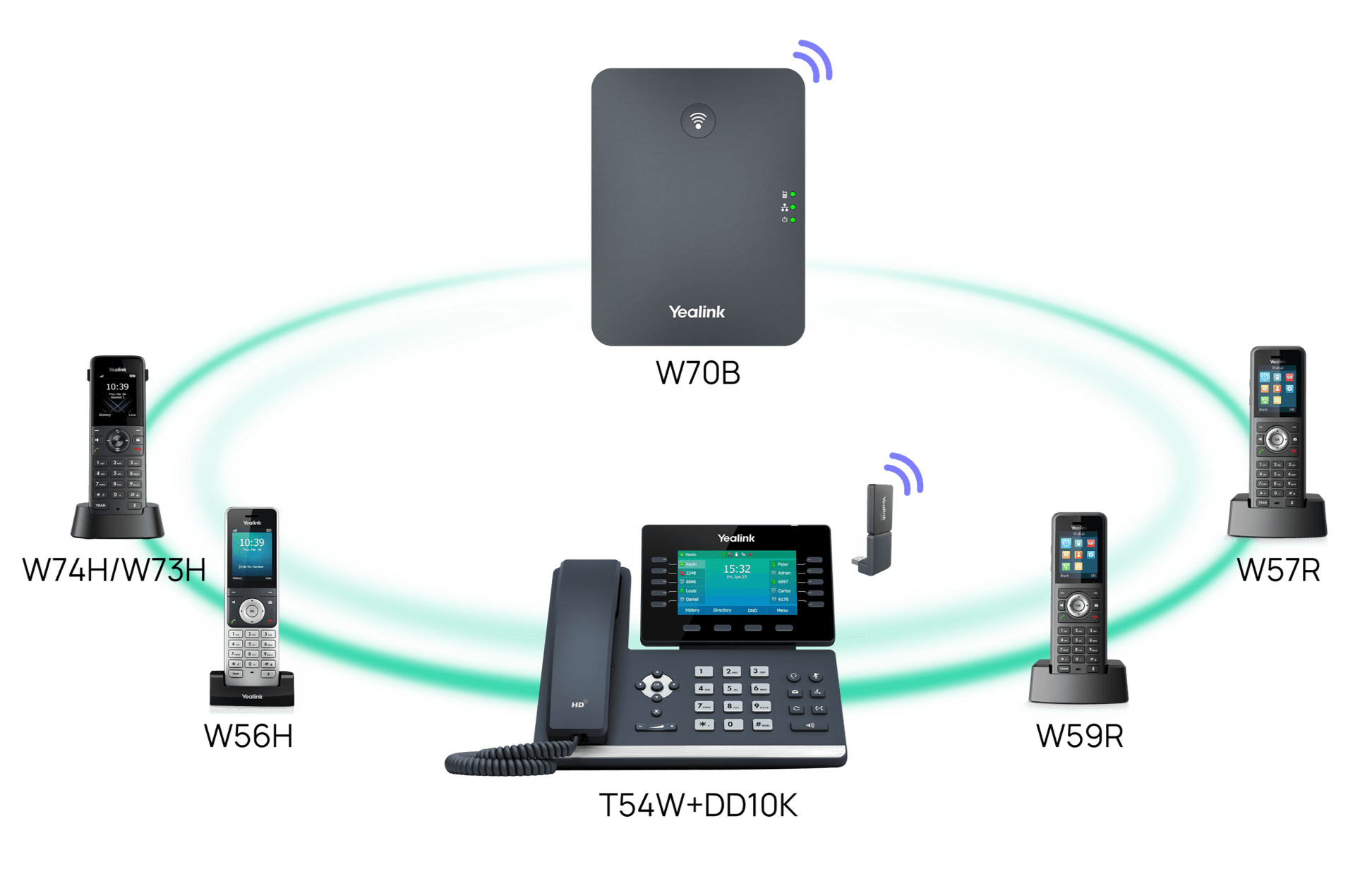
Yealink phones this technical note covers

Related
More Yealink technical topics
- PDFUsing Security Certificates on Yealink IP Phones V1.4DownloadUpdated May 25, 2026SIP-T54WT54W+DD10K
- ArticleYealink SIP Phones Language PacksOpenUpdated Apr 3, 2026SIP-T54WT54W+DD10K
- ArticleYealink SIP IP Phones Configuration Guide for User Access LevelOpenUpdated Apr 3, 2026SIP-T54WT54W+DD10K
- PDFYealink Configuration Generator Tool User Guide V86DownloadUpdated Apr 3, 2026SIP-T54WT54W+DD10K
- PDFYealink 802.1X AuthenticationDownloadUpdated Apr 3, 2026SIP-T54WT54W+DD10K
- PDFVLAN Feature on Yealink IP PhonesDownloadUpdated Apr 3, 2026SIP-T54WT54W+DD10K
- PDFUsing Enhanced DSS Keys on Yealink IP Phones V1.0DownloadUpdated Apr 3, 2026SIP-T54WT54W+DD10K
- PDFUsing Ribbon Features on Yealink IP Phones V1.0DownloadUpdated Apr 3, 2026SIP-T54WT54W+DD10K
FAQ
Questions about this document
Quick answers, and The Tech Team™ is a call away if you need more.
Need help with your SIP-T54W?
The Tech Team™ can provision, update and troubleshoot your Yealink phones, and move your office onto smplVoice cloud voice.
Yealink and Yealink product names are trademarks of Yealink Network Technology Co., Ltd. Product information, images and documents are published by Yealink and provided here for reference by smplVoice. Firmware and documents are Yealink’s original, unmodified files.