

Yealink user guide
Yealink MP50 User Guide V410.12
Loading document preview…
About this user guide
About the MP50 User Guide V410.12
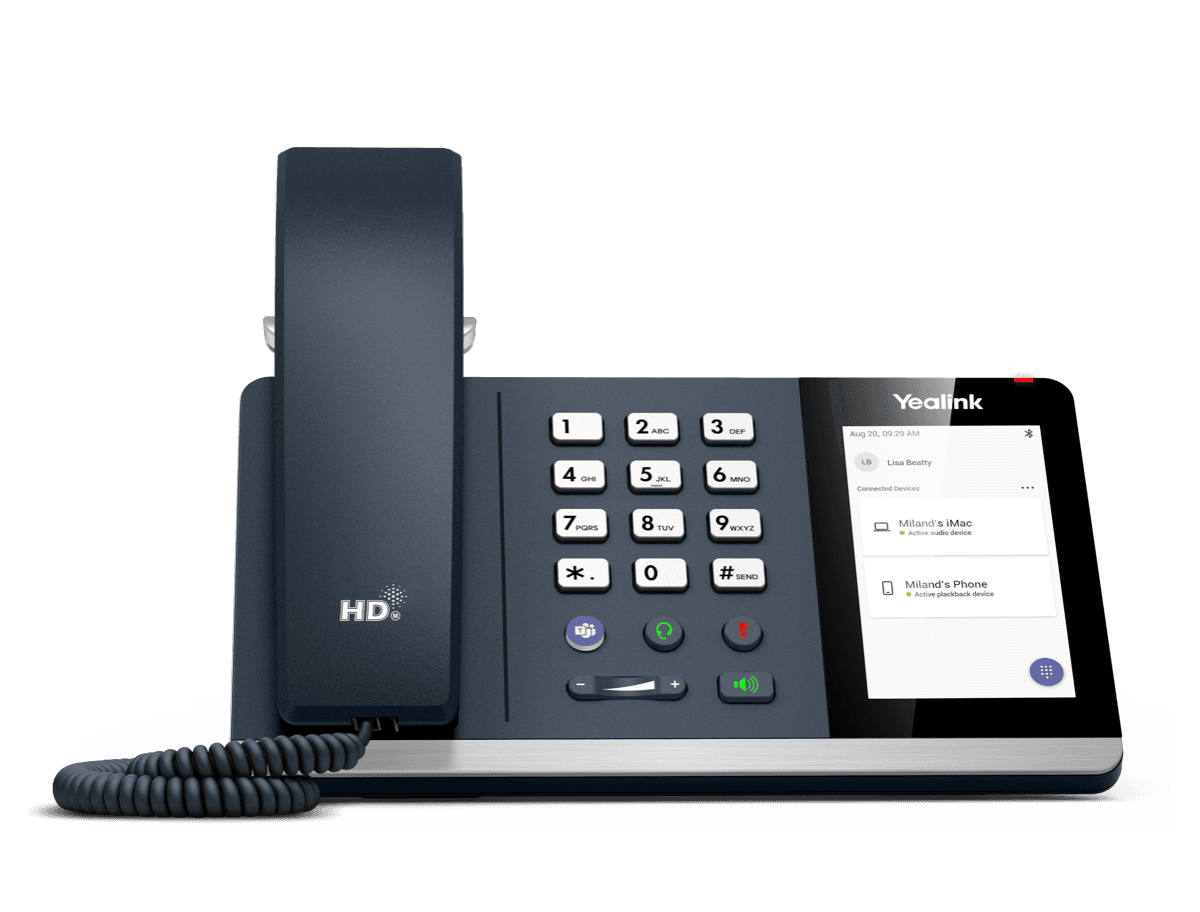
Yealink's user guide for the Yealink MP50, covering everyday calling, contacts, voicemail and phone settings (25 pages). This is version 410.12, last updated by Yealink on August 27, 2025, and you can read it right here or download it.
What’s inside
- About This Guide
- How to Connect
- Connect to PC via USB Cable
- Connect to PC/Smartphone/Bluetooth Headset via Bluetooth
- BT50 LED Indicator
- Single Bluetooth Connection
- Two Bluetooth Connections
- Disconnect and Remove Your Bluetooth Device
- Edit Your Bluetooth Information
- Turn off Bluetooth
- How to Use
- Hardware Overview
- Icons and Status Indicators
- Adjust the Playback Volume
- Reset Configuration
- How to Manage Calls
- Basic Call Usage
- Merge Two Calls
- Multiple Calls Handling
- Yealink USB Connect
- Manually Pair the Phone with BT50
- Download and Install
- Update Firmware
- How to Change Settings
- Change the Default Outgoing Dialer Device
- Change the Default Media Playback Device
- Basic Settings
- Advanced Settings
- Optional Accessories
- Busylight BLT60
- Bluetooth Dongle BT50
- FAQ
- How to set up my device to work with Microsoft Teams?
- How to set up my device to work with Skype for Business?
- Why can't I hear the other party's voice?
- Why is the time on my device not synchronized with the PC?
- Why does the phone display “PC Device” or “PC softphone” instead of the name and number of the other party for a Skype for Business incoming
- Is my PC compatible?
- Is my smartphone compatible?
- Is my Bluetooth headset compatible?
Phones covered
Yealink phones this user guide covers
FAQ
Questions about this document
Quick answers, and The Tech Team™ is a call away if you need more.
Need help with your MP50?
The Tech Team™ can provision, update and troubleshoot your Yealink phones, and move your office onto smplVoice cloud voice.
Yealink and Yealink product names are trademarks of Yealink Network Technology Co., Ltd. Product information, images and documents are published by Yealink and provided here for reference by smplVoice. Firmware and documents are Yealink’s original, unmodified files.