

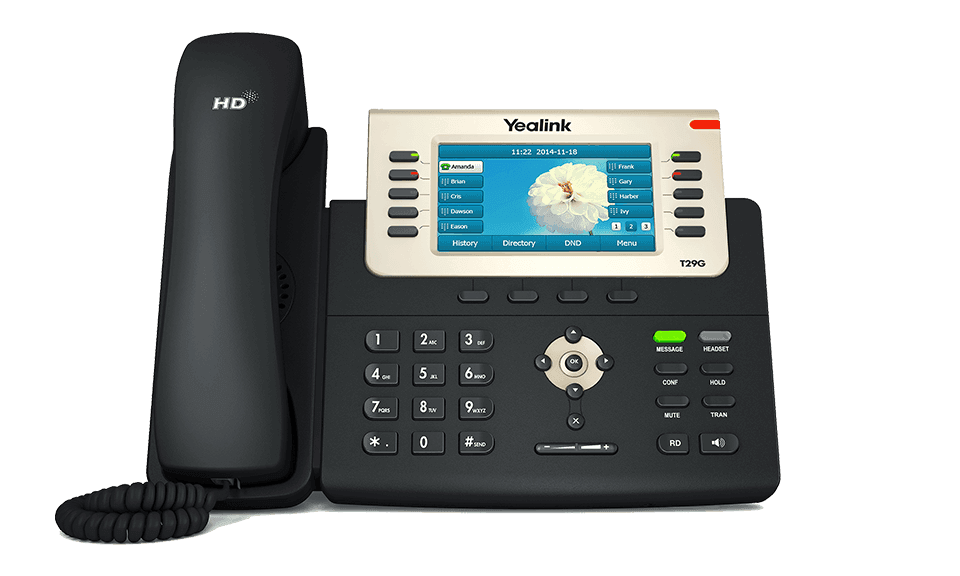
Yealink SIP-T29G
High-end color screen paperless IP phone
End of Life. Sales ended March 31, 2021. Support ended March 31, 2026. See the EOL notice and replacement options- Brand
- Yealink
- Series
- T2 Series
- Model
- SIP-T29G
- Status
- End of Life
- End of Sale
- March 31, 2021
- End of Life
- March 31, 2026
- Documents
- 31 manuals & files
- Knowledge base
- 4 articles
End of Life · still supported
We still support the Yealink SIP-T29G
Yealink has stopped supporting the SIP-T29G, but plenty are still in use. The Tech Team™ keeps them working, and helps you move on only when it makes sense.
Setup & provisioning
Add, reset or re-provision SIP-T29G phones on your system, including new accounts and line keys.
Firmware & security
Install the last firmware Yealink released for the SIP-T29G and lock down its settings.
Latest firmwareTroubleshooting
Registration failures, one-way audio, dropped calls, boot loops and factory resets.
Replace when you're ready
Matched to a current Yealink model and set up with your extensions and buttons.
Replacement optionsOverview
About the Yealink SIP-T29G
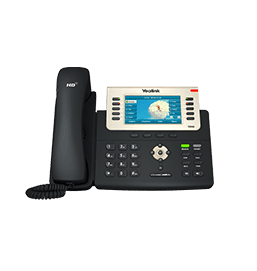
SIP-T29G IP Phone is the most advanced model in the Yealink T2 IP phone series. It has a high-resolution TFT color display and delivers a rich visual experience. It adopts Yealink Optima HD technology which enables rich, clear and life-like voice communications. The phone also supports Gigabit Ethernet and a variety of device connections including EHS headset and USB. With programmable keys, the IP Phone ensures vast productivity with enhanced features.
Please fill in and submit the information below and our representative will contact you soon.
Gallery
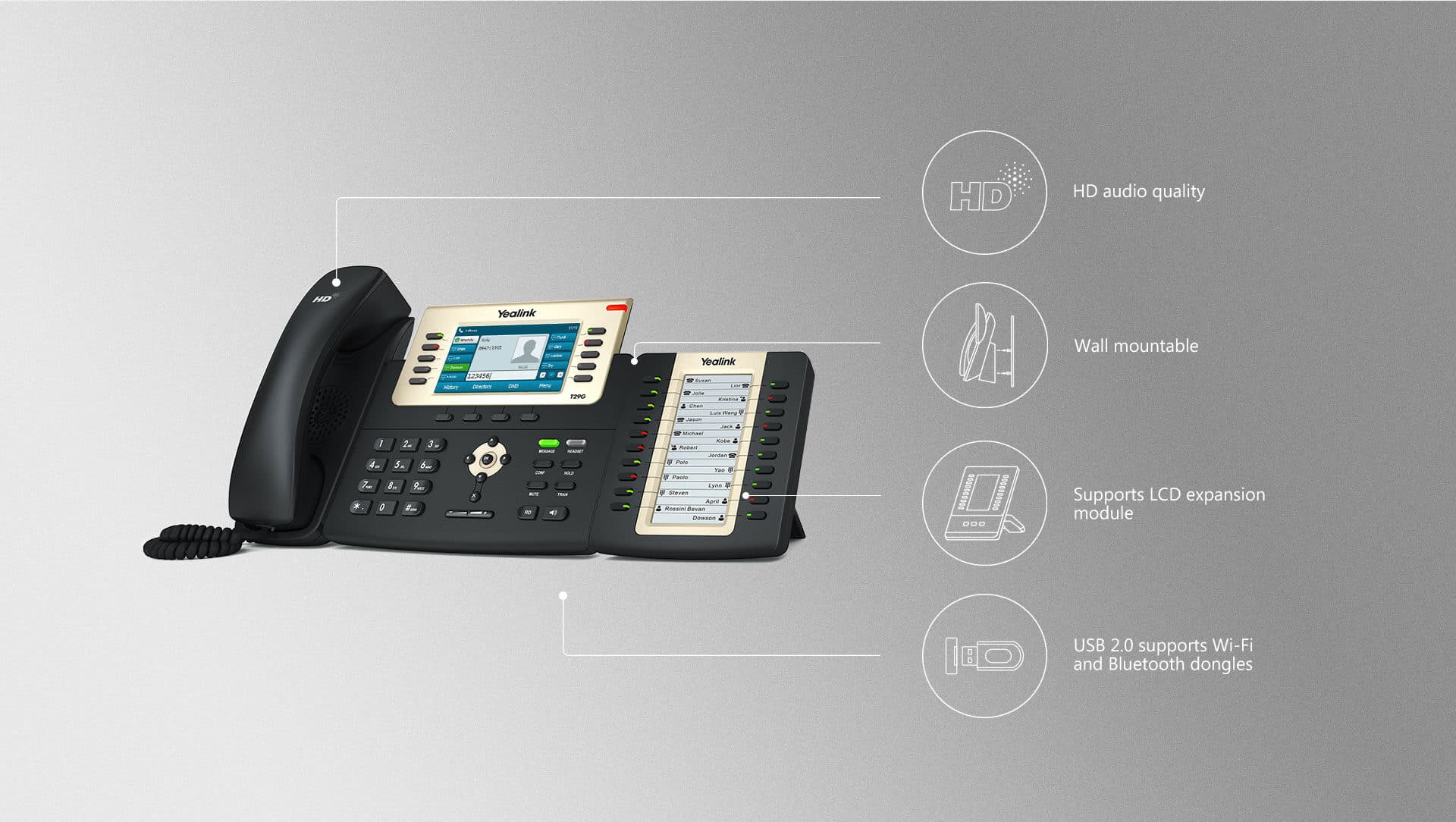
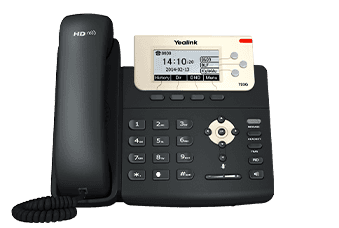
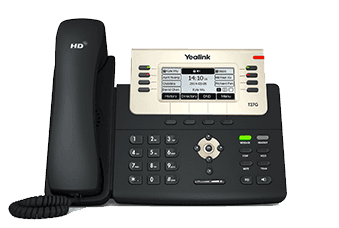
SIP-T29G product photos


Documents
SIP-T29G manuals & downloads
Admin Guides
2Quick Start Guides
3Deployment
2Other Downloads
21- Yealink SIP IP Phones XML Browser Developer's Guide V1.0PDFJun 15, 2026
- Yealink Configuration Encryption Tool User Guide V1.2PDFApr 3, 2026
- Calling and Connected Line Identification Presentation on Yealink IP PhonesPDFApr 3, 2026
- LDAP Directory on Yealink IP PhonesPDFApr 3, 2026
- Recovery Mode on Yealink IP Phones V86PDFApr 3, 2026
- Server Redundancy on Yealink IP PhonesPDFApr 3, 2026
Show 15 more other downloadsShow fewer
- OpenVPN Feature on Yealink IP Phones V1.0PDFApr 3, 2026
- Using Security Certificates on Yealink IP Phones V1.0.pdfFILEApr 3, 2026
- Using Ribbon Features on Yealink IP Phones V1.0PDFApr 3, 2026
- Using Enhanced DSS Keys on Yealink IP Phones V1.0PDFApr 3, 2026
- VLAN Feature on Yealink IP PhonesPDFApr 3, 2026
- Yealink 802.1X AuthenticationPDFApr 3, 2026
- Yealink Configuration Generator Tool User Guide V86PDFApr 3, 2026
- Instructions on Yealink's SDK for Yealink Android Phones V1.4PDFDec 3, 2025
- Yealink IP Phone Features Integrated with BroadSoft UC-One User Guide V1.3.pdfFILEOct 24, 2025
- Yealink SIP Phones Integrated with Metaswitch Configuring Guide V1.5PDFOct 24, 2025
- Yealink SIP Phones Integrated with Metaswitch CommPortal Phone Applications User Guide V1.6PDFOct 24, 2025
- Yealink Regulatory Notice V1.2PDFOct 24, 2025
- Yealink Limited WarrantyPDFOct 24, 2025
- Yealink Limited Warranty for the European Union and UKPDFOct 24, 2025
- Yealink IP Phones Deployment Guide for BroadSoft UC-One Environment V1.6PDFOct 24, 2025
Firmware
SIP-T29G firmware & release notes
- T29G 46.83.0.160 - FirmwareLatestROMReleased Dec 29, 2025 Download
Knowledge base
SIP-T29G how-to articles
Related
More in the T2 Series
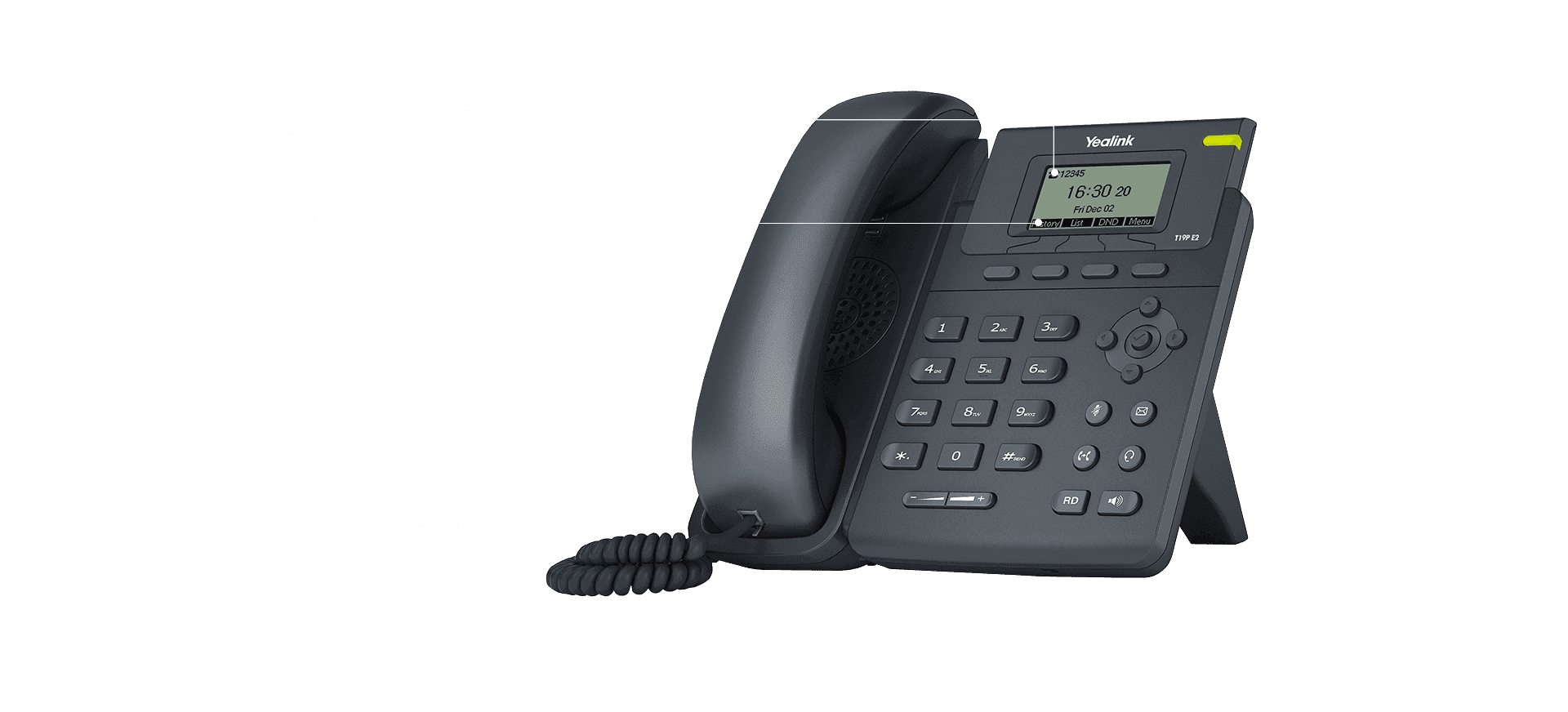
SIP-T19(P) E2
Single line entry level IP phone
Support & downloads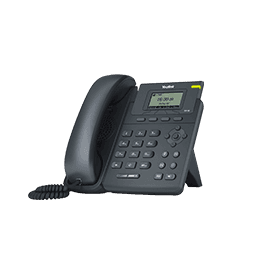
SIP-T19P
Support & downloads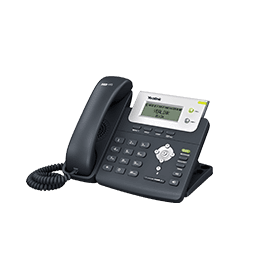
SIP-T20P
Support & downloads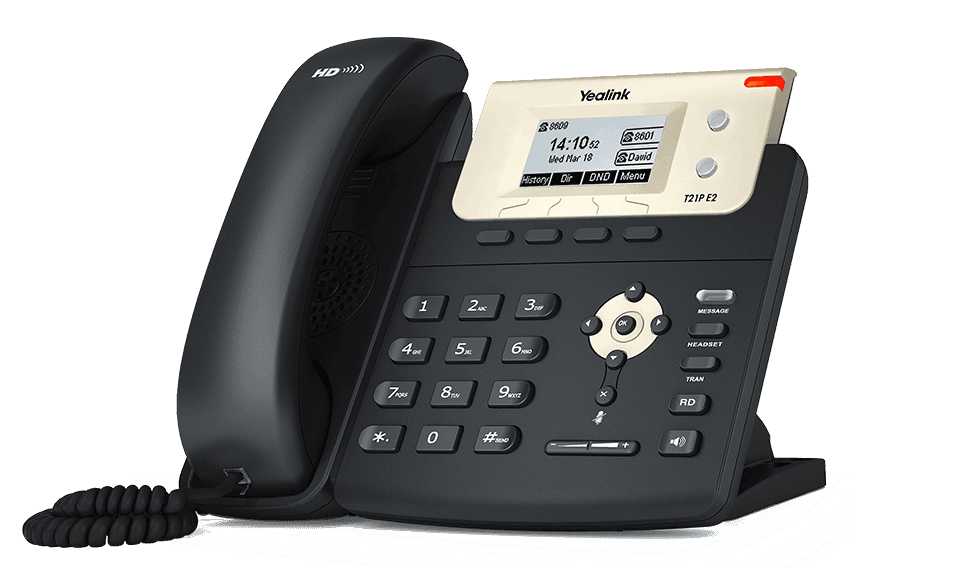
SIP-T21(P) E2
Dual-line entry level IP phone
Support & downloads
SIP-T21P
Support & downloads
SIP-T22P
Support & downloads
SIP-T23G
Cost-effective enterprise level IP phone
Support & downloads
SIP-T23P
Cost-effective HD voice IP Phone
Support & downloadsNeed help with your SIP-T29G?
The Tech Team™ can provision, update and troubleshoot your Yealink phones, and move your office onto smplVoice cloud voice.
Yealink and Yealink product names are trademarks of Yealink Network Technology Co., Ltd. Product information, images and documents are published by Yealink (source) and provided here for reference by smplVoice. Firmware and documents are Yealink’s original, unmodified files.