

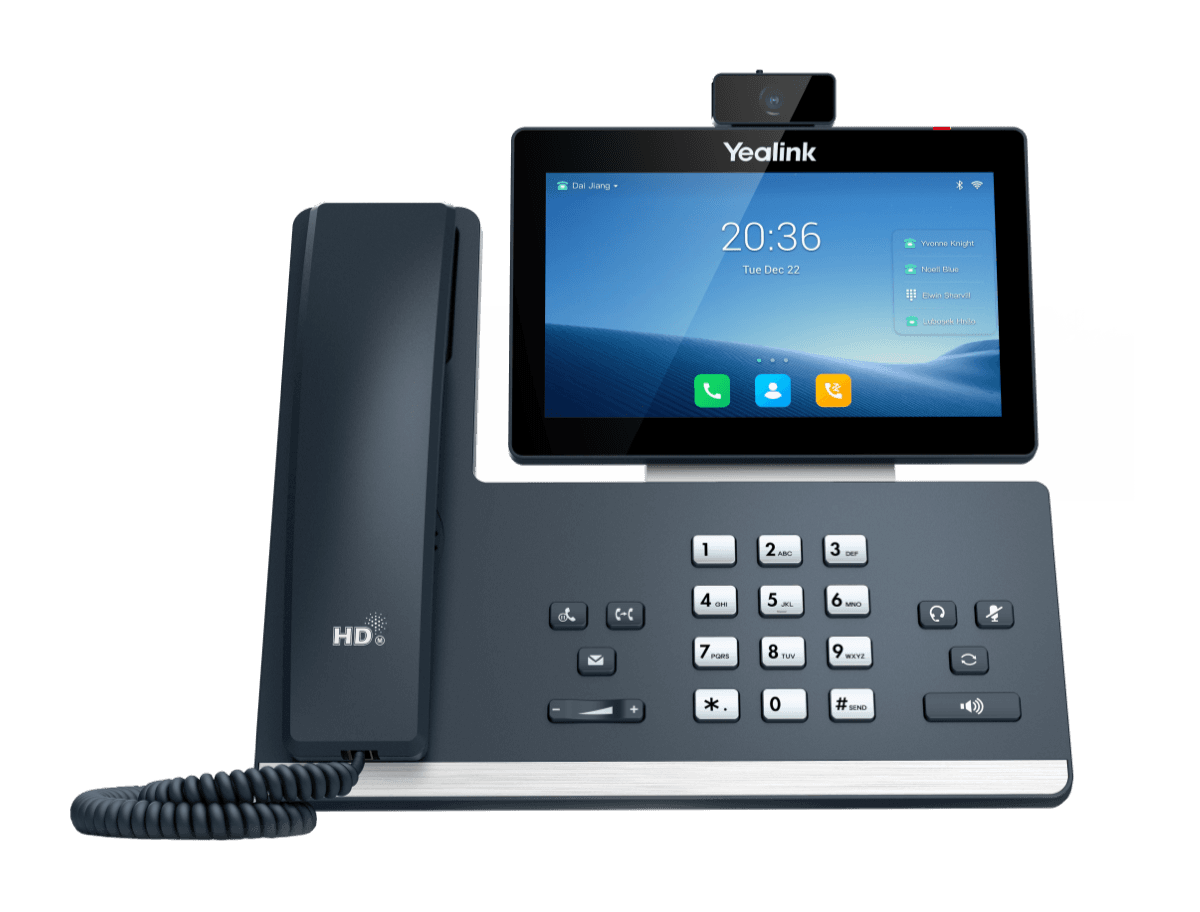
Yealink SIP-T58W (Pro) with Camera
Elite desktop phone for executives and professionals
- Brand
- Yealink
- Series
- T5 Series
- Model
- SIP-T58W (Pro) with Camera
- Status
- Current
- Documents
- 64 manuals & files
- Knowledge base
- 617 articles
Overview
About the Yealink SIP-T58W (Pro) with Camera
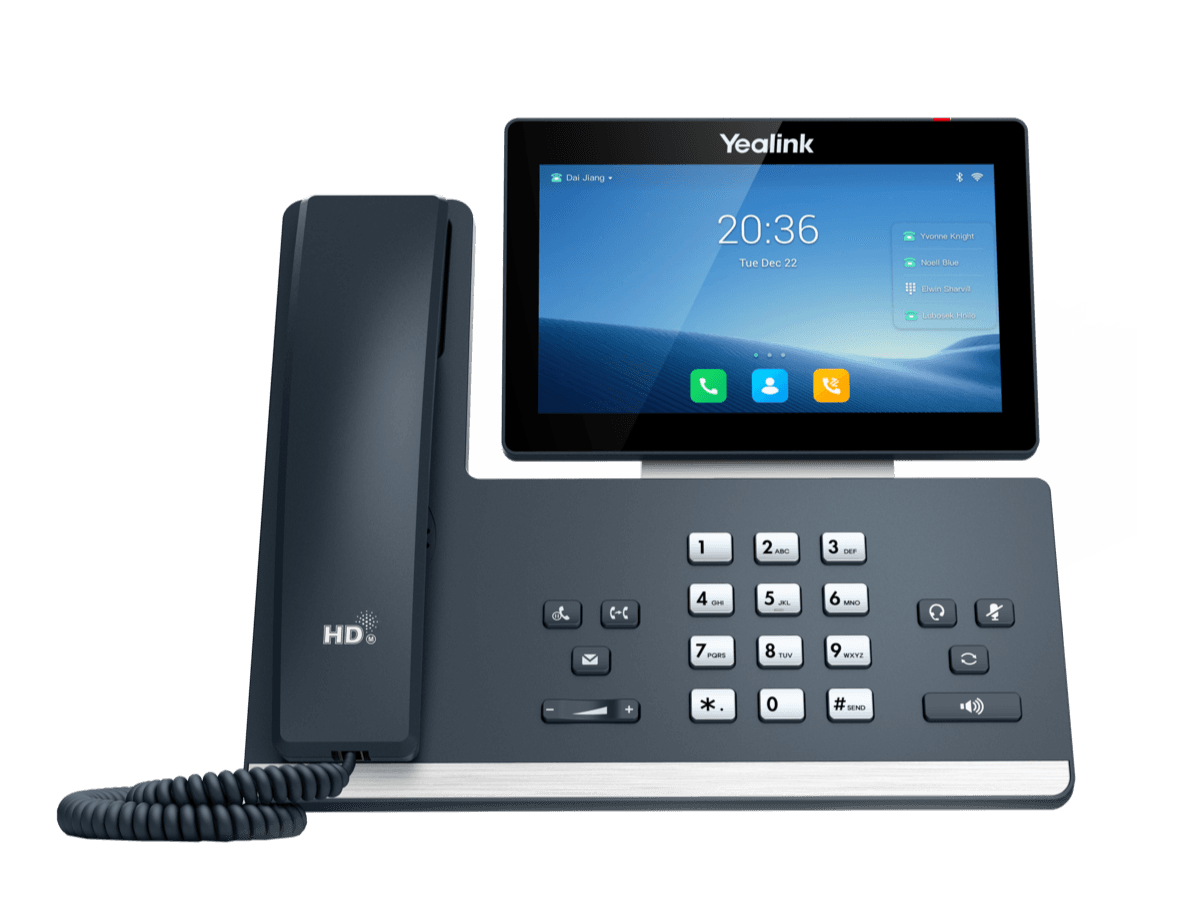
Featuring a vivid 7-inch touchable and adjustable color screen, the T58W(Pro) with Camera is positioned to bring premium-level, industry-leading communication journey with the new UI, five-megapixel camera and multi-way audio/video mixed conferencing.
Adopting the innovative Bluetooth handset, Yealink T58W Pro with Camera pervades wireless communication by allowing the user to move around freely and conveniently.The professional hardware and the cutting-edge acoustic algorithm of Yealink makes the T58W Series an expert at eliminating noise and keeping every conversation clear and focus.
Taking data security as one of the most significant concerns, the hardened Android OS provide multiple security features including secure boot, sandboxing and process isolation, encryption and anti-exploitation. Learn more in its V87 upgrade.By supporting Yealink/Unify Square Device Management Platform, the management, provision and update of the T58W Series can be implemented in a streamlined and simplified manner.
Key features
- Enjoy Wireless Freedom
- A Better User Experience with Android 9.0 System
- HD Audio and HD Video
- Improved Security Performance
- Runs Android 9.0
- 7 inch (1024 x 600) capacitive adjustable touch screen
- Supports Yealink Bluetooth Handset BTH58
- 720p30 HD video
- Optimal HD audio, Yealink Noise Proof Technology
- Yealink’s SDK (Software Development Kit)
- DoorPhone Features (Preview, One-button Open, Monitoring)
- Built-in Bluetooth 4.2 and Dual Band 2.4G/5G Wi-Fi
- 2 x USB 2.0 ports for USB headset, media and storage applications
- Up to 16 SIP accounts
- Up to 3-party video conferencing
- Up to 10-party video/audio mixed conferencing (up to 2 video calls)
- Dual-port Gigabit Ethernet, supports PoE
- Wall mountable
- Supports up to 3 Expansion Module EXP50
- Supports Yealink/Unify Square Device Management Platform
Specifications
SIP-T58W (Pro) with Camera technical specifications
- HD voice: HD handset, HD speaker
- Hearing aid compatible (HAC) handset
- Acoustic Shield, Noise Proof
- Smart Noise Filtering
- Audio codec: G.722, PCMU(G.711µ), PCMA (G.711A), G.729, G.729A, G.729B, G.729AB, G.726, G.723.1, iLBC
- DTMF: In-band, Out-of-band (RFC 2833) and SIP INFO
- Full-duplex hands-free speakerphone with AEC
- VAD, CNG, AEC, PLC, AJB, AGC
- Video codec: H.264 High Profile, H.264, VP8
- Video quality: 720P (1280x720)-30fps ( ≥ 512 kbps)
- Yealink CAM50 camera
- 5 mega-pixel
- Plug and play
- Adjustable
- With privacy shutter and LED indicator
- Vertical tilt angle adjustable: 47±3°
- Field of view (FOV): 75°±5°
- Self-view (local video preview)
Gallery
SIP-T58W (Pro) with Camera product photos






Documents
SIP-T58W (Pro) with Camera manuals & downloads
Quick Start Guides
1Compatibility
6- PBX PartnerAug 24, 2026
- Headset CompatibilityJul 20, 2026
- Yealink IP Phone Features Integrated with BroadSoft UC-One User Guide V1.5PDFJun 15, 2026
- Yealink SIP Phones Integrated with Metaswitch Configuring Guide V1.5PDFDec 3, 2025
- Yealink SIP Phones Integrated with Metaswitch CommPortal Phone Applications User Guide V1.6PDFDec 3, 2025
- Yealink IP Phones Deployment Guide for BroadSoft UC-One Environment V1.6PDFDec 3, 2025
Deployment
4Technical Topics
16- Yealink SIP IP Phones XML Browser Developer's Guide V1.0PDFJun 15, 2026
- Using Security Certificates on Yealink IP Phones V1.4PDFMay 25, 2026
- Yealink Phonebook Generation Tool User GuidePDFApr 3, 2026
- Yealink Configuration Encryption Tool User Guide V1.2PDFApr 3, 2026
- Calling and Connected Line Identification Presentation on Yealink IP PhonesPDFApr 3, 2026
- LDAP Directory on Yealink IP PhonesPDFApr 3, 2026
Show 10 more technical topicsShow fewer
- Recovery Mode on Yealink IP Phones V86PDFApr 3, 2026
- Server Redundancy on Yealink IP PhonesPDFApr 3, 2026
- OpenVPN Feature on Yealink IP Phones V1.0PDFApr 3, 2026
- Using Ribbon Features on Yealink IP Phones V1.0PDFApr 3, 2026
- Using Enhanced DSS Keys on Yealink IP Phones V1.0PDFApr 3, 2026
- VLAN Feature on Yealink IP PhonesPDFApr 3, 2026
- Yealink 802.1X AuthenticationPDFApr 3, 2026
- Yealink Configuration Generator Tool User Guide V86PDFApr 3, 2026
- Yealink SIP IP Phones Configuration Guide for User Access LevelApr 3, 2026
- Yealink SIP Phones Language PacksApr 3, 2026
Firmware
SIP-T58W (Pro) with Camera firmware & release notes
- T58W 150.87.0.20 - Firmware & Release NoteLatestROMReleased Apr 8, 2026 Download
- T58W 150.87.0.20 - Firmware & Release NoteROMReleased Apr 8, 2026 Download
- T58W 150.87.0.15 - Firmware & Release NoteROMReleased Apr 8, 2026Withdrawn by Yealink
- T58W 150.87.0.15 - Firmware & Release NoteROMReleased Dec 27, 2025Withdrawn by Yealink
Knowledge base
SIP-T58W (Pro) with Camera how-to articles
Call Features37
- Anonymous CallNov 3, 2025
- Anonymous Call RejectionNov 3, 2025
- Answer CallsMay 6, 2026
- Auto AnswerNov 3, 2025
- Call ForwardNov 3, 2025
Audio Features18
- Acoustic Clarity TechnologyNov 3, 2025
- Acoustic ShieldJul 20, 2026
- Alert ToneNov 3, 2025
- Audio CodecsJul 22, 2026
- Audio VolumeJan 8, 2026
Bluetooth17
- Activate Bluetooth ModeSep 14, 2026
- Bluetooth Device Discovery FeatureSep 14, 2026
- Configure Media Audio FeatureSep 14, 2026
- Configure Phone Audio FeatureSep 14, 2026
- Deactivate Bluetooth ModeSep 14, 2026
Customize Your Phone16
- AccessibilityJun 2, 2026
- Adjust Screen ContrastJun 2, 2026
- Adjust TransparencyJun 2, 2026
- Change Administrator PasswordJun 2, 2026
- Change Backlight & TimeJun 2, 2026
Directory and Call Log16
- Call LogNov 3, 2025
- CardDAV DirectoryDec 26, 2025
- Comparison of Different ContactsNov 3, 2025
- Directory List for DirectoryDir Soft KeyNov 3, 2025
- Directory Search SettingsNov 3, 2025
Phone Customization15
- Analog HeadsetMar 5, 2026
- BluetoothDec 31, 2025
- DisplayJul 27, 2026
- Door PhoneJul 7, 2026
- DSS KeysJan 28, 2026
Auto Provisioning Guide14
- AppendixNov 3, 2025
- Configure a Provisioning ServerJul 2, 2026
- Download and Verify ConfigurationsJul 2, 2026
- Get StartedDec 27, 2025
- GlossaryJan 13, 2026
Network Configurations14
- 802.1x AuthenticationSep 15, 2026
- DHCP OptionSep 15, 2026
- DHCP Option for IPv6Dec 27, 2025
- How to access the web user interfaceSep 15, 2026
- Internet Port and PC PortSep 15, 2026
Advanced Features13
- Automatic Call Distribution (ACD)Nov 3, 2025
- Busy Lamp FieldDec 27, 2025
- Call CompletionNov 3, 2025
- Call Park and RetrieveDec 27, 2025
- Call PickupDec 27, 2025
Security Features13
- Auto Logout TimeNov 3, 2025
- Call Quality Statistic (QoE)Jun 3, 2026
- Emergency AlarmJan 6, 2026
- Encrypting and Decrypting FilesDec 27, 2025
- Incoming Network Signaling ValidationNov 3, 2025
System Applications for VP59, T58A, T58W, T88W (Pro), T88V Pro12
See all 12 articlesMore topics
Related
More in the T5 Series
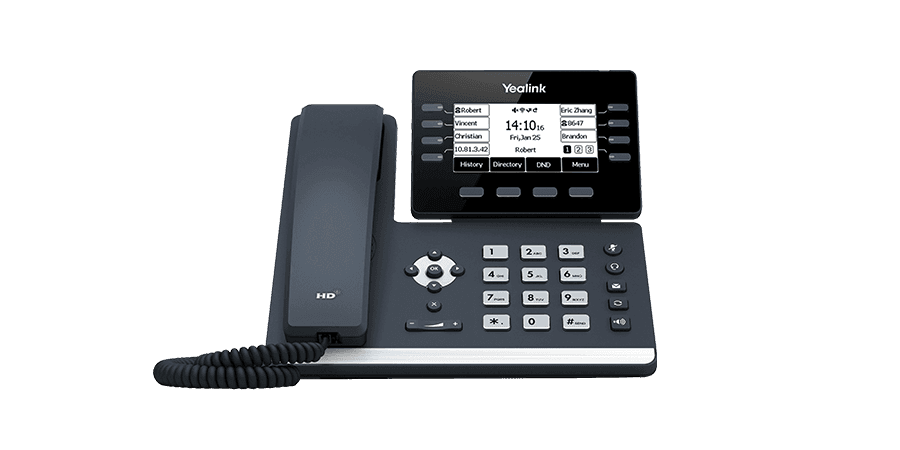
SIP-T53
Prime business voip phones
Support & downloads
SIP-T53W
Prime business voip phones
Support & downloads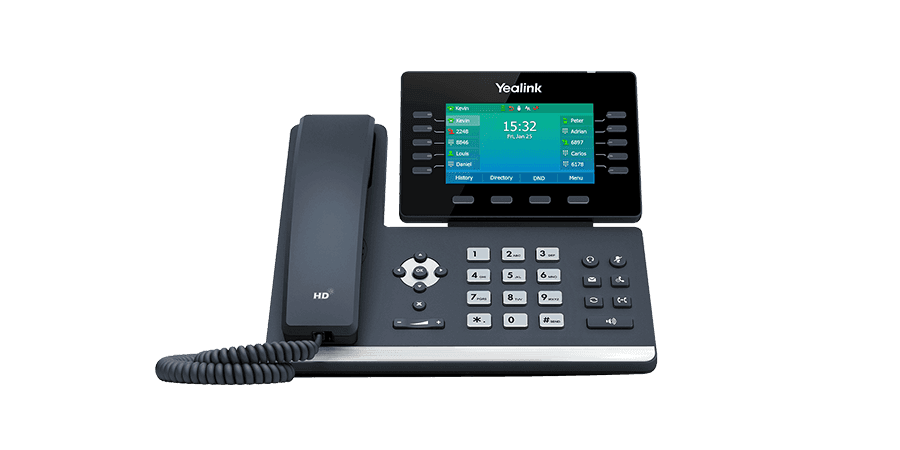
SIP-T54W
Prime business voip phones
Support & downloads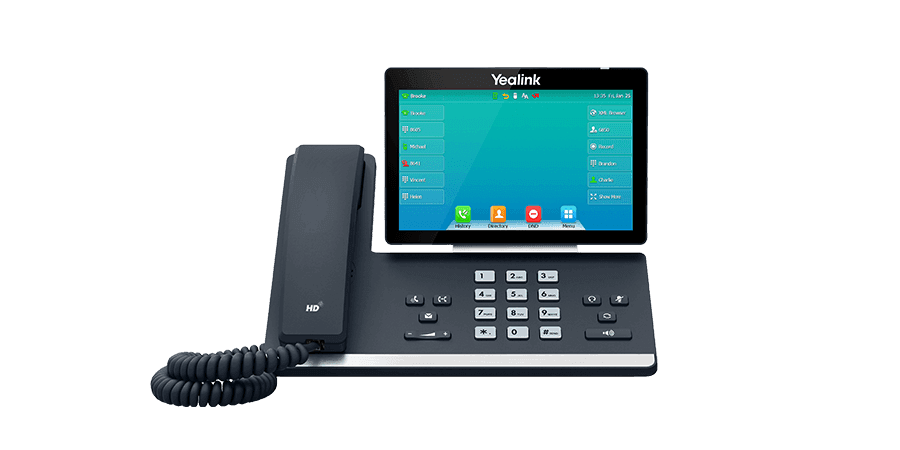
SIP-T57W
Prime business voip phone
Support & downloadsSIP-T58W (Pro)
Elite desktop voip phone for executives and professionals
Support & downloads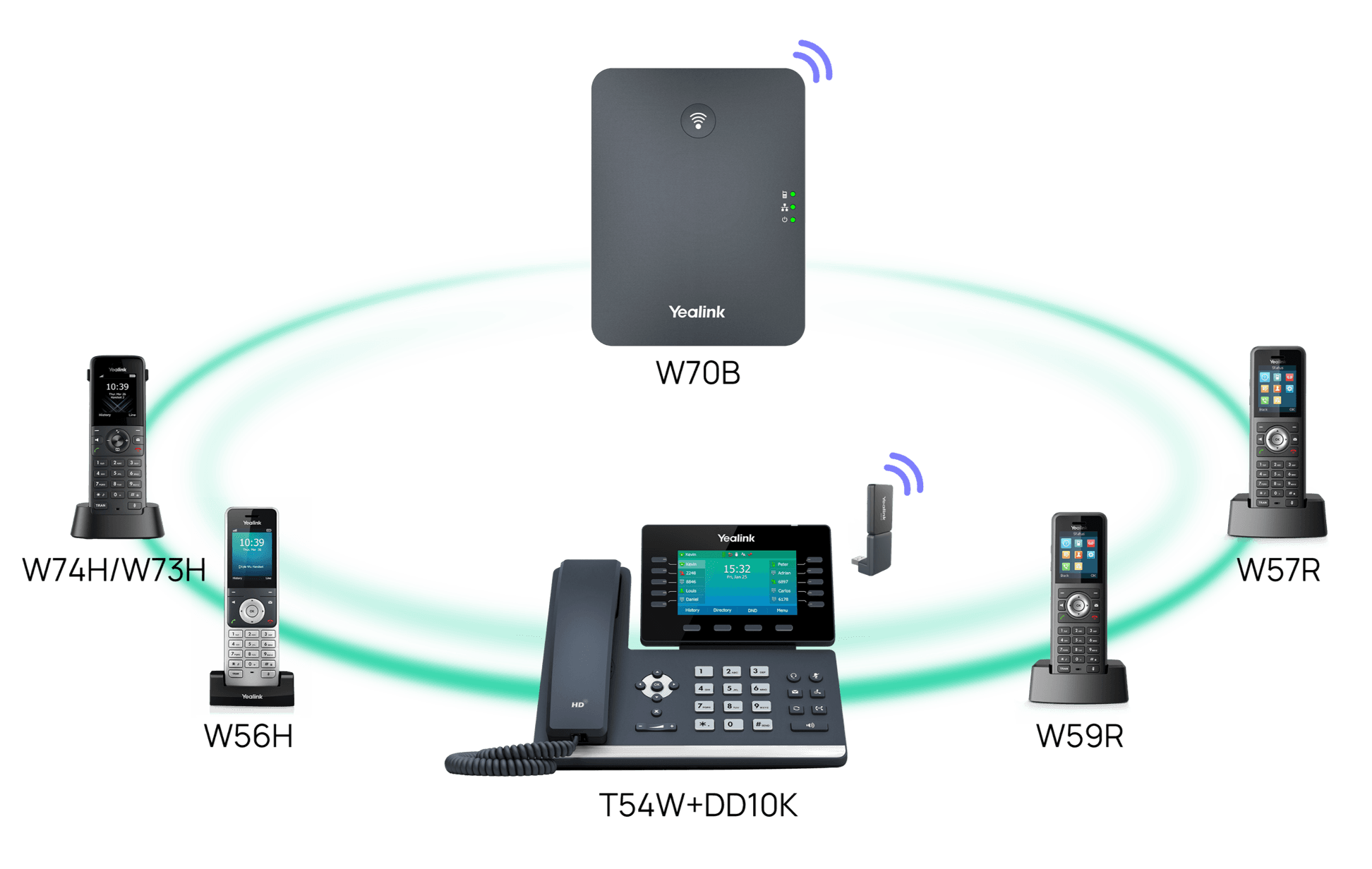
T54W+DD10K
DECT desk phone
Support & downloads
SIP-T52S
Business media phone
Support & downloads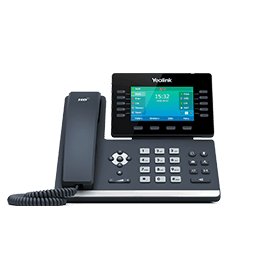
SIP-T54S
Business media phone
Support & downloadsNeed help with your SIP-T58W (Pro) with Camera?
The Tech Team™ can provision, update and troubleshoot your Yealink phones, and move your office onto smplVoice cloud voice.
Yealink and Yealink product names are trademarks of Yealink Network Technology Co., Ltd. Product information, images and documents are published by Yealink (source) and provided here for reference by smplVoice. Firmware and documents are Yealink’s original, unmodified files.