

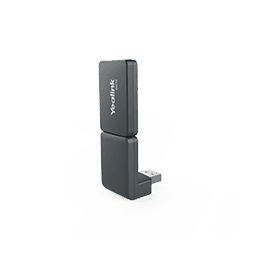
Yealink DD10K
DECT USB dongle
- Brand
- Yealink
- Series
- Accessories
- Model
- DD10K
- Status
- Current
- Documents
- 11 manuals & files
- Knowledge base
- 33 articles
Overview
About the Yealink DD10K
Please fill in and submit the information below and our representative will contact you soon.
Key features
- ● Supports Yealink SIP- T41S/T42S with FW 66.82.0.35 or 66.84.0.10, Yealink T5 series.● Reliable Connection● Ease-of-use● Plug and Play● High Transmission Rate
- Please fill in and submit the information below and our representative will contact you soon.
- if (window.localStorage.getItem('privacyData') && JSON.parse(window.localStorage.getItem('privacyData')).targeted == '1') {
- (function() {
- var af = document.createElement("script");
- af.type = "text/javascript";
- af.async = true;
- af.src = "https://www.linkedin.com/autofill/js/autofill.js";
- var s = document.getElementsByTagName("script")[0];
- s.parentNode.insertBefore(af, s);
- ${$t(item.fieldShowName) }
- ${item.description}
- ${errorMsg[item.fieldName]}
- Verification Code
- $(function() {
- getLanguageBag(function() { customFormPageInit('62661846175b7143848989f4') })
Specifications
DD10K technical specifications
- 1.8'' 128x160 TFT color screen
- Intuitive user interface with icons and soft keys
- Caller ID with name and number
- Notification Light: voice mail, missed call
- Date & time (manual/auto synchronization)
- Screen saver
- Multilingual user interface
- Keypad backlight
- Up to 2 simultaneous calls per handset
- Handset select for receiving a call
- Handset and number selection for making a call
- Auto intercom, auto answer
- 3-way conference
- Call forward: Always/Busy/No Answer
- Call waiting, mute, hold
- DND
- Call transfer
- Swap between calls
- Redial
- Speed dial
- Voice mail
- Silence
- Dial plan: Replace Rule/Area Code/Block Out
- Keypad lock
- Emergency call
- 100 phone book memory (store in the base)
- Remote phonebook, LDAP, XML phonebook
- Phonebook search, blocklist
- Call history: All/Placed/Missed/Received (up to 100 entries)
- Direct IP call without SIP proxy
- Reset to factory, reboot
- Anonymous call, anonymous call rejection
- OTA (Over-The-Air) upgrade via base station
Gallery
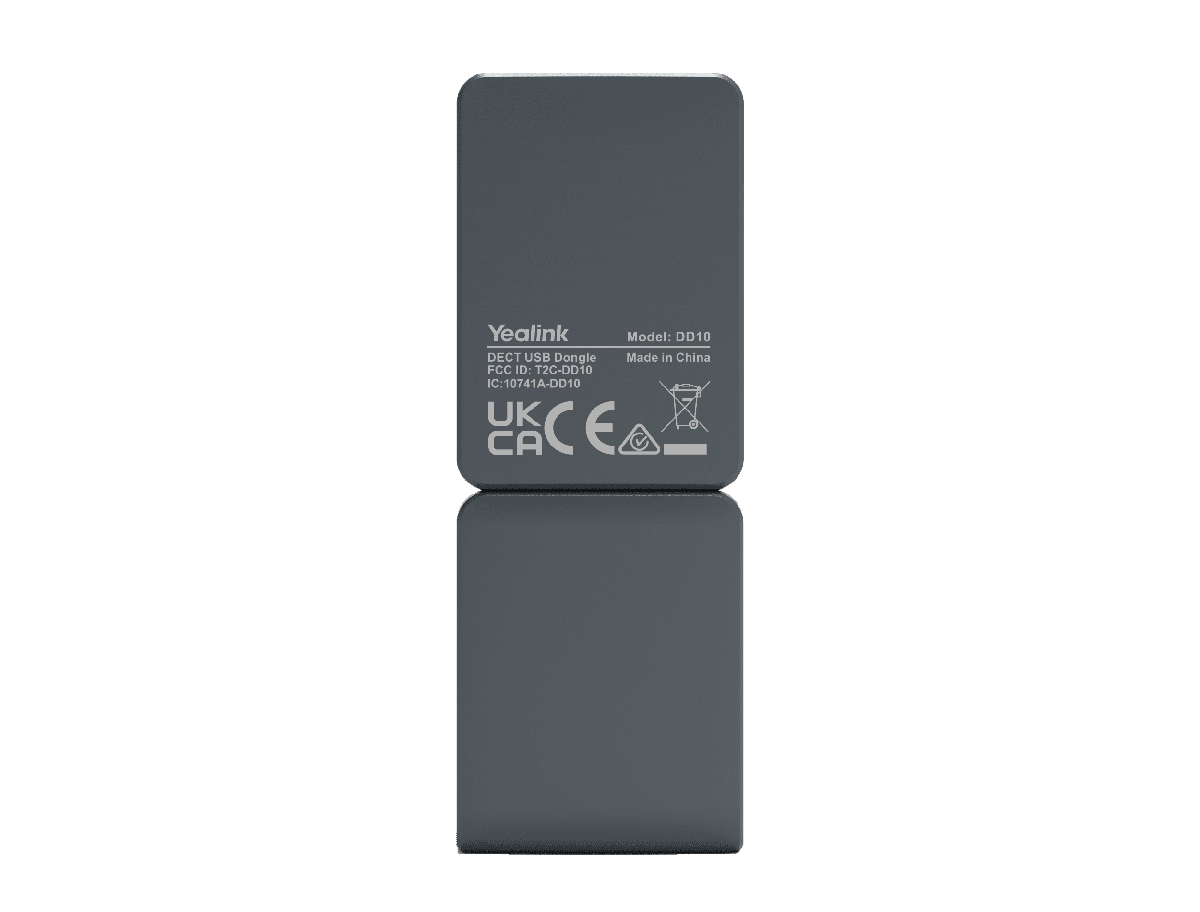
DD10K product photos
Documents
DD10K manuals & downloads
Datasheets
2User Guides
2Admin Guides
2Quick Start Guides
2Other Downloads
1Knowledge base
DD10K how-to articles
Use DECT Handsets with Phone1
Related
More in the Accessories
BT41
Bluetooth USB dongle
Support & downloads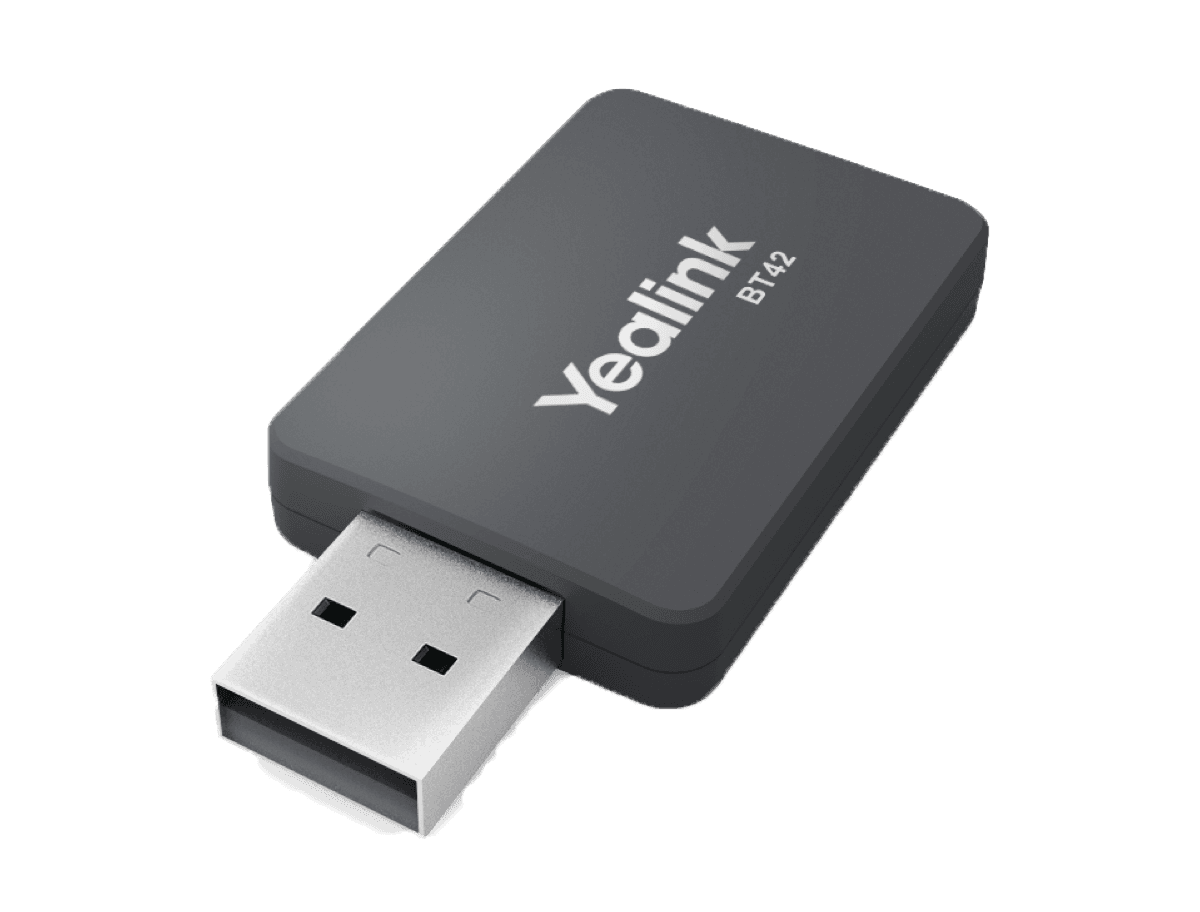
BT42
BT42 Bluetooth USB Dongle
Support & downloads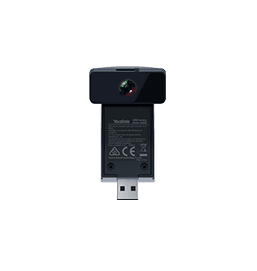
CAM50
HD camera for SIP-T58W
Support & downloads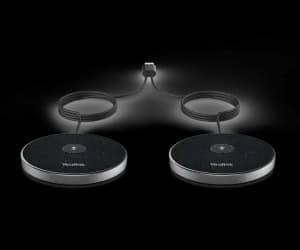
CPE95
Expansion Mic
Support & downloads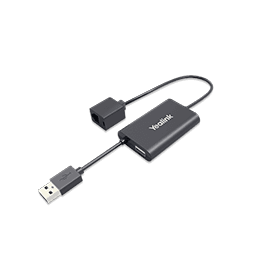
CPN10
PSTN box
Support & downloads
CPW65
CP wireless expansion mic
Support & downloads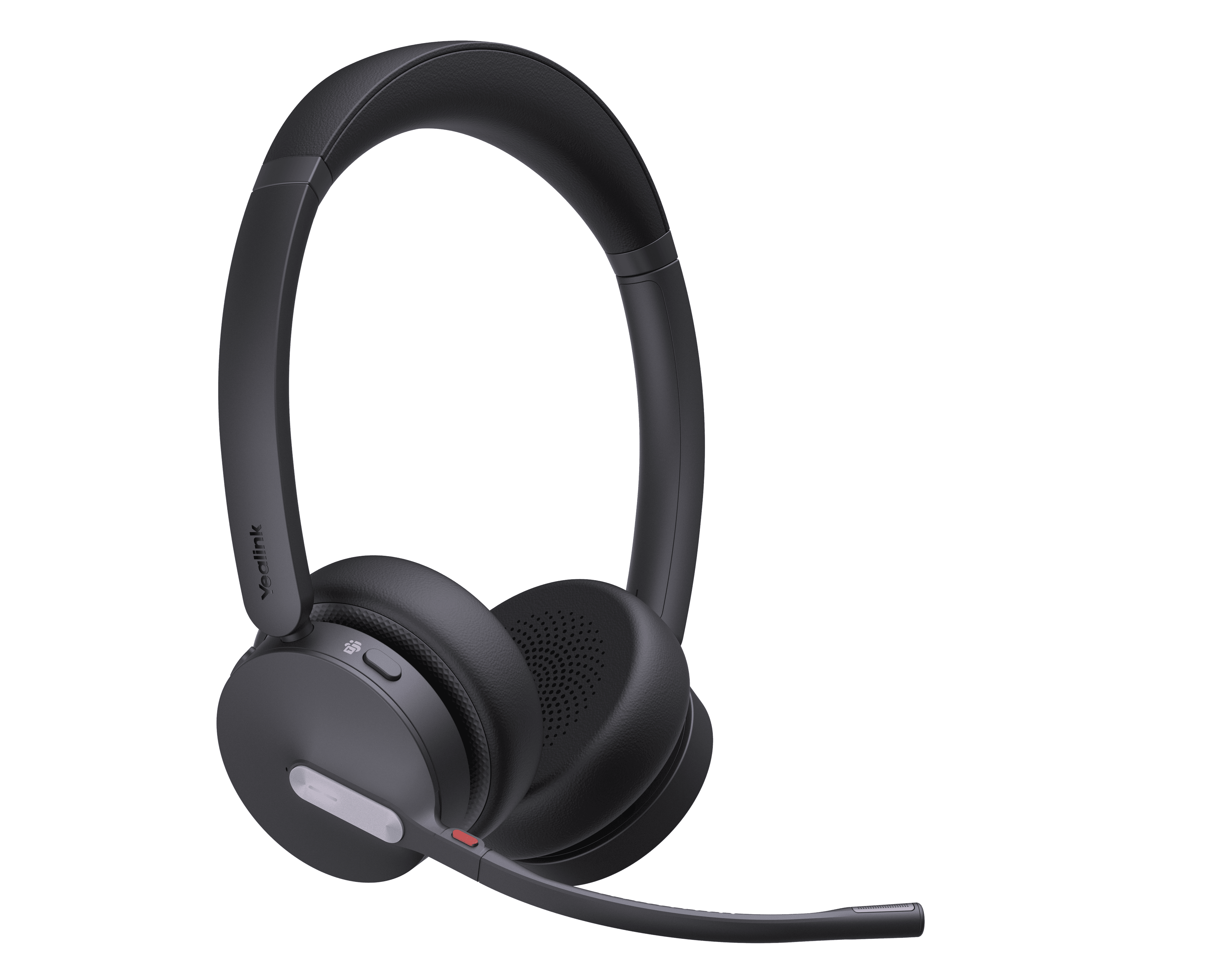
DECT Headset + W70B/W90
DECT Headset Retail Solution
Support & downloads
EHS35
Wireless Headset Adapter for T30/T30P/T31/T31P/T31G/T33P/T33G/T31W/T34W
Support & downloadsNeed help with your DD10K?
The Tech Team™ can provision, update and troubleshoot your Yealink phones, and move your office onto smplVoice cloud voice.
Yealink and Yealink product names are trademarks of Yealink Network Technology Co., Ltd. Product information, images and documents are published by Yealink (source) and provided here for reference by smplVoice. Firmware and documents are Yealink’s original, unmodified files.