

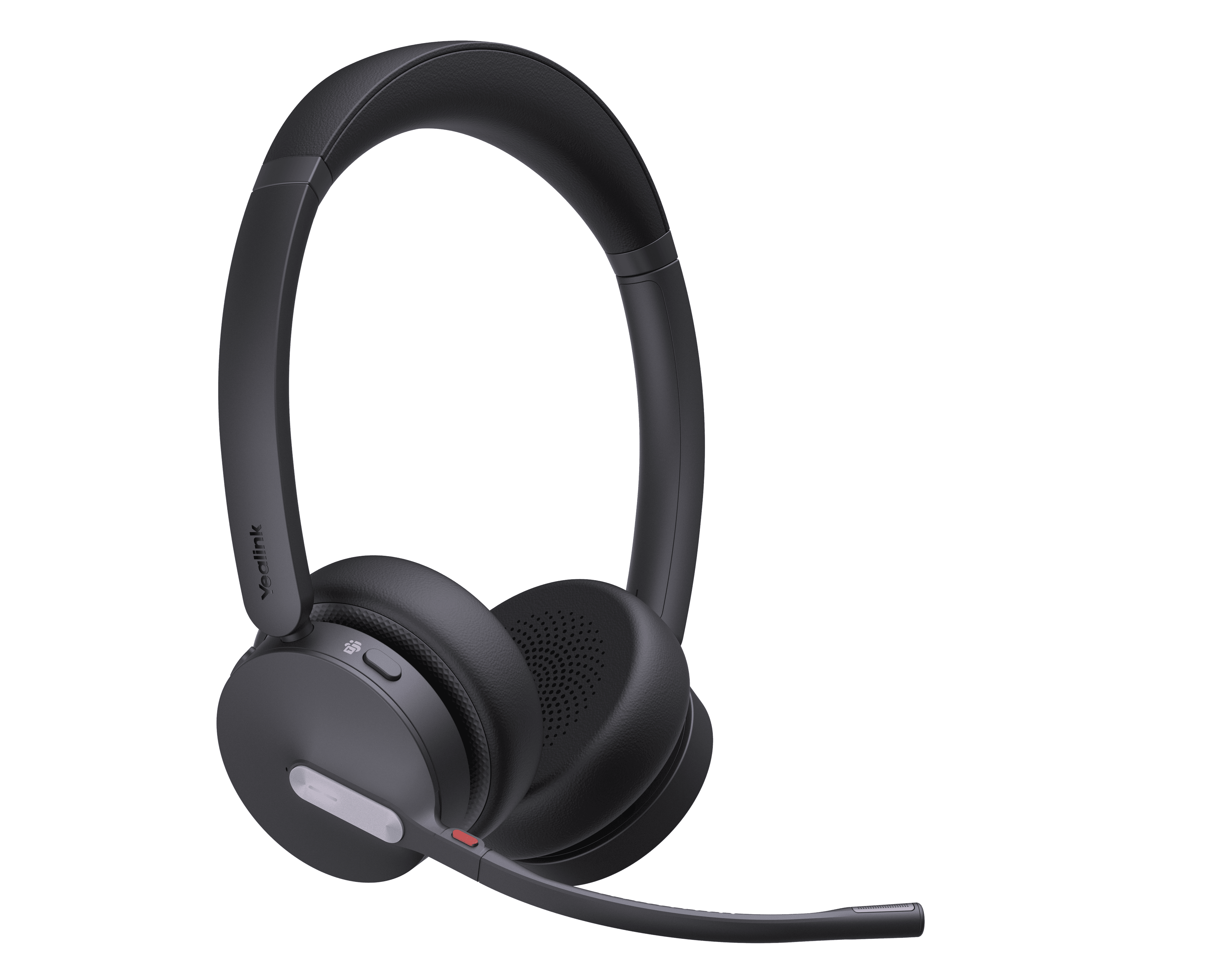
Yealink DECT Headset + W70B/W90
DECT Headset Retail Solution
- Brand
- Yealink
- Series
- Accessories
- Model
- DECT Headset + W70B/W90
- Status
- Current
- Documents
- 71 manuals & files
- Knowledge base
- 286 articles
Overview
About the Yealink DECT Headset + W70B/W90
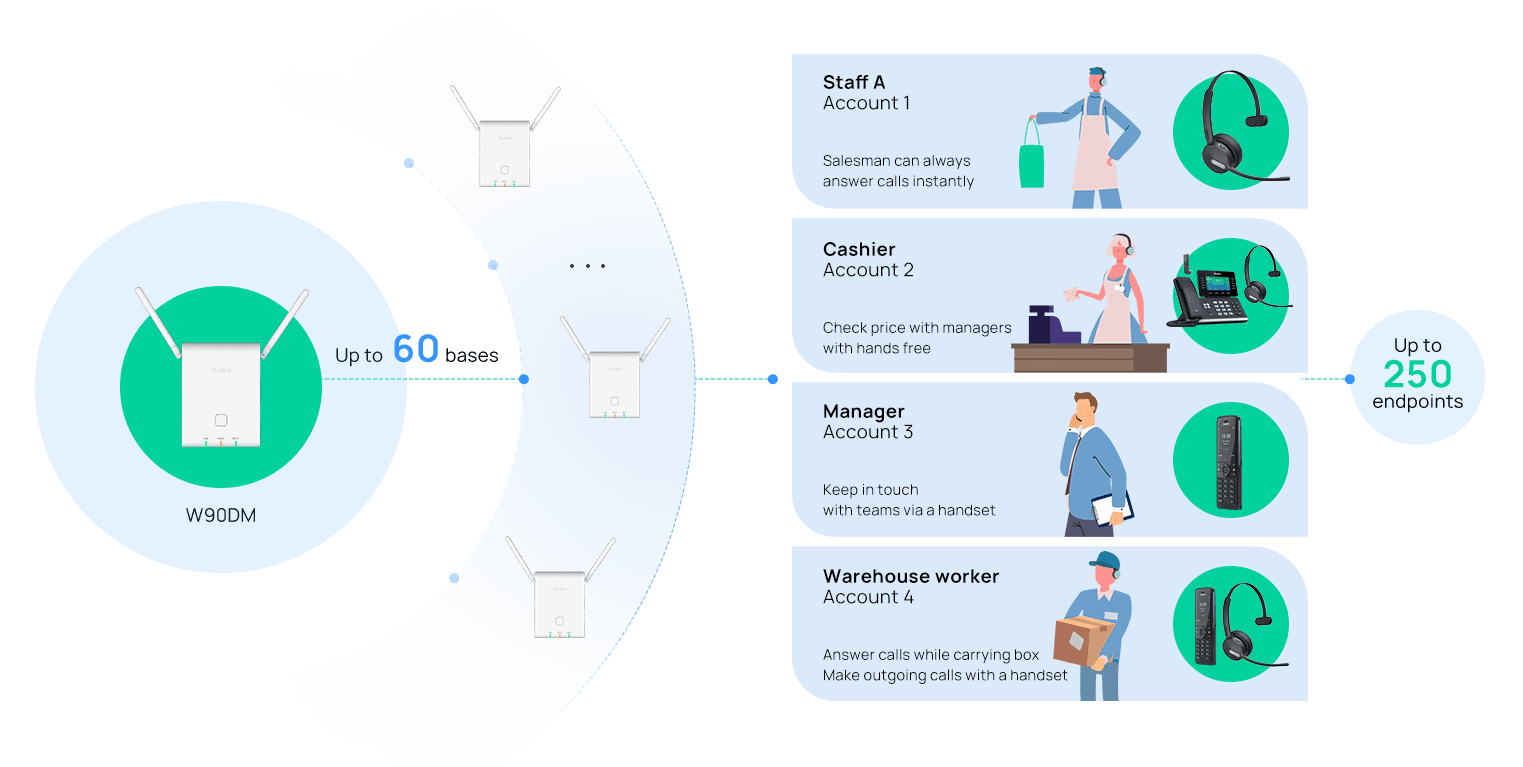
Ideal for stores or other spaces under 2500 square meters for a single base. Support up to 10 headsets in the system, 5 groups at most, 5 people in a group; 1 preset number for speed dial.
Ideal for places where multi-site coverage is needed, like multi-chain stores. Support up to 250 headsets. Push-to-talk and speed dial are coming soon with exceptional performance.
With Yealink Acoustic Shield technology, the headsets could filter out background noise by 2x microphones while talking, providing HD voice quality and ensuring precise message delivery among store staff.
For those who will wear headsets for a long time, comfort is the primary priority. Yealink headsets feature a lightweight design, soft leather materials, and various earphone sizes to ensure the best possible working conditions.
The DECT base has an indoor connection range of up to 50m and an outdoor connection range of up to 300m, allowing workers to move around freely. And the talk time can ensure all-day use without charging for more worry-free use (WHD622: 14hrs; WHM621: 13hrs; WHM631: 7hrs).
Push-to-Talk Available in Two Different ModesBe Heard Crystal Clearly
Key features
- Push-to-Talk Available in Two Different
- ModesBe Heard Crystal Clearly
- ·Yealink Acoustic Shield Technology
- ·Talking time up to 10 hours
- ·Support W70B/W80MC/W90MC DECT system
- ·Support Push-to-Talk (only for W70B)
- Redial or SpeedDial
- ·Wireless range: up to 50 meters indoors, and 300 meters outdoors (in ideal conditions)
Specifications
DECT Headset + W70B/W90 technical specifications
- Up to 20 simultaneous calls
- Up to 10 handsets/DECT headsets
- Up to 10 SIP accounts
- Up to 6 repeaters per base station (RT30)
- No Perception Upgrade
- Paging/Intercom/Auto answer/Dial plan
- Call hold/Call transfer/Call waiting
- 3-way conference
- Switching between calls
- Mute/Silence/DND
- Caller ID with name and number
- Anonymous call/Anonymous call rejection
- Call forward: Always/Busy/No Answer
- Speed dial/Voice mail/Redial
- Push-to-Talk
- Message Waiting Indication (MWI)
- Music on hold (server-based)
- Local phonebook for up to 1000 entries (stored in the base)
- Remote phonebook/LDAP/XML phonebook
- Phonebook search/import/export
- Call history: All/Missed/Placed/Received
- Direct IP call without SIP proxy
- Reset to factory, reboot
- Emergency call
- BroadSoft directory, BroadSoft call log
- Broadworks feature key synchronization
- Shared Call Appearance (SCA)
- Action URI
- XML browser
- Auto-provision via TFTP/FTP/HTTP/HTTPS/RPS
- Auto-provision with PnP
- Handset upgrade: OTA (Over-The-Air)
- Configuration: browser/phone/auto-provision
- Trace package and system log export
Gallery
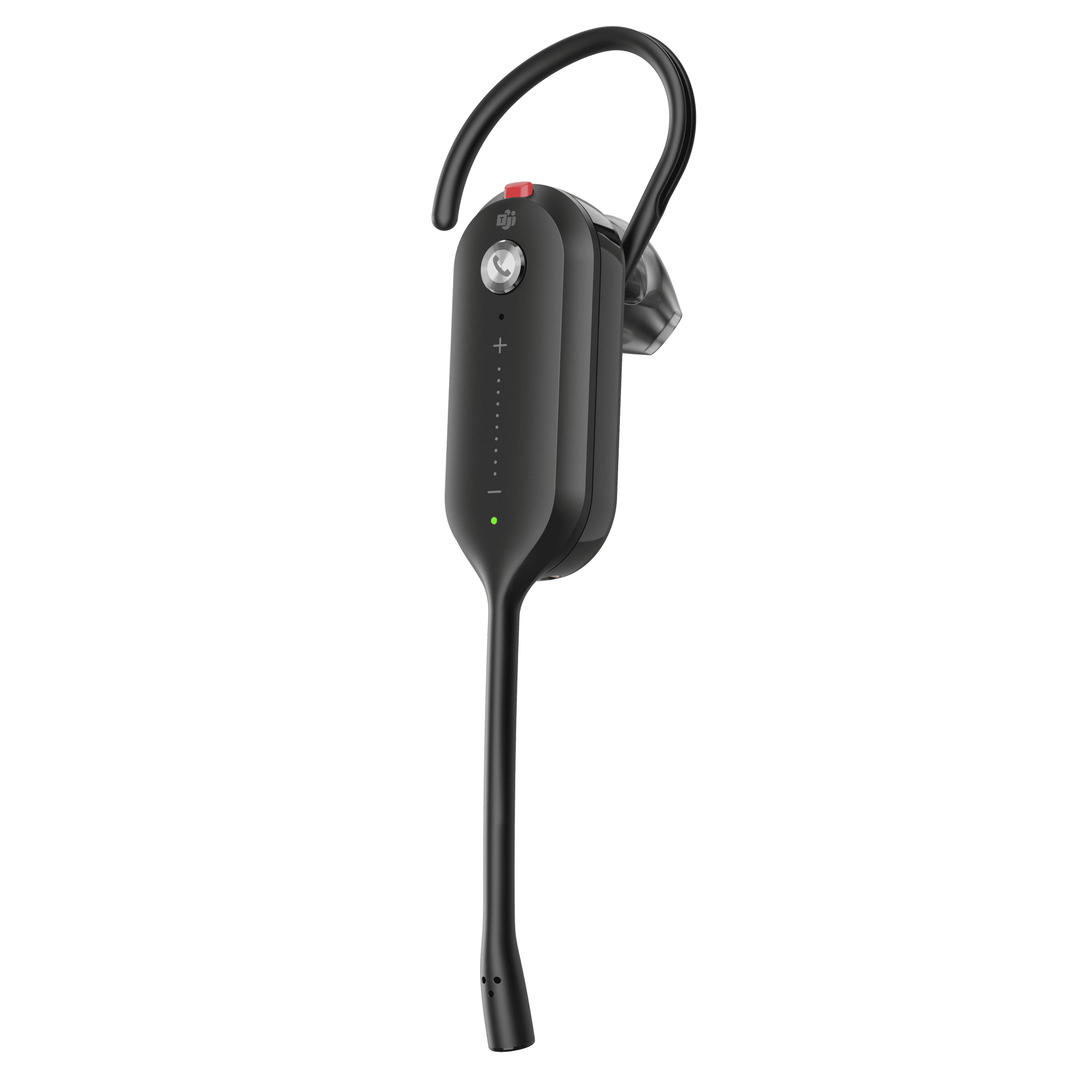
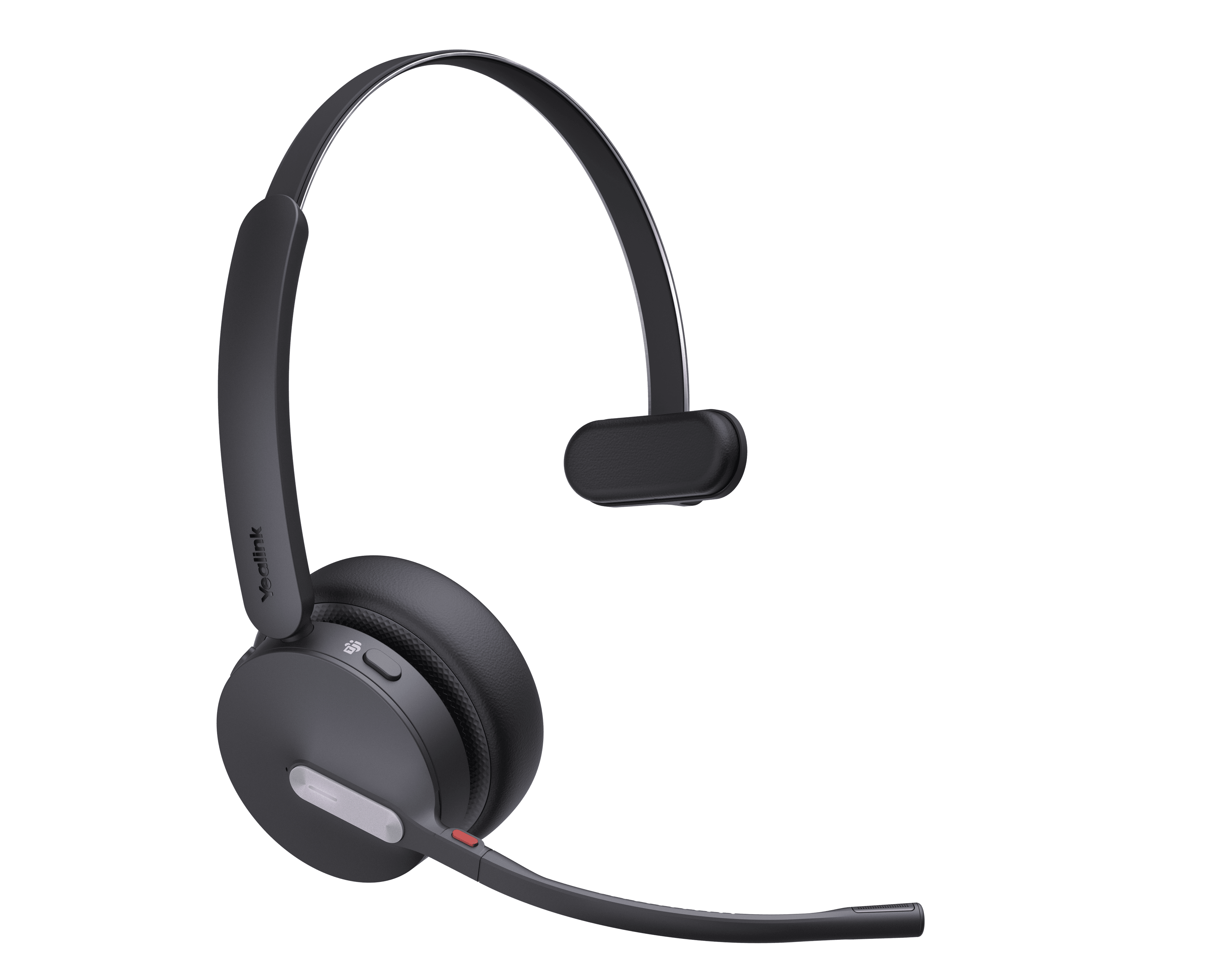
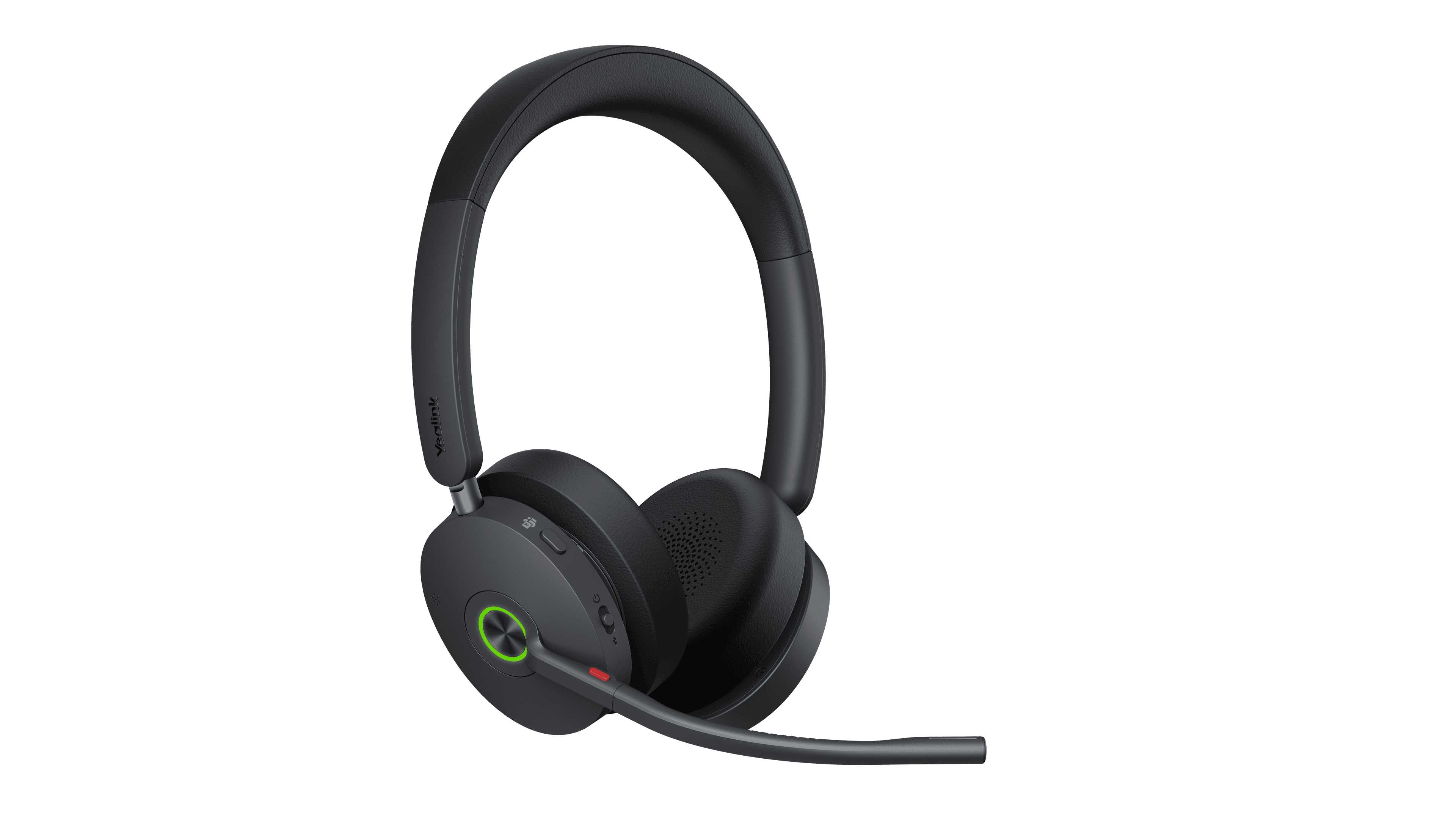
DECT Headset + W70B/W90 product photos




Documents
DECT Headset + W70B/W90 manuals & downloads
Datasheets
23- Yealink W70B DatasheetJul 21, 2026
- DECT Single Cell & Multi-Cell System Comparison ListsDec 5, 2025
- Yealink WHM621 with Charging Cable DatasheetSep 15, 2025
- Yealink WHD622 with Charging Cable DatasheetSep 15, 2025
- Yealink WHM631 with Charging Cable DatasheetSep 15, 2025
- Yealink WHM631 with Charging Cable Datasheet (DE)PDFAug 26, 2025
Show 17 more datasheetsShow fewer
- Yealink WHM631 with Charging Cable Datasheet (ES)PDFAug 26, 2025
- Yealink WHM631 with Charging Cable Datasheet (FR)PDFAug 26, 2025
- Yealink WHM631 with Charging Cable Datasheet (IT)PDFAug 26, 2025
- Yealink WHM631 with Charging Cable Datasheet (NL)PDFAug 26, 2025
- Yealink WHM631 with Charging Cable Datasheet (PT)PDFAug 26, 2025
- Yealink WHD622 with Charging Cable Datasheet (DE)PDFAug 26, 2025
- Yealink WHD622 with Charging Cable Datasheet (ES)PDFAug 26, 2025
- Yealink WHD622 with Charging Cable Datasheet (FR)PDFAug 26, 2025
- Yealink WHD622 with Charging Cable Datasheet (IT)PDFAug 26, 2025
- Yealink WHD622 with Charging Cable Datasheet (NL)PDFAug 26, 2025
- Yealink WHD622 with Charging Cable Datasheet (PT)PDFAug 26, 2025
- Yealink WHM621 with Charging Cable Datasheet (DE)PDFAug 26, 2025
- Yealink WHM621 with Charging Cable Datasheet (ES)PDFAug 26, 2025
- Yealink WHM621 with Charging Cable Datasheet (FR)PDFAug 26, 2025
- Yealink WHM621 with Charging Cable Datasheet (IT)PDFAug 26, 2025
- Yealink WHM621 with Charging Cable Datasheet (NL)PDFAug 26, 2025
- Yealink WHM621 with Charging Cable Datasheet (PT)PDFAug 26, 2025
Quick Start Guides
6- WHM631 with Charging Cable DECT Wireless Headset Quick Start Guide (EN, DE, ES, FR) V1.2PDFAug 28, 2025
- WHM621 with Charging Cable & WHD622 with Charging Cable DECT Wireless Headset Quick Start Guide (EN, DE, ES, FR) V1.1PDFAug 28, 2025
- WHM621 with Charging Cable & WHD622 with Charging Cable DECT Wireless Headset Quick Start Guide V1.2PDFAug 28, 2025
- Yealink W70B DECT IP Base Station Quick Start Guide (EN, DE, ES, FR) V1.0PDFAug 22, 2025
- Yealink W70B DECT IP Base Station Quick Start Guide V1.3PDFAug 22, 2025
- WHM631 with Charging Cable DECT Wireless Headset Quick Start Guide V1.3PDFJul 31, 2025
Compatibility
5- Yealink IP Phones Deployment Guide for BroadSoft UC-One Environment V1.7PDFJun 15, 2026
- Yealink DECT IP Phone Features Integrated with BroadSoft UC-One User Guide V1.1PDFJan 13, 2026
- Yealink DECT Devices Certified by ZoomJan 13, 2026
- Yealink DECT Devices Certified by RingCentralJan 13, 2026
- Compatibility among Bases, Headsets, and AccessoriesJan 13, 2026
Other Downloads
11- Yealink Headset Regulatory Notice V1.4PDFAug 3, 2026
- Yealink Regulatory Notice V1.2PDFJun 29, 2026
- Yealink W70B DECT IP Base Station Guida Utente V1.0PDFDec 11, 2025
- DECT Phone Security White Paper (Jan 2025)PDFNov 25, 2025
- How to Use Speed Dial on Yealink W70B V1.0MP4Aug 28, 2025
- How to Register Headset to Yealink W70B V1.0MP4Aug 28, 2025
Show 5 more other downloadsShow fewer
Firmware
DECT Headset + W70B/W90 firmware & release notes
- W70B 146.88.0.10- Firmware & Release NoteLatestROMReleased Aug 13, 2026 Download
- WH6X Headset 104.33.0.16 - Firmware & Release NoteROMReleased Oct 15, 2025Withdrawn by Yealink
- WH6X Headset 104.33.0.16 - Firmware & Release NoteROMReleased Oct 15, 2025Withdrawn by Yealink
- WH6X Headset 104.33.0.16 - Firmware & Release NoteROMReleased Oct 15, 2025Withdrawn by Yealink
Knowledge base
DECT Headset + W70B/W90 how-to articles
Call Features42
- Action URIJan 13, 2026
- Action URLJan 13, 2026
- Anonymous CallJan 13, 2026
- Anonymous Call RejectionJan 13, 2026
- Answer CallsJan 13, 2026
Customize Your Phone21
- AccessibilityJul 1, 2026
- Change the Base PINJan 13, 2026
- Change the BrightnessJan 13, 2026
- Change the LanguageJul 1, 2026
- Change the WallpaperJan 13, 2026
Handset Customization21
- Advisory ToneJul 1, 2026
- BluetoothJan 13, 2026
- Call DisplayJan 13, 2026
- Display Method on DialingJan 13, 2026
- DSS KeysJan 13, 2026
Auto Provisioning Guide14
- Appendix-Configure an FTP ServerJan 13, 2026
- Appendix-Configure HTTPS ServerJan 13, 2026
- Configure a Provisioning ServerJul 2, 2026
- Download and Verify ConfigurationsJul 2, 2026
- Get StartedJan 13, 2026
Security Features13
- AML-LocationJul 6, 2026
- AML-MessagingAug 4, 2026
- Auto Logout TimeJan 13, 2026
- Base PINJan 13, 2026
- Emergency AlarmJul 1, 2026
Audio Features12
- Acoustic Clarity TechnologyJul 1, 2026
- Alert ToneJan 13, 2026
- Audio CodecsJul 22, 2026
- Audio VolumeJan 13, 2026
- Distinctive Ring TonesJul 1, 2026
Network Configurations12
- 802.1x AuthenticationJul 1, 2026
- DHCP Option for IPv4Jul 1, 2026
- DHCP Option for IPv6Jan 13, 2026
- How to Access the Web User InterfaceJan 13, 2026
- IPv4 and IPv6 Network SettingsJul 1, 2026
General Features11
- 100 Reliable RetransmissionJul 1, 2026
- Accept SIP Trust Server OnlyJan 13, 2026
- Busy Tone DelayJan 13, 2026
- Line Identification PresentationJul 1, 2026
- Low Power ModeJan 13, 2026
Troubleshooting Methods10
- All Base DiagnosticsJan 13, 2026
- Analyze Configuration FilesJan 13, 2026
- DECT Phone Problem Feedback GuidebookJan 13, 2026
- Device StatusJan 13, 2026
- Export All the Diagnostic FilesJan 13, 2026
Directory and Call Log9
- Call LogJul 1, 2026
- Directory Search SettingsJan 13, 2026
- Directory Source PriorityJul 1, 2026
- Lightweight Directory Access Protocol (LDAP)Jan 13, 2026
- Local DirectoryJan 13, 2026
Push-to-Talk (W90 Multi-Cell System)8
- Before You BeginApr 29, 2026
- Face to FaceApr 29, 2026
- Initiate a PTTApr 29, 2026
- Join a PTTApr 29, 2026
- PTT & SIP CallApr 29, 2026
More topics
Related
More in the Accessories
BT41
Bluetooth USB dongle
Support & downloads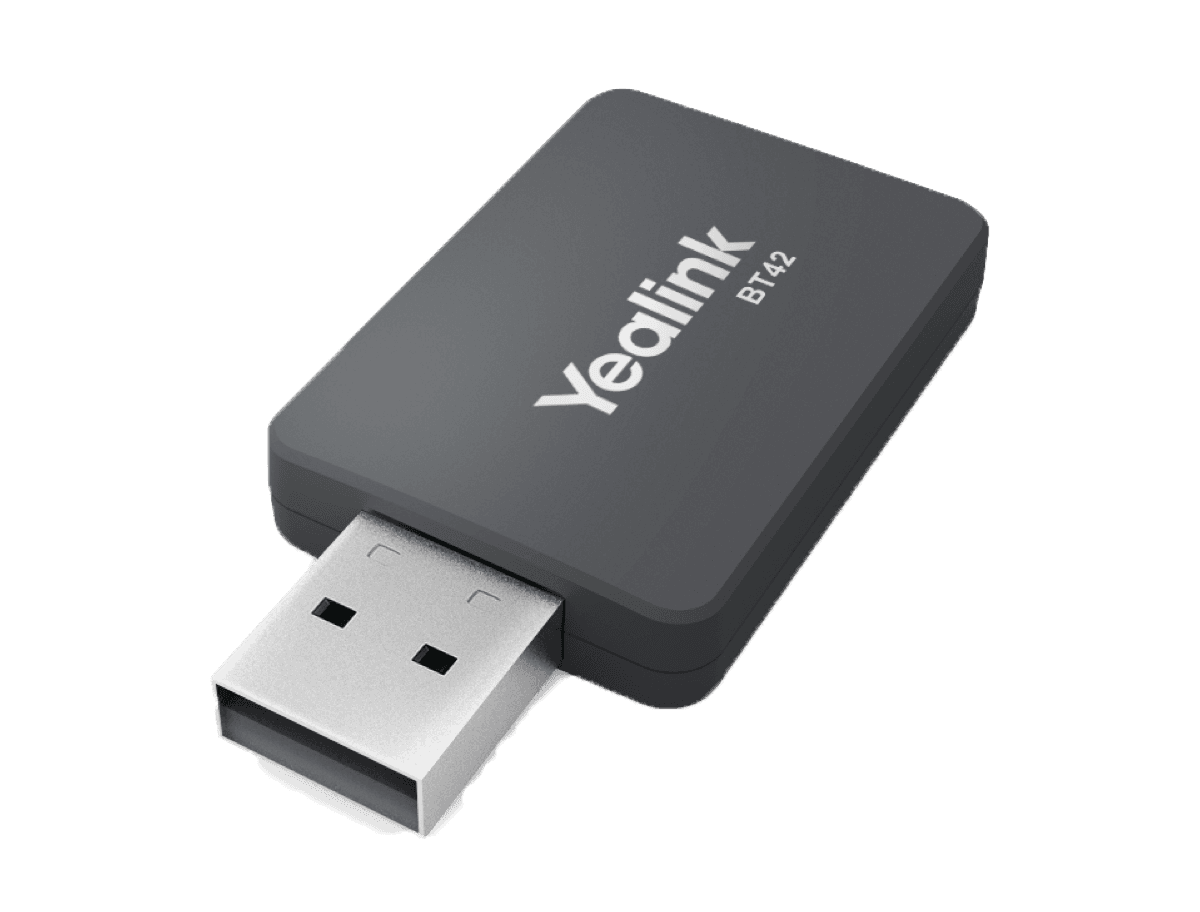
BT42
BT42 Bluetooth USB Dongle
Support & downloads
CAM50
HD camera for SIP-T58W
Support & downloads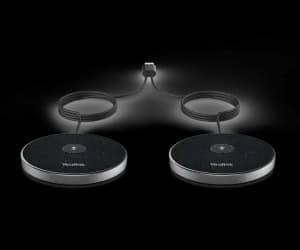
CPE95
Expansion Mic
Support & downloads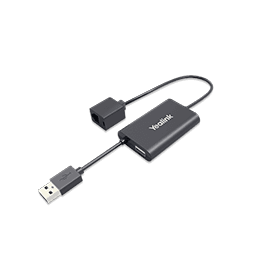
CPN10
PSTN box
Support & downloads
CPW65
CP wireless expansion mic
Support & downloads
DD10K
DECT USB dongle
Support & downloads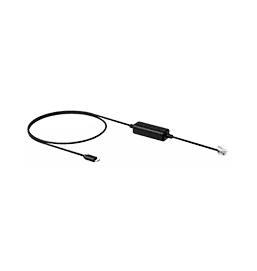
EHS35
Wireless Headset Adapter for T30/T30P/T31/T31P/T31G/T33P/T33G/T31W/T34W
Support & downloadsNeed help with your DECT Headset + W70B/W90?
The Tech Team™ can provision, update and troubleshoot your Yealink phones, and move your office onto smplVoice cloud voice.
Yealink and Yealink product names are trademarks of Yealink Network Technology Co., Ltd. Product information, images and documents are published by Yealink (source) and provided here for reference by smplVoice. Firmware and documents are Yealink’s original, unmodified files.