

Yealink quick start guide
Yealink W70B DECT IP Base Station Quick Start Guide V1.3
Loading document preview…
About this quick start guide
About the W70B DECT IP Base Station Quick Start Guide V1.3
Quick start guide for the Yealink DECT Headset + W70B/W90 and W70B: what's in the box, how to connect it and first-time setup (4 pages). This is version 1.3, last updated by Yealink on August 22, 2025, and you can read it right here or download it.
What’s inside
- Package contents
- Connecting power, network and handset
- Registering and first-time setup
- Basic call handling
Phones covered
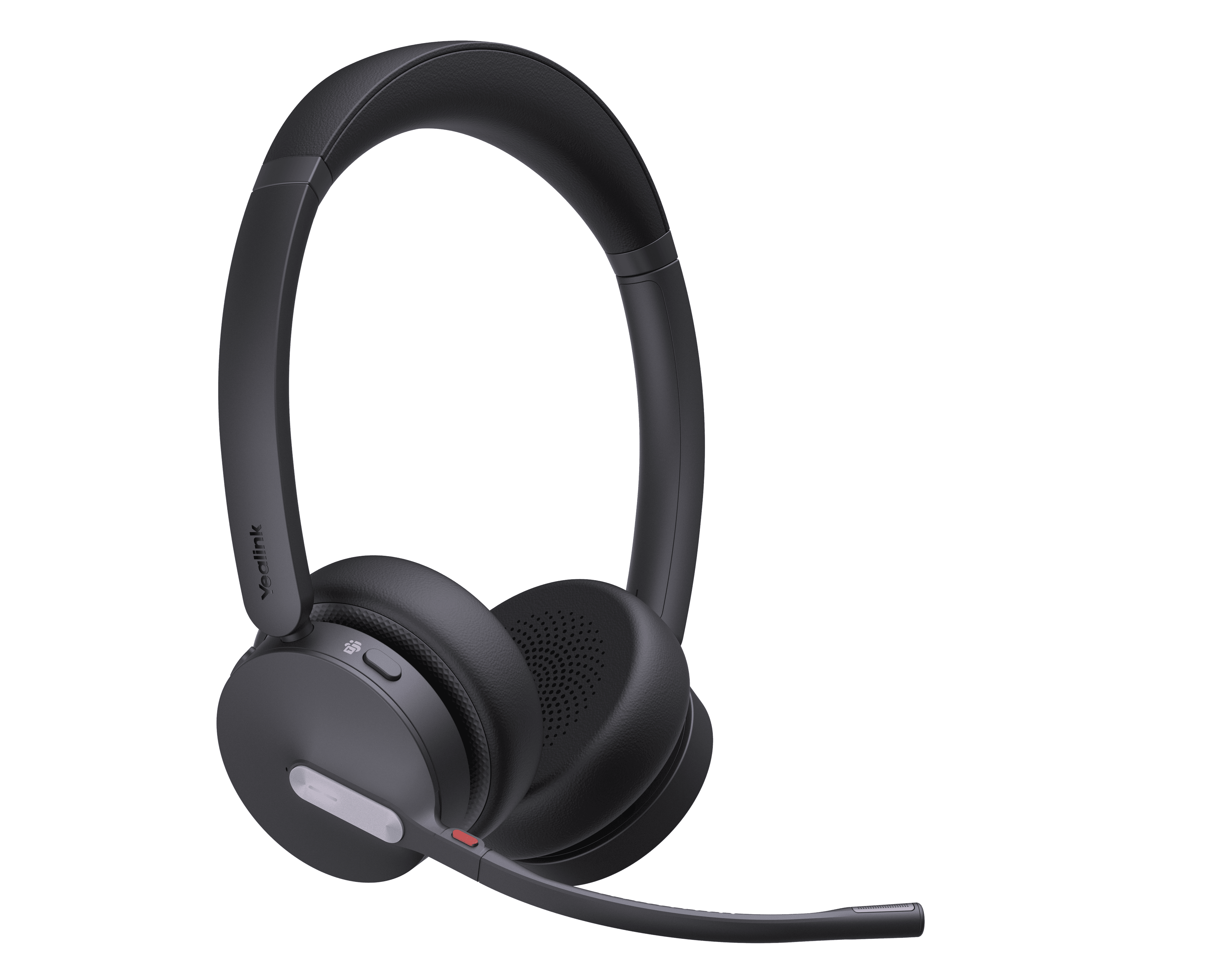
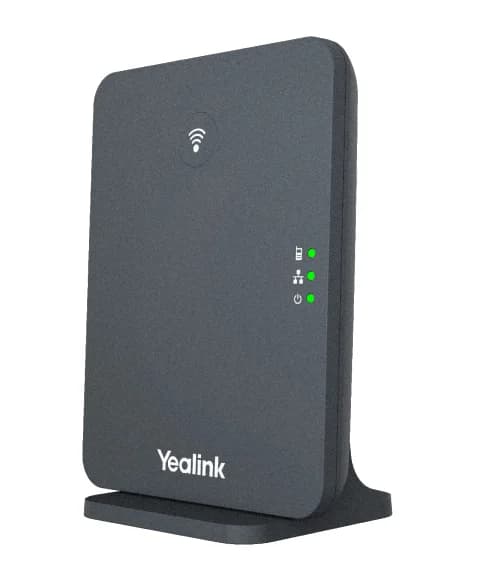
Yealink phones this quick start guide covers
Related
More Yealink quick start guides
- PDFWHM631 with Charging Cable DECT Wireless Headset Quick Start Guide (EN, DE, ES, FR) V1.2DownloadUpdated Aug 28, 2025DECT Headset + W70B/W90W70B
- PDFWHM621 with Charging Cable & WHD622 with Charging Cable DECT Wireless Headset Quick Start Guide (EN, DE, ES, FR) V1.1DownloadUpdated Aug 28, 2025DECT Headset + W70B/W90W70B
- PDFWHM621 with Charging Cable & WHD622 with Charging Cable DECT Wireless Headset Quick Start Guide (EN, DE, ES, FR) V1.1DownloadUpdated Aug 28, 2025DECT Headset + W70B/W90W70B
- PDFWHM621 with Charging Cable & WHD622 with Charging Cable DECT Wireless Headset Quick Start Guide V1.2DownloadUpdated Aug 28, 2025DECT Headset + W70B/W90W70B
- PDFYealink W70B DECT IP Base Station Quick Start Guide (EN, DE, ES, FR) V1.0DownloadUpdated Aug 22, 2025DECT Headset + W70B/W90W70B
- PDFWHM631 with Charging Cable DECT Wireless Headset Quick Start Guide V1.3DownloadUpdated Jul 31, 2025DECT Headset + W70B/W90W70B
- PDFWHM621 with Charging Cable & WHD622 with Charging Cable DECT Wireless Headset Quick Start Guide V1.2DownloadUpdated Jul 31, 2025DECT Headset + W70B/W90W70B
FAQ
Questions about this document
Quick answers, and The Tech Team™ is a call away if you need more.
Need help with your DECT Headset + W70B/W90?
The Tech Team™ can provision, update and troubleshoot your Yealink phones, and move your office onto smplVoice cloud voice.
Yealink and Yealink product names are trademarks of Yealink Network Technology Co., Ltd. Product information, images and documents are published by Yealink and provided here for reference by smplVoice. Firmware and documents are Yealink’s original, unmodified files.