

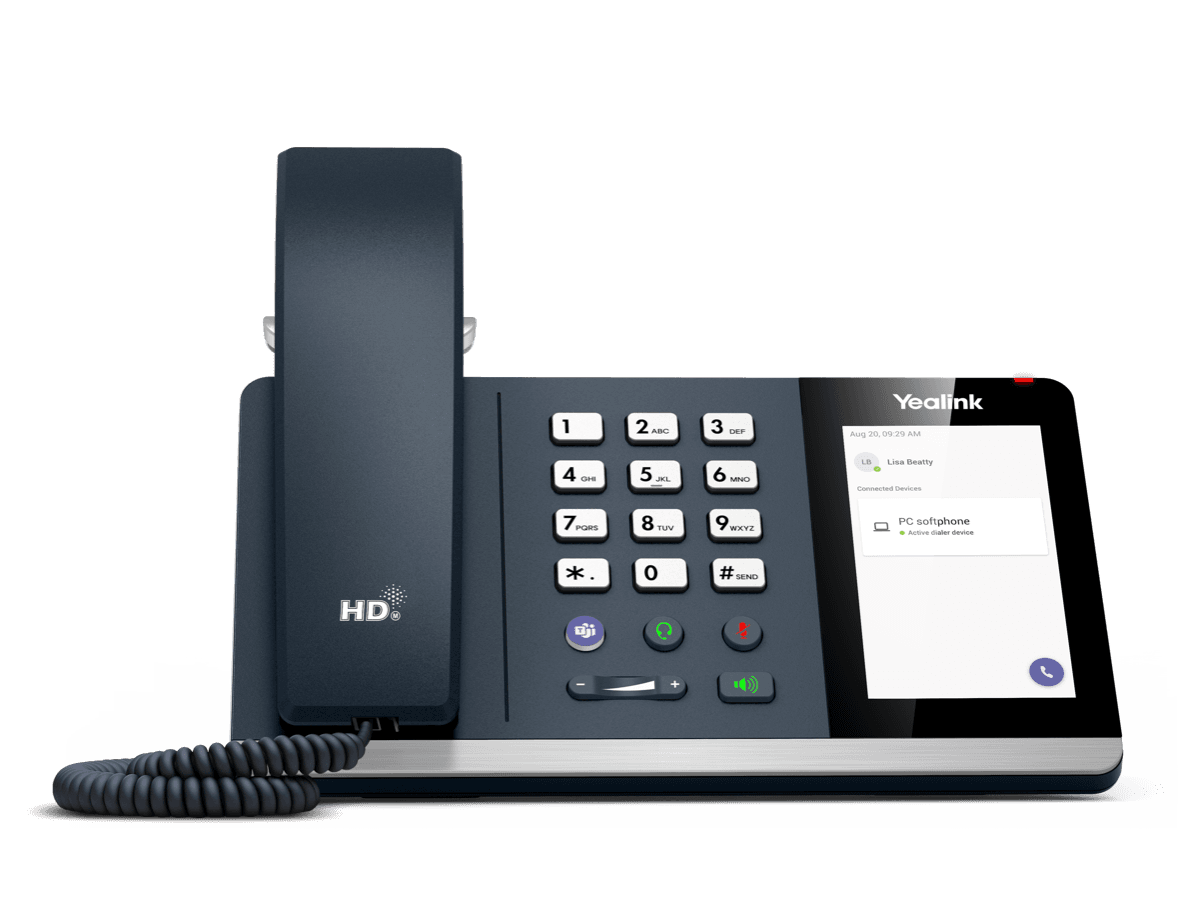
Yealink MP45
USB Phone Compatible with Microsoft® Teams
- Brand
- Yealink
- Series
- MP Series (Teams / Zoom)
- Model
- MP45
- Status
- Current
- Documents
- 8 manuals & files
- Knowledge base
- 2 articles
Overview
About the Yealink MP45
Yealink MP45 USB desktop phone brings new meaning to the USB desktop phone with a 4-inch touch screen, telephone keypad and HD audio. You can connect and power the MP45 USB desktop phone via the USB cable for easy installation and use without carrying additional cables or installing drivers. Connect the phone to any PC running Microsoft Teams and it will instantly be ready to start placing or receiving phone calls. The MP45 USB desktop phone provides convenient buttons for call control, such as a full dial pad, keys for controlling volume, mute, speakerphone, hold, redial, external headset mode and a dedicated Teams button to wake up Microsoft Teams instantly. The MP45 USB desktop phone is especially useful in hot-desking, classroom, and daily office scenarios with plug & play ease of use.
Key Features
4.0 inch (480 x 800) Capacitive Touch Screen
Supports Busylight
Optimal HD Audio
Yealink Noise Proof Technology
Full-duplex Hands-free Speakerphone with AEC
Dedicated Teams Button
Microsoft Teams-tailored User Interface
Teams and Skype for Business Compatible
Plug and Play
As a USB phone, you can simply connect the MP45 to any PC. It will be
Specifications
MP45 technical specifications
- HD voice: HD handset, HD speaker
- Full-duplex hands-free speakerphone with AEC
- Noise Suppression (NS)
- Adaptive Jitter Buffer (AJB)
- Automatic Gain Control(AGC)
- Hearing aid compatible (HAC)
- Operating System: Linux
- Memory: 64MB
- Storage: 128MB
- Display type: 4”480 x 800-pixel capacitive touch screen
- Backlight
- Feature keys: 4 (Teams, headset, mute, speakerphone)
- Volume control keys
- Message Waiting Indicator (MWI)
- Multiple languages
Documents
MP45 manuals & downloads
Datasheets
1User Guides
1Quick Start Guides
1Compatibility
1Firmware
MP45 firmware & release notes
- MP45 167.410.0.15 - Firmware & Release NoteROMReleased Apr 9, 2026Withdrawn by Yealink
Knowledge base
MP45 how-to articles
White Paper1
Related
More in the MP Series (Teams / Zoom)
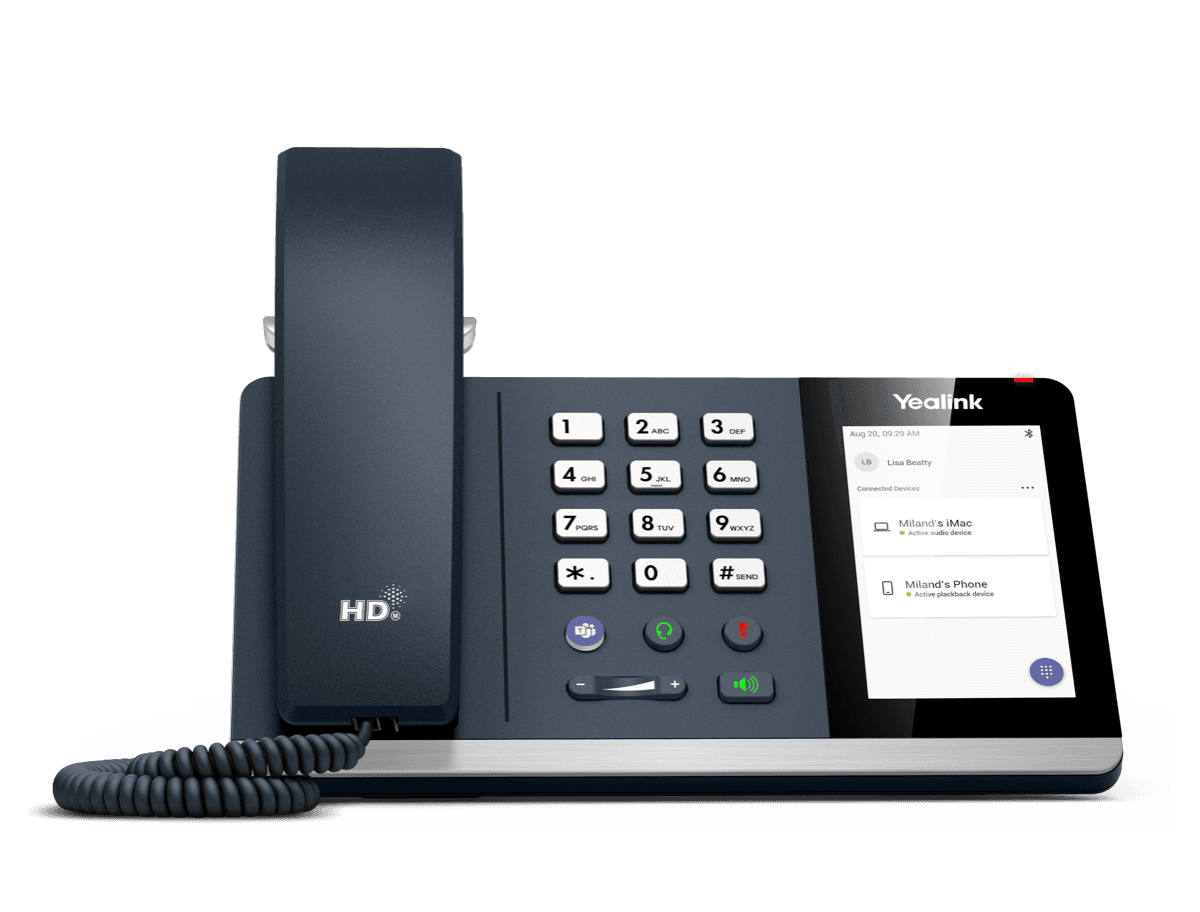
MP50
MP50-Teams Edition Yealink USB Phone Compatible with Microsoft® Teams & UC
Support & downloads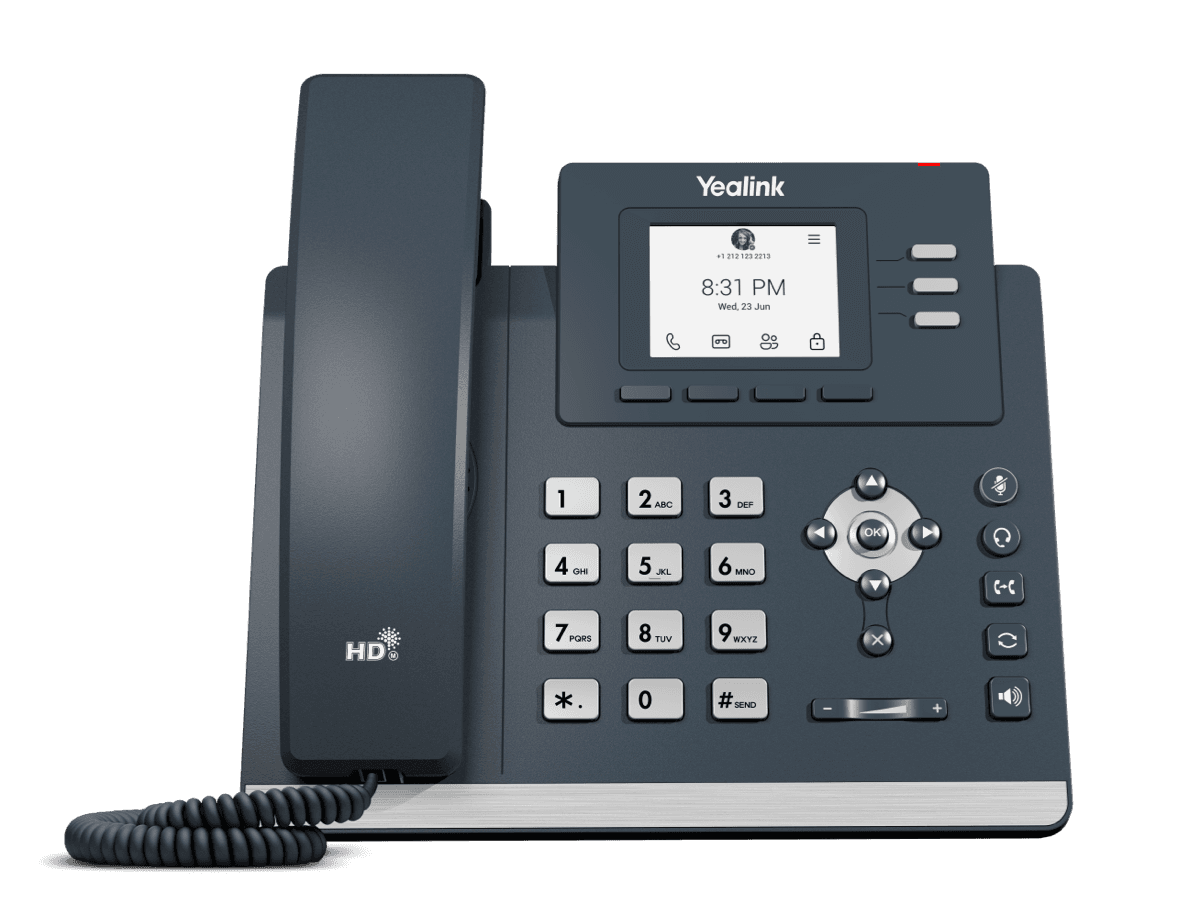
MP52 E2 Teams
Common Area Microsoft Teams Phone
Support & downloads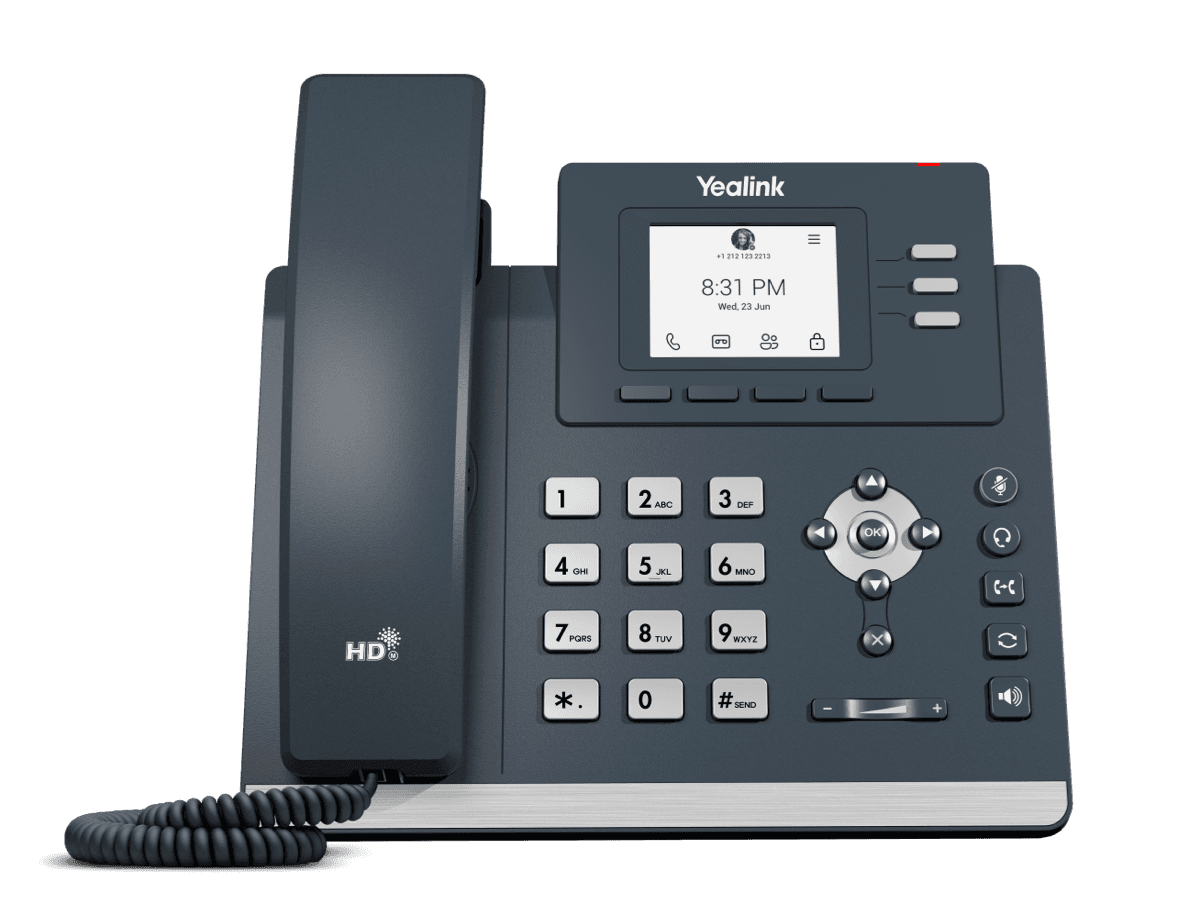
MP52 Teams Audio Phone
Microsoft Phone MP52
Support & downloads
MP54 E2 Teams
Entry-level Microsoft Teams Phone for General Office and Front Desks
Support & downloads
MP54 E2 Zoom
Entry-level Microsoft Teams Phone for General Office and Front Desks
Support & downloads
MP54 Teams Audio Phone
Support & downloads
MP55 E2 Teams
Purpose-Built Phone for Vertical Industries
Support & downloads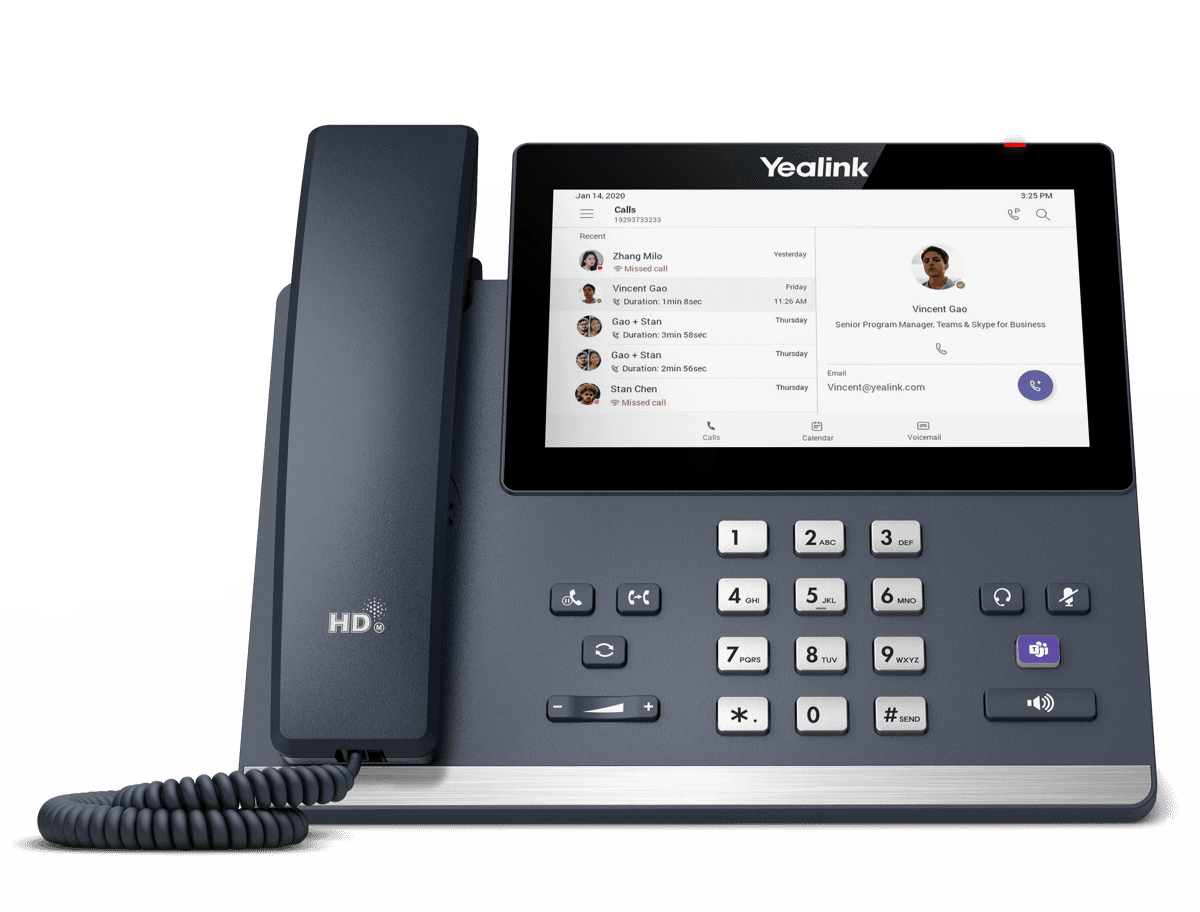
MP56 E2 Teams
Support & downloadsNeed help with your MP45?
The Tech Team™ can provision, update and troubleshoot your Yealink phones, and move your office onto smplVoice cloud voice.
Yealink and Yealink product names are trademarks of Yealink Network Technology Co., Ltd. Product information, images and documents are published by Yealink and provided here for reference by smplVoice. Firmware and documents are Yealink’s original, unmodified files.