

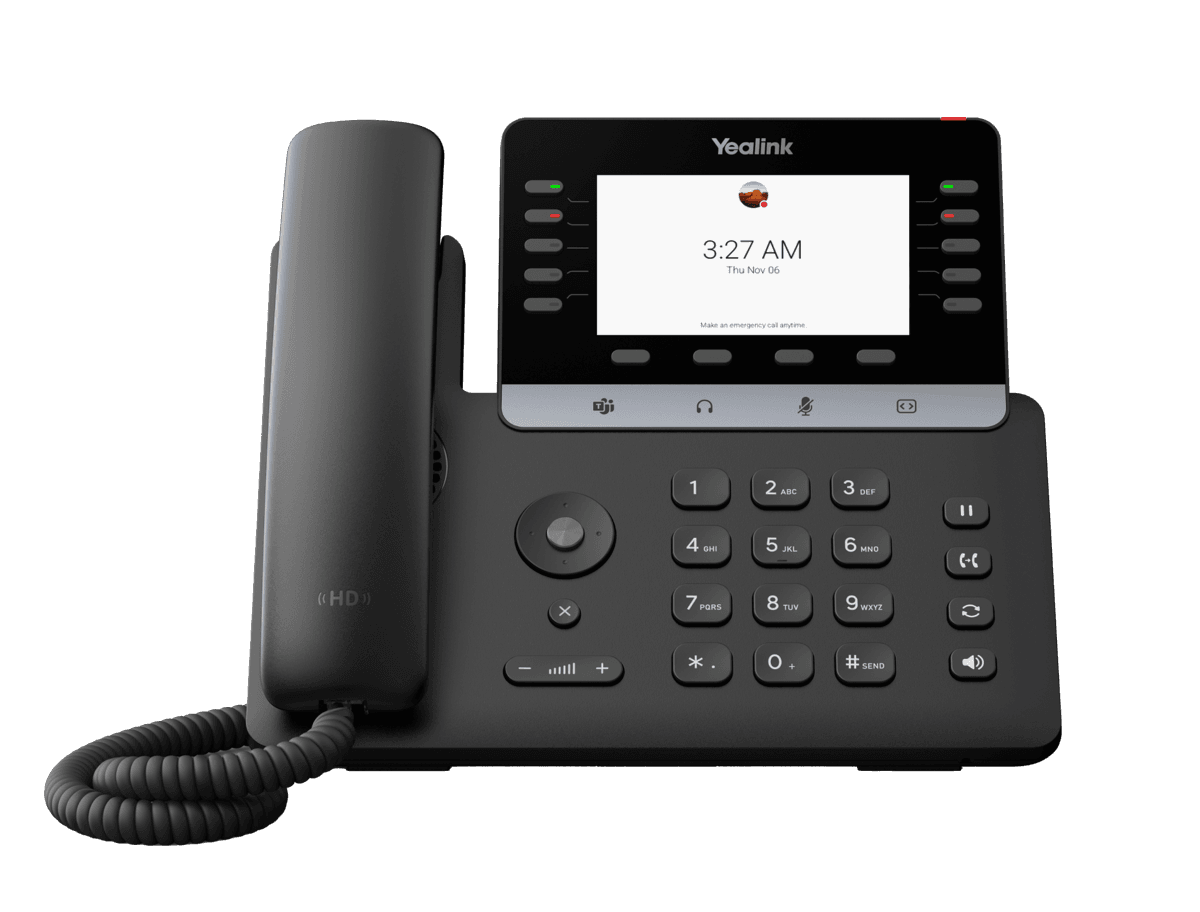
Yealink MP55 E2 Teams
Purpose-Built Phone for Vertical Industries
- Brand
- Yealink
- Series
- MP Series (Teams / Zoom)
- Model
- MP55 E2 Teams
- Status
- Current
- Documents
- 14 manuals & files
- Knowledge base
- 107 articles
Overview
About the Yealink MP55 E2 Teams
Powered by the Microsoft Device Ecosystem Platform (MDEP) and Android 15, the MP55 E2 offers faster response times and enterprise-level security. With a variety of function keys and line keys, the MP55 E2 enables efficient management of high call volumes, making it suitable for call centers, front desks, and common areas. Armed with Yealink's Optima HD Voice and AI Noise cancellation Technology, MP55 E2 presents a standalone voice solution and unparalleled audio clarity. Moreover, MP55 E2 makes collaboration easier than ever thanks to its support for SIP & Teams Hybrid mode, as well as Wi‑Fi, Bluetooth, and USB headsets.
Key Features and Benefits
Excellent Voice Performance
Combining professional-grade hardware with advanced software, the MP55 E2 delivers crystal-clear voice communication. Featuring Yealink Optima HD Voice and Yealink AI Noise Cancellation Technology, along with a full-duplex, hands-free speakerphone with AEC and a HAC handset, the MP55 E2 provides an outstanding audio experience, enabling more efficient, productive calls.
Efficient Call Management
Equipped with multiple function keys and line keys, MP55 E2 enables effici
Specifications
MP55 E2 Teams technical specifications
- Description
- HD voice: HD handset, HD hands-free
- Hearing aid compatible (HAC) handset
- Acoustic Shield
- AI Noise Cancellation
- Audio codec: SILK, G.722, G.722.1, G.722.1C, G.711 (A/μ), G.723, G.726, G.729AB, iLBC, ARES
- Full-duplex hands-free speakerphone with AEC
- VAD, CNG, AEC, PLC, AJB, AGC
Documents
MP55 E2 Teams manuals & downloads
Datasheets
6Quick Start Guides
1Deployment
3Firmware
MP55 E2 Teams firmware & release notes
- MP55 E2 Teams 176.15.0.191 - Firmware & Release NoteLatestROMReleased Feb 12, 2026 Download
- MP5X E2 Teams 176.15.0.194 - Firmware & Release NoteROMReleased May 19, 2026Withdrawn by Yealink
Knowledge base
MP55 E2 Teams how-to articles
Perform Teams Call Operations18
- Answer, End or Reject CallsFeb 3, 2026
- Block Calls with No Caller IDsFeb 3, 2026
- Boss-Admin DelegatesFeb 3, 2026
- Call QueueAug 21, 2026
- DelegatesFeb 3, 2026
Device Customization14
- Acoustic ShieldFeb 3, 2026
- Analog Headset ModeFeb 3, 2026
- BacklightFeb 3, 2026
- BluetoothFeb 3, 2026
- LanguageAug 18, 2026
Troubleshooting10
- Analyze Configuration FilesAug 21, 2026
- Capture PacketsAug 21, 2026
- Configure Local LogsAug 21, 2026
- Configure SyslogAug 21, 2026
- Export All Diagnostic Files for MP Teams PhonesAug 21, 2026
Network Connectivity9
- 802.1x AuthenticationFeb 3, 2026
- Configure Proxy ServerFeb 3, 2026
- DHCP Option for IPv4Feb 3, 2026
- DHCP Option for IPv6Feb 3, 2026
- Internet Port and PC PortFeb 3, 2026
Teams Device Settings8
- Accessibility FeaturesFeb 6, 2026
- Better Together over Bluetooth (BToB)Feb 6, 2026
- Phone LockFeb 6, 2026
- Screen SaversFeb 6, 2026
- Setting RingtonesFeb 6, 2026
Call Features7
- Auto AnwserAug 21, 2026
- Call Park and RetrieveAug 21, 2026
- Prepare Your Teams LicensesAug 21, 2026
- Set Up Auto AttendantsAug 21, 2026
- Set Up Call QueueAug 21, 2026
Accessories6
- Use Bluetooth HeadsetsFeb 3, 2026
- Use CP900&CP700Feb 3, 2026
- Use CPW65 with CP965Feb 3, 2026
- Use USB HeadsetsFeb 3, 2026
- Use UVC30 Room with VP59Feb 3, 2026
Hybrid Mode6
- Configure Account CodecFeb 3, 2026
- Configure Local DirectoryFeb 3, 2026
- Enable and Configure Hybrid ModeFeb 3, 2026
- Hybrid ModeFeb 24, 2026
- OverviewFeb 3, 2026
Security Features5
Device Provisioning4
Manage Devices on Intune or Teams Admin Center4
Contacts and Favorites3
Related
More in the MP Series (Teams / Zoom)
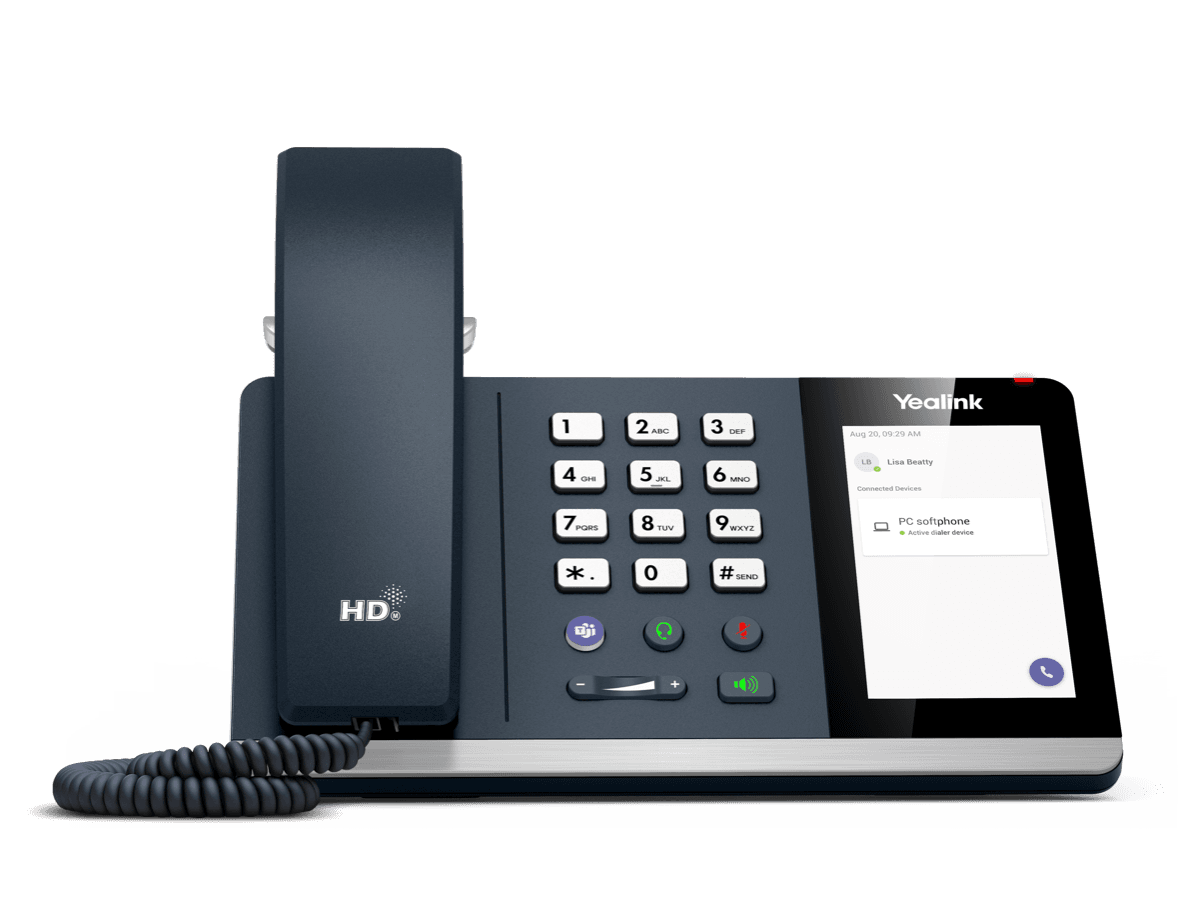
MP45
USB Phone Compatible with Microsoft® Teams
Support & downloads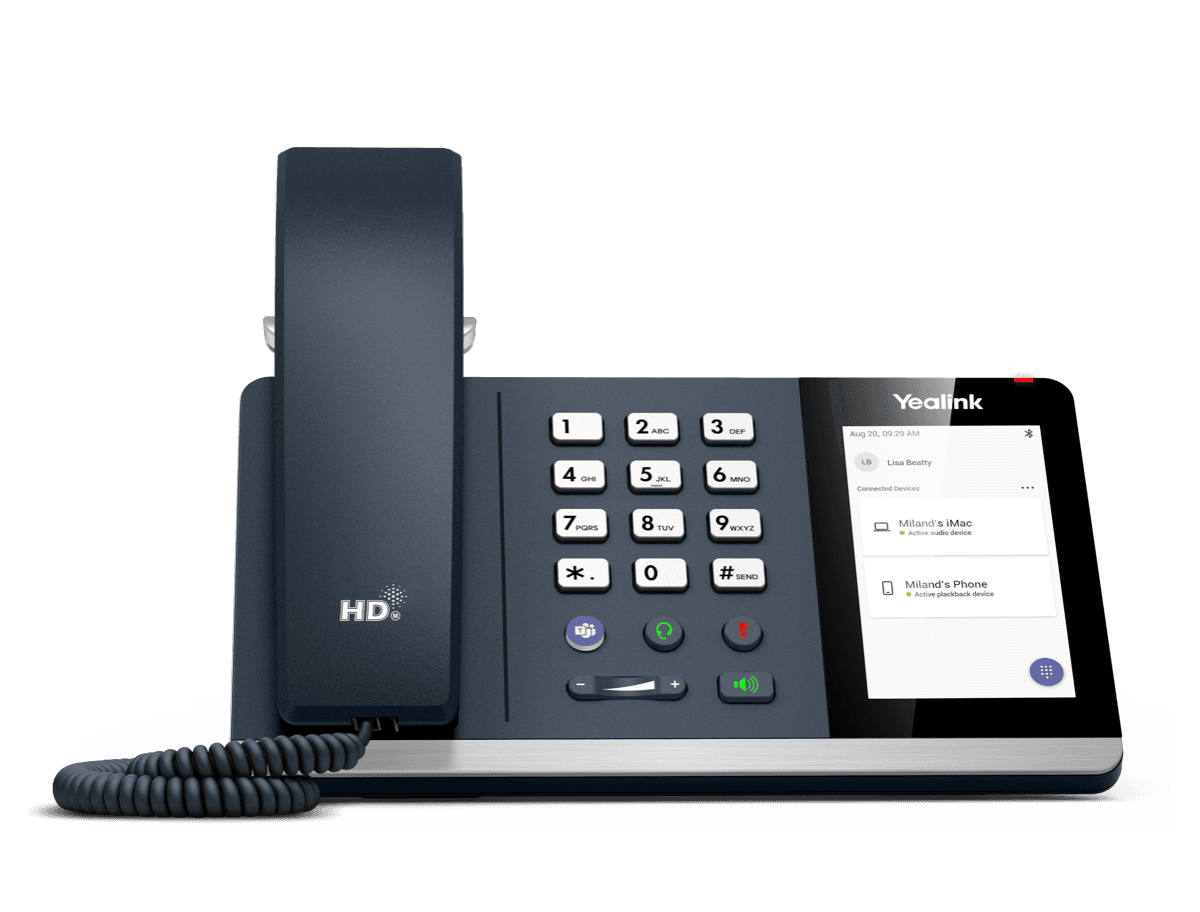
MP50
MP50-Teams Edition Yealink USB Phone Compatible with Microsoft® Teams & UC
Support & downloads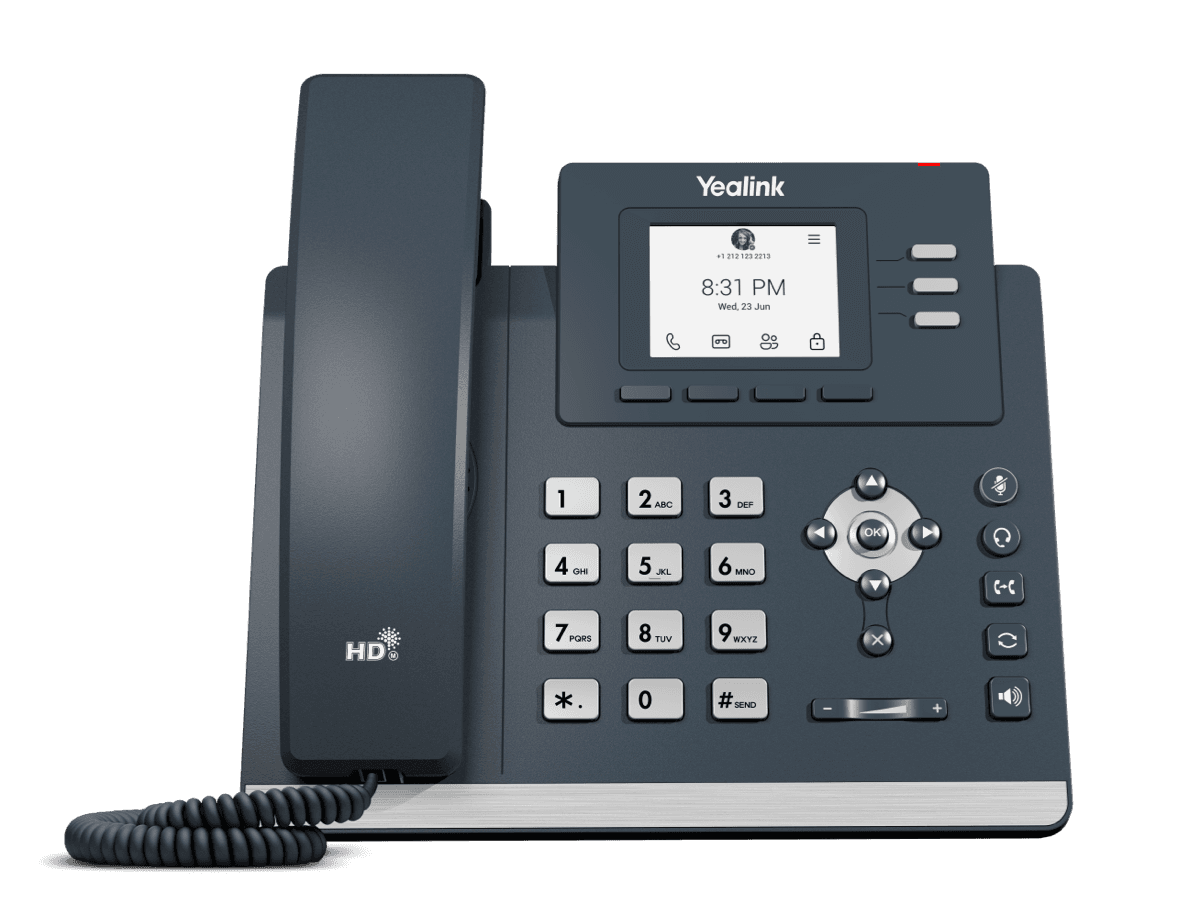
MP52 E2 Teams
Common Area Microsoft Teams Phone
Support & downloads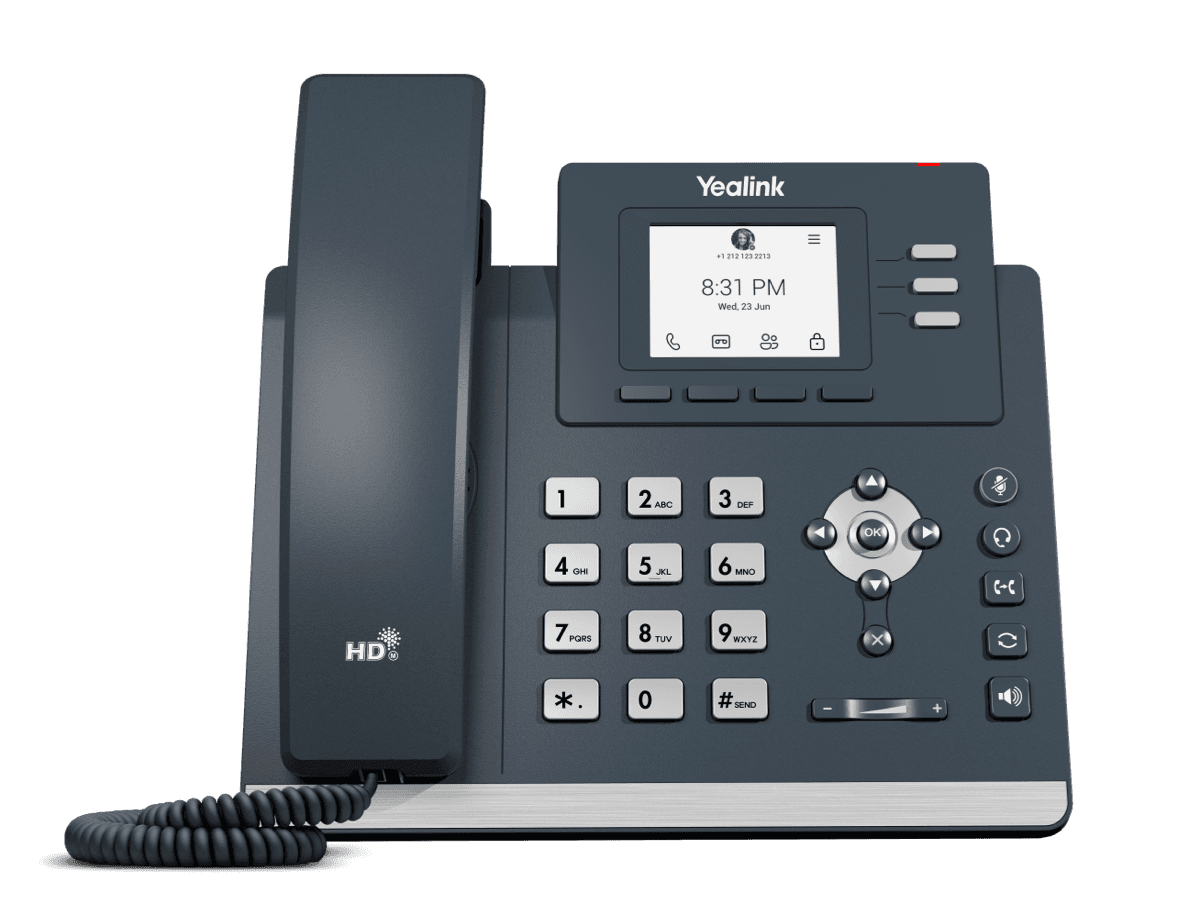
MP52 Teams Audio Phone
Microsoft Phone MP52
Support & downloads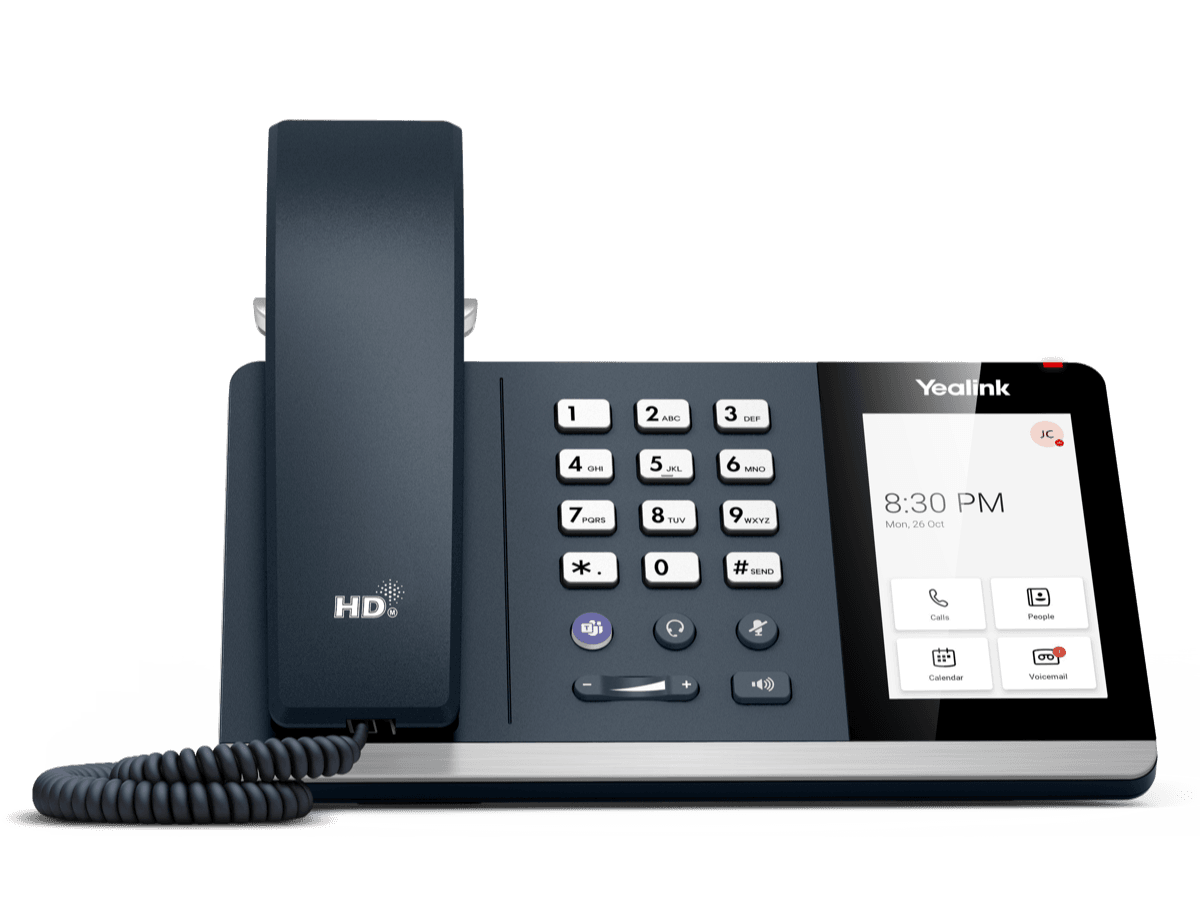
MP54 E2 Teams
Entry-level Microsoft Teams Phone for General Office and Front Desks
Support & downloads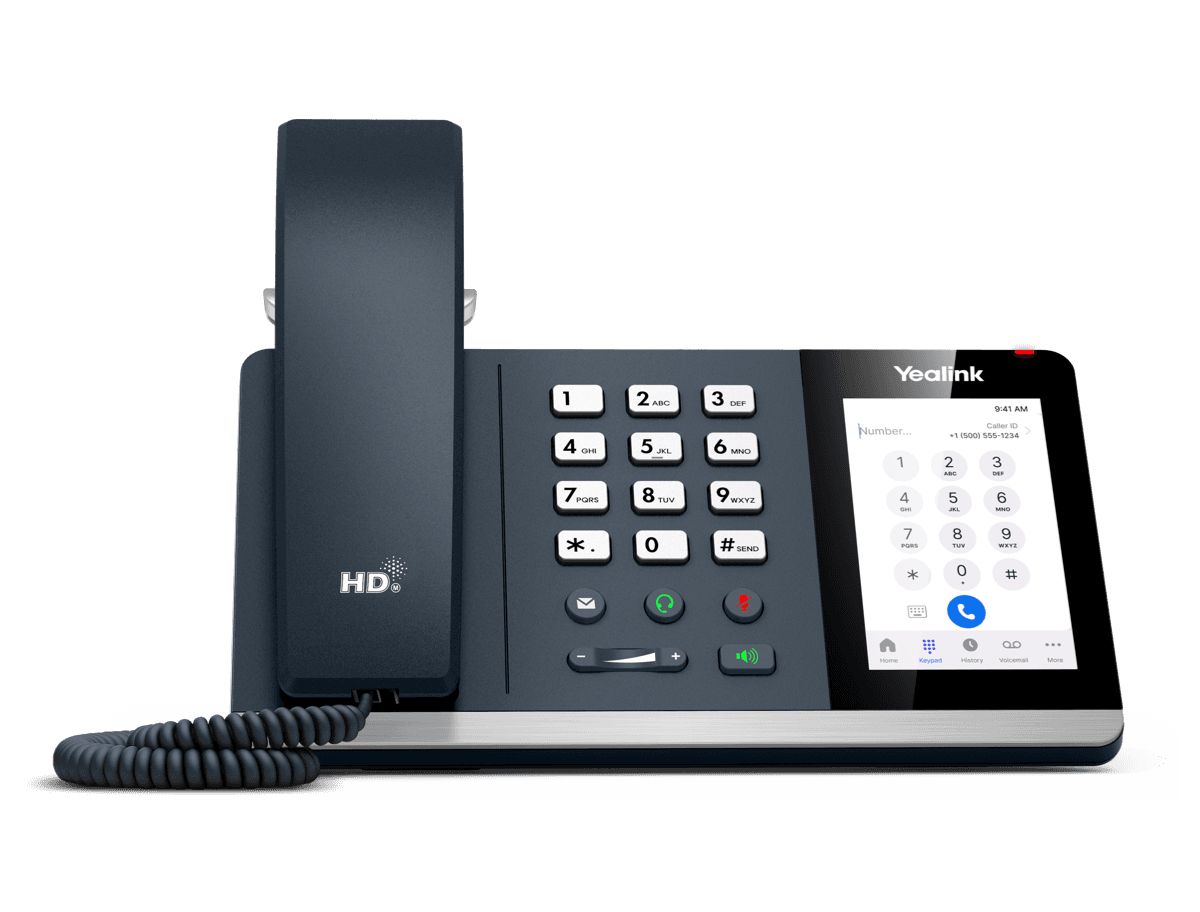
MP54 E2 Zoom
Entry-level Microsoft Teams Phone for General Office and Front Desks
Support & downloads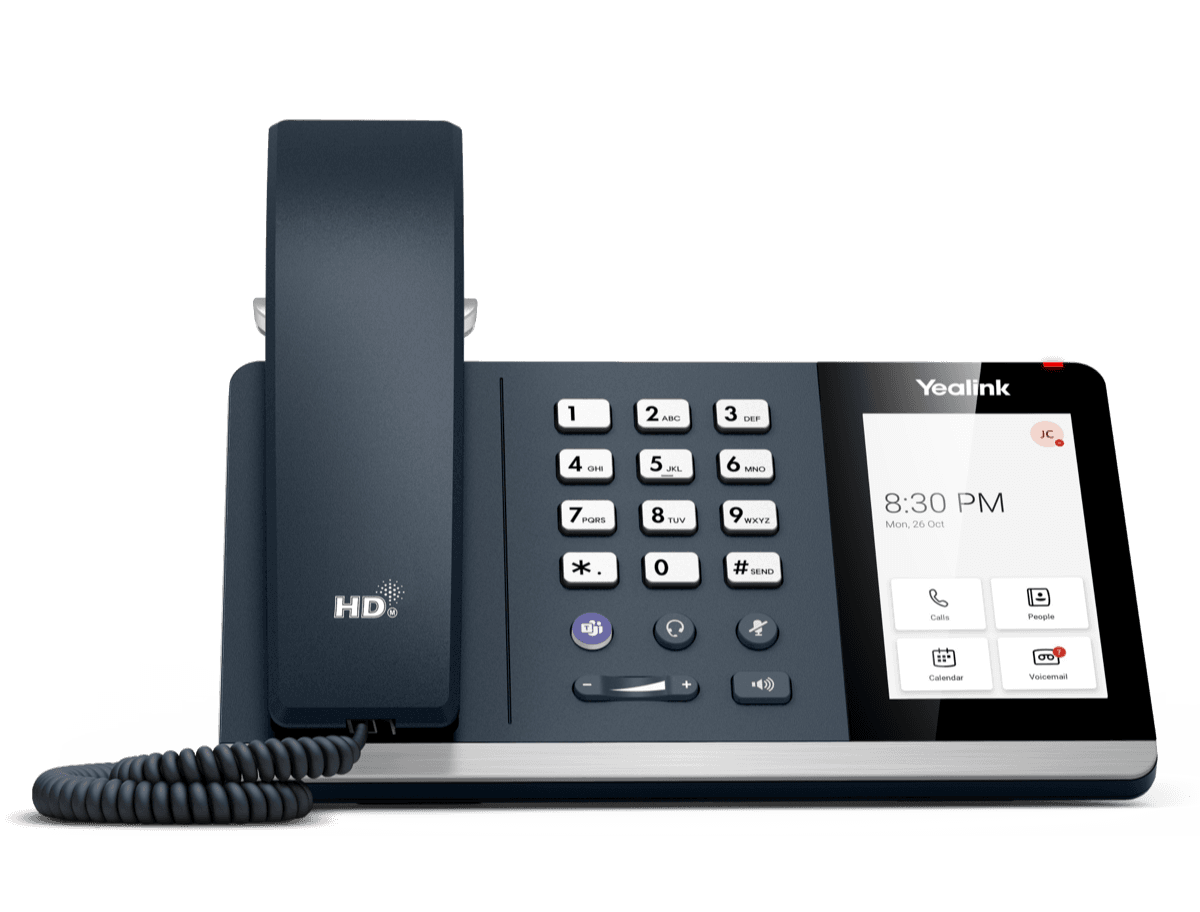
MP54 Teams Audio Phone
Support & downloads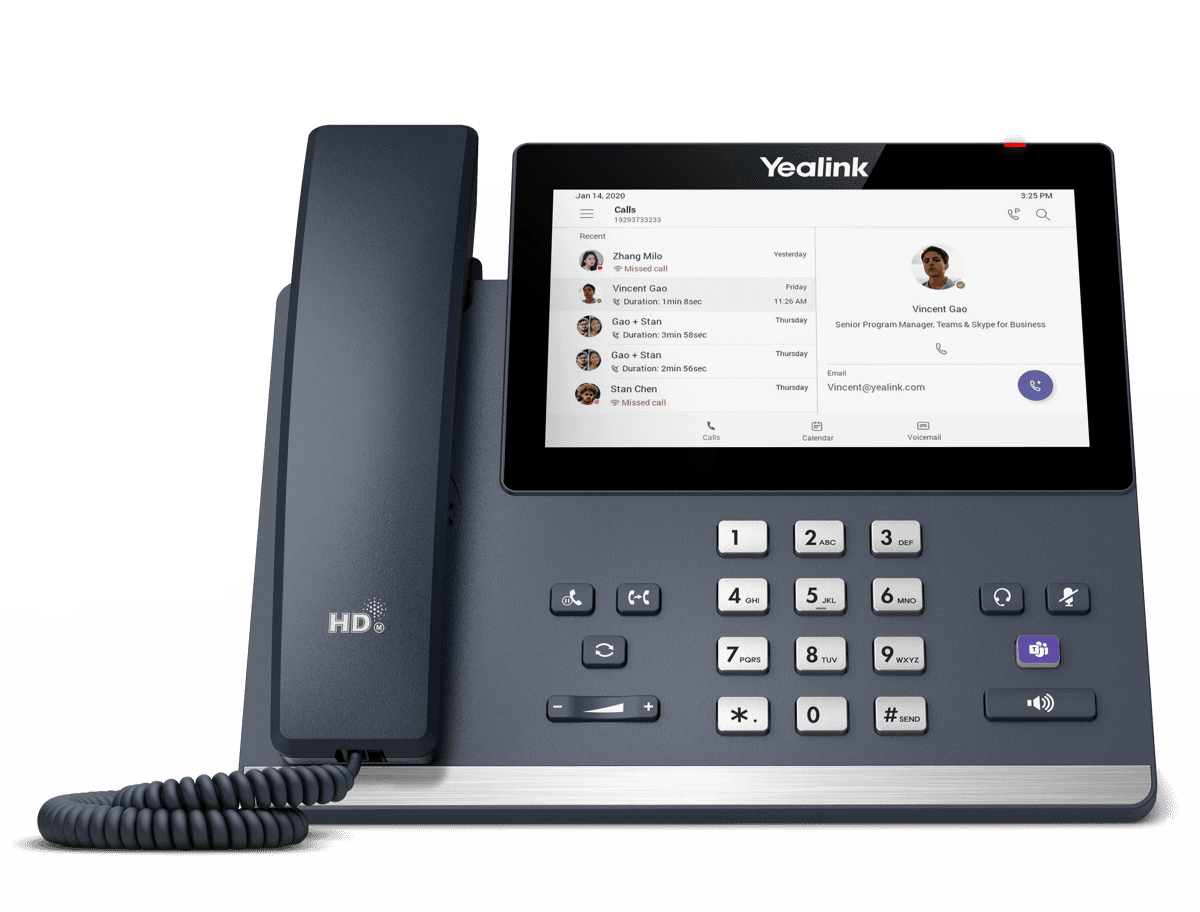
MP56 E2 Teams
Support & downloadsNeed help with your MP55 E2 Teams?
The Tech Team™ can provision, update and troubleshoot your Yealink phones, and move your office onto smplVoice cloud voice.
Yealink and Yealink product names are trademarks of Yealink Network Technology Co., Ltd. Product information, images and documents are published by Yealink and provided here for reference by smplVoice. Firmware and documents are Yealink’s original, unmodified files.