

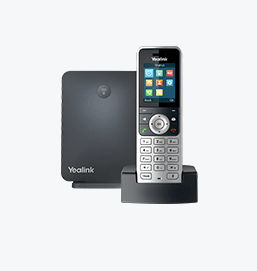
Yealink W53H
Entry-mid level handset
End of Sale. See the EOL notice and replacement options- Brand
- Yealink
- Series
- W Series (DECT)
- Model
- W53H
- Status
- End of Sale
- Documents
- 29 manuals & files
- Knowledge base
- 1 articles
End of Sale · still supported
We still support the Yealink W53H
Yealink has stopped selling the W53H, but plenty are still in use. The Tech Team™ keeps them working, and helps you move on only when it makes sense.
Setup & provisioning
Add, reset or re-provision W53H phones on your system, including new accounts and line keys.
Firmware & security
Install the last firmware Yealink released for the W53H and lock down its settings.
Latest firmwareTroubleshooting
Registration failures, one-way audio, dropped calls, boot loops and factory resets.
Replace when you're ready
Matched to a current Yealink model and set up with your extensions and buttons.
Replacement optionsOverview
About the Yealink W53H
and Yealink in its sole discretion will determine what fixes, if any, will be provided.
3) Yealink will not offer any New Features/Enhancements support after End-of-Life (EOL).
Gallery
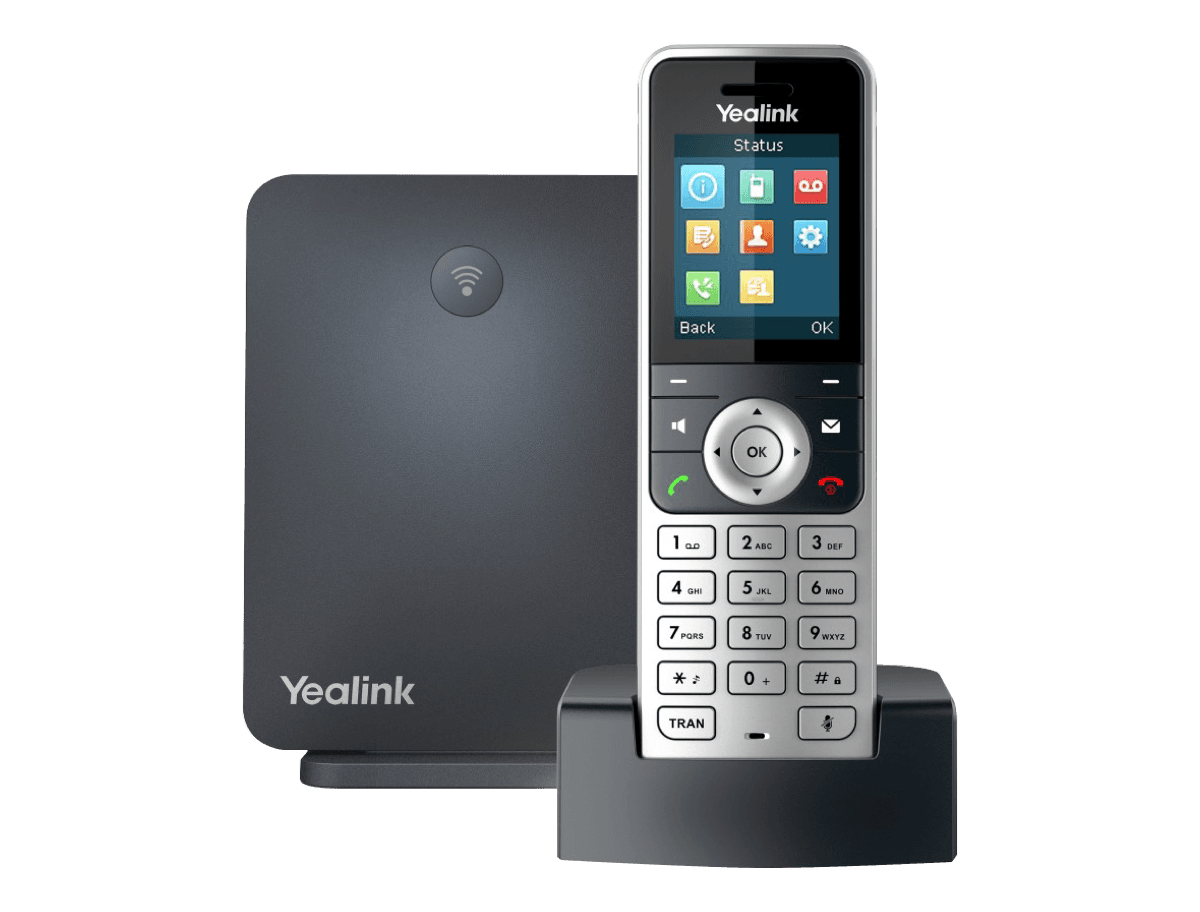
W53H product photos
Documents
W53H manuals & downloads
Datasheets
5Deployment
2Other Downloads
12- Yealink Regulatory Notice V1.2PDFJun 29, 2026
- CE-W53PPDFJan 29, 2026
- Calling and Connected Line Identification Presentation on Yealink IP PhonesPDFJan 29, 2026
- LDAP Directory on Yealink IP PhonesPDFJan 29, 2026
- Language Packs for W53PZIPJan 29, 2026
- OpenVPN Feature on Yealink IP PhonesPDFJan 29, 2026
Show 6 more other downloadsShow fewer
- Server Redundancy on Yealink IP PhonesPDFJan 29, 2026
- Using Security Certificates on Yealink IP PhonesPDFJan 29, 2026
- VLAN Feature on Yealink IP PhonesPDFJan 29, 2026
- Yealink 802.1X AuthenticationPDFJan 29, 2026
- Yealink SIP IP Phones Configuration Guide for User Access LevelZIPJan 29, 2026
- Yealink W53P AutoProvisioning Template V85.20ZIPJan 29, 2026
Firmware
W53H firmware & release notes
- W53H 88.85.0.20 - Firmware & Release NoteROMReleased Oct 15, 2025Withdrawn by Yealink
- T41S(T42S) DDPhone 66.84.0.115 - Firmware & Release NoteROMReleased Oct 15, 2025Withdrawn by Yealink
- CP925 148.87.0.15 - Firmware & Release NoteROMReleased Oct 15, 2025Withdrawn by Yealink
- Yealink DECT IP Phone Release Notes of Version 85PDFReleased Oct 15, 2025Withdrawn by Yealink
- W60B 77.85.0.160 - Firmware & Release NoteROMReleased Oct 15, 2025Withdrawn by Yealink
- W60B 77.85.0.20 - Firmware & Release NoteROMReleased Oct 15, 2025Withdrawn by Yealink
- Yealink DECT IP Phone Release Notes of Version 85PDFReleased Oct 15, 2025Withdrawn by Yealink
- W60B 77.85.0.25 - Firmware & Release NoteROMReleased Oct 15, 2025Withdrawn by Yealink
Knowledge base
W53H how-to articles
Related
More in the W Series (DECT)
W56H
Mid-level premium handset
Support & downloads
W57R
Classic Ruggedized Handset
Support & downloads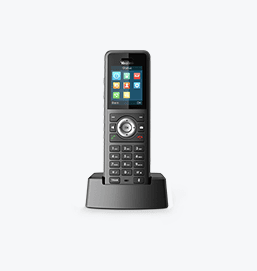
W59R
High-level premium handset
Support & downloads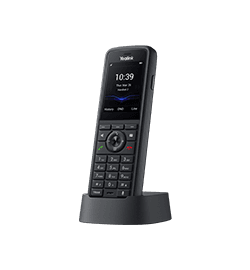
W59R Pro
Yealink W59R Pro DECT Handset
Support & downloads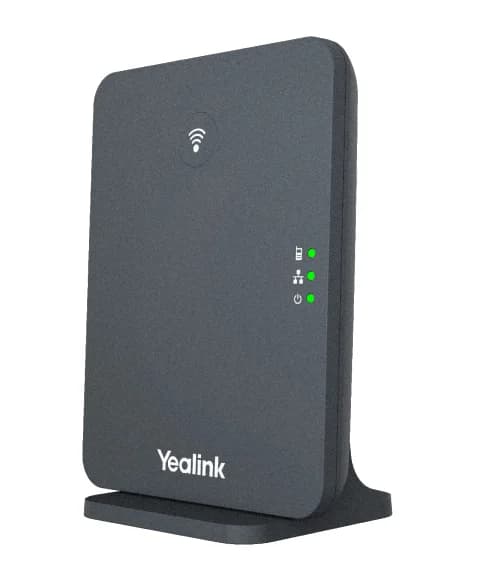
W70B
High-Performance IP Base Station For Small-Medium Businesses
Support & downloads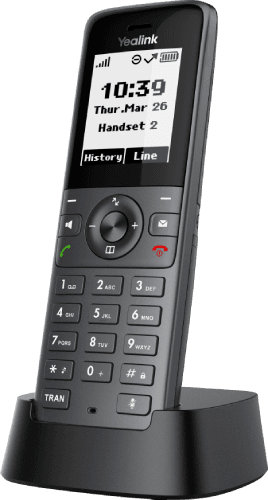
W71H
Basic DECT Handset
Support & downloads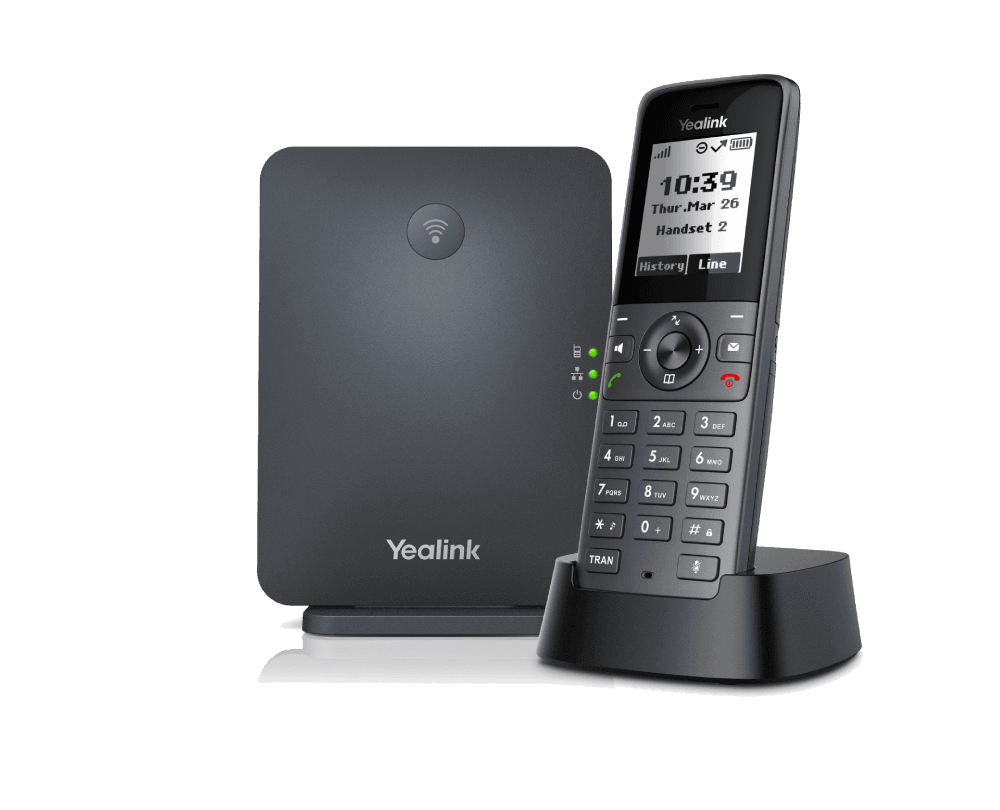
W71P
Basic DECT IP Phone System
Support & downloads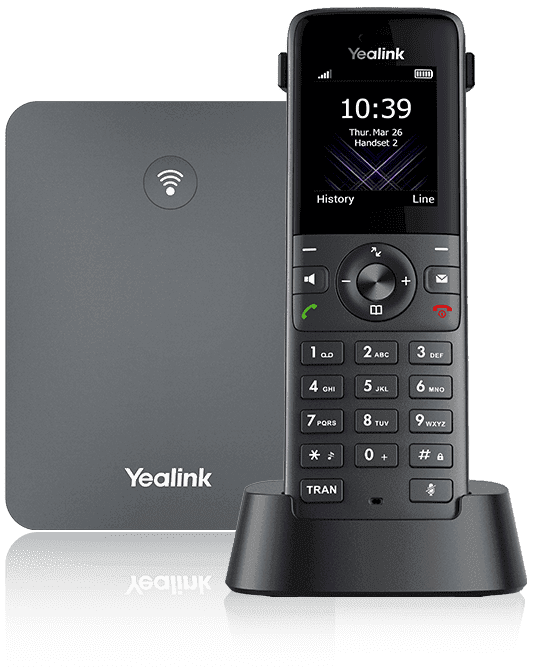
W73H
Basic DECT Handset
Support & downloadsNeed help with your W53H?
The Tech Team™ can provision, update and troubleshoot your Yealink phones, and move your office onto smplVoice cloud voice.
Yealink and Yealink product names are trademarks of Yealink Network Technology Co., Ltd. Product information, images and documents are published by Yealink (source) and provided here for reference by smplVoice. Firmware and documents are Yealink’s original, unmodified files.