

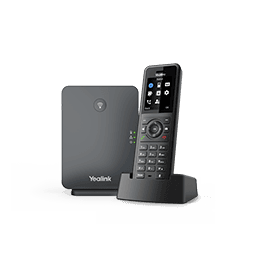
Yealink W77P
Professional Ruggedized DECT IP Phone System
- Brand
- Yealink
- Series
- W Series (DECT)
- Model
- W77P
- Status
- Current
- Documents
- 26 manuals & files
- Knowledge base
- 227 articles
Overview
About the Yealink W77P
With over 20 years of experience in audio technology, Yealink applied a combinationof state-of-the-art technologies to the W57R to provide users with crystal-clear calls.Even in complex or wireless interference-filled environments, the W57R could delivera stable and high-quality audio experience that fits perfectly into everyday work.
The Yealink W57R is a professional rugged DECT phone built to endureeven in challenging work environments.-It can withstand a 3.5m drop without being damaged, and its durablerubber surface prevents slips, scratches, and everyday wear and tear.-There is also no need to worry about the Oops moments in daily life, asthe W57R resists spills and splashes of liquids like coffee, soda, and juice.-Protection rating of 54 (IP54), dust doesn't stand a chance, either.
Yealink W57R can support you all the time, even on long workdays, as it features up to 40 hours of talk time and 575 hours of standby time. You can do more on a single charge!
Specifications
W77P technical specifications
- Up to 20 simultaneous calls
- Up to 10 handsets
- Up to 10 SIP accounts
- Up to 2 simultaneous calls per handset
- Up to 6 repeaters per base station (RT30)
- Vibration alarm
- Alarm functions: push-button
- Handset selection for receiving a call
- Handset and number selection for placing a call
- Paging, intercom, auto answer, dial plan
- Call hold, call transfer, 3-way conference
- Switching between calls
- Call waiting, mute, silence, DND
- Caller ID with name and number
- Anonymous call/Anonymous call rejection
- Call forward: Always/Busy/No Answer
- Speed dial/Voice mail/Redial
- Message Waiting Indication (MWI)
- Music on hold (server-based)
- Local phonebook for up to 1000 entries (stored in the base)
- Remote phonebook/LDAP/XML phonebook
- Phonebook search/import/export
- 100 call history per handset: All/Placed/Missed/Received
- Direct IP call without SIP proxy
- Reset to factory, reboot
- Keypad lock, emergency call
- BroadSoft directory, BroadSoft call log
- Broadworks feature key synchronization
- Shared Call Appearance (SCA)
- XML browser
- Action URI
- 9 ringer melodies
- Screen saver
- Multilingual user interface
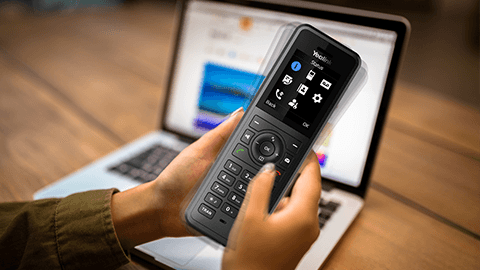
Gallery
W77P product photos




Documents
W77P manuals & downloads
Datasheets
14- Yealink W57R Datasheet (JP)May 29, 2026
- Yealink W57R Datasheet (IT)May 29, 2026
- Yealink W57R Datasheet (ES)May 29, 2026
- Yealink W57R Datasheet (FR)May 29, 2026
- Yealink W57R Datasheet (DE)May 29, 2026
- Yealink W77P Datasheet (DE)May 29, 2026
Show 8 more datasheetsShow fewer
- Yealink W77P Datasheet (FR)May 29, 2026
- Yealink W77P Datasheet (ES)May 29, 2026
- Yealink W77P Datasheet (IT)May 29, 2026
- Yealink W77P Datasheet (JP)May 29, 2026
- Yealink W77P DatasheetMay 29, 2026
- Yealink W57R DatasheetMay 29, 2026
- Handset Battery InformationMar 9, 2026
- Handset Packages Comparison ListDec 30, 2025
Quick Start Guides
1Compatibility
2Other Downloads
6- Yealink Regulatory Notice V1.2PDFJun 29, 2026
- How to Use Speed Dial on Yealink W70B V1.0MP4Aug 15, 2025
- How to Use Shared Line on Yealink W70B V1.0MP4Aug 15, 2025
- How to Use Push-to-Talk on Yealink W70B V1.0MP4Aug 15, 2025
- How to Use Auto Answer on Yealink W70B V1.0MP4Aug 15, 2025
- How to Register Headset to Yealink W70B V1.0MP4Aug 15, 2025
Firmware
W77P firmware & release notes
- W57R 118.88.0.15 - Firmware & Release NoteLatestROMReleased Aug 14, 2026 Download
- W70B 146.88.0.10- Firmware & Release NoteROMReleased Aug 14, 2026 Download
- W57R 118.87.0.5 - Firmware & Release NoteROMReleased Oct 15, 2025Withdrawn by Yealink
Knowledge base
W77P how-to articles
Call Features42
- Action URIJan 13, 2026
- Action URLJan 13, 2026
- Anonymous CallJan 13, 2026
- Anonymous Call RejectionJan 13, 2026
- Answer CallsJan 13, 2026
Customize Your Phone20
- AccessibilityJul 1, 2026
- Change the Base PINJan 13, 2026
- Change the BrightnessJan 13, 2026
- Change the LanguageJul 1, 2026
- Change the WallpaperJan 13, 2026
Handset Customization20
- Advisory ToneJul 1, 2026
- BluetoothJan 13, 2026
- Call DisplayJan 13, 2026
- Display Method on DialingJan 13, 2026
- DSS KeysJan 13, 2026
Auto Provisioning Guide14
- Appendix-Configure an FTP ServerJan 13, 2026
- Appendix-Configure HTTPS ServerJan 13, 2026
- Configure a Provisioning ServerJul 2, 2026
- Download and Verify ConfigurationsJul 2, 2026
- Get StartedJan 13, 2026
Security Features14
- AML-LocationJul 6, 2026
- AML-MessagingAug 4, 2026
- AML-Report to the ServerJul 1, 2026
- Auto Logout TimeJan 13, 2026
- Base PINJan 13, 2026
Audio Features12
- Acoustic Clarity TechnologyJul 1, 2026
- Alert ToneJan 13, 2026
- Audio CodecsJul 22, 2026
- Audio VolumeJan 13, 2026
- Distinctive Ring TonesJul 1, 2026
Network Configurations12
- 802.1x AuthenticationJul 1, 2026
- DHCP Option for IPv4Jul 1, 2026
- DHCP Option for IPv6Jan 13, 2026
- How to Access the Web User InterfaceJan 13, 2026
- IPv4 and IPv6 Network SettingsJul 1, 2026
General Features11
- 100 Reliable RetransmissionJul 1, 2026
- Accept SIP Trust Server OnlyJan 13, 2026
- Busy Tone DelayJan 13, 2026
- Line Identification PresentationJul 1, 2026
- Low Power ModeJan 13, 2026
Troubleshooting Methods10
- All Base DiagnosticsJan 13, 2026
- Analyze Configuration FilesJan 13, 2026
- DECT Phone Problem Feedback GuidebookJan 13, 2026
- Device StatusJan 13, 2026
- Export All the Diagnostic FilesJan 13, 2026
Directory and Call Log9
- Call LogJul 1, 2026
- Directory Search SettingsJan 13, 2026
- Directory Source PriorityJul 1, 2026
- Lightweight Directory Access Protocol (LDAP)Jan 13, 2026
- Local DirectoryJan 13, 2026
Related
More in the W Series (DECT)
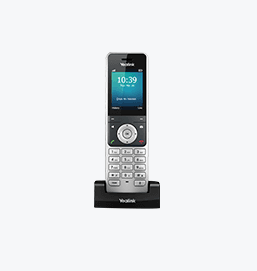
W56H
Mid-level premium handset
Support & downloads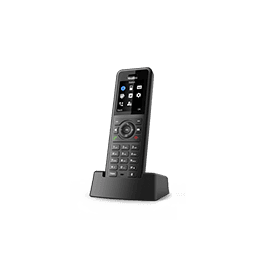
W57R
Classic Ruggedized Handset
Support & downloads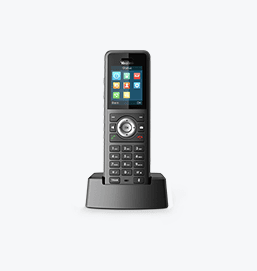
W59R
High-level premium handset
Support & downloads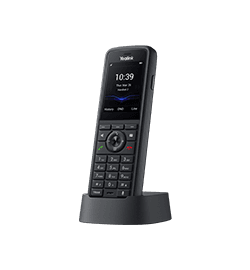
W59R Pro
Yealink W59R Pro DECT Handset
Support & downloads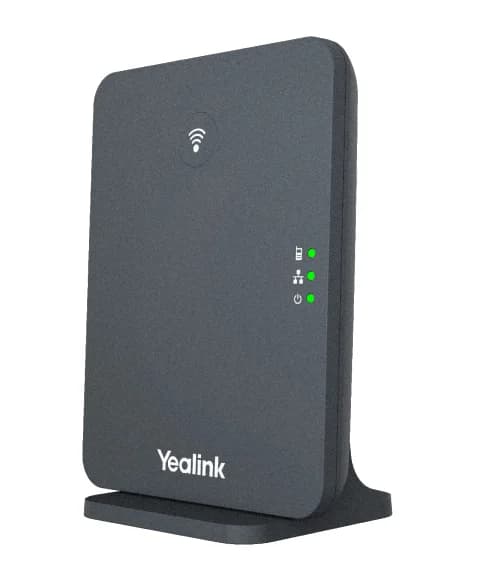
W70B
High-Performance IP Base Station For Small-Medium Businesses
Support & downloads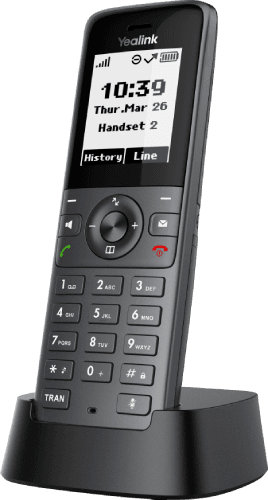
W71H
Basic DECT Handset
Support & downloads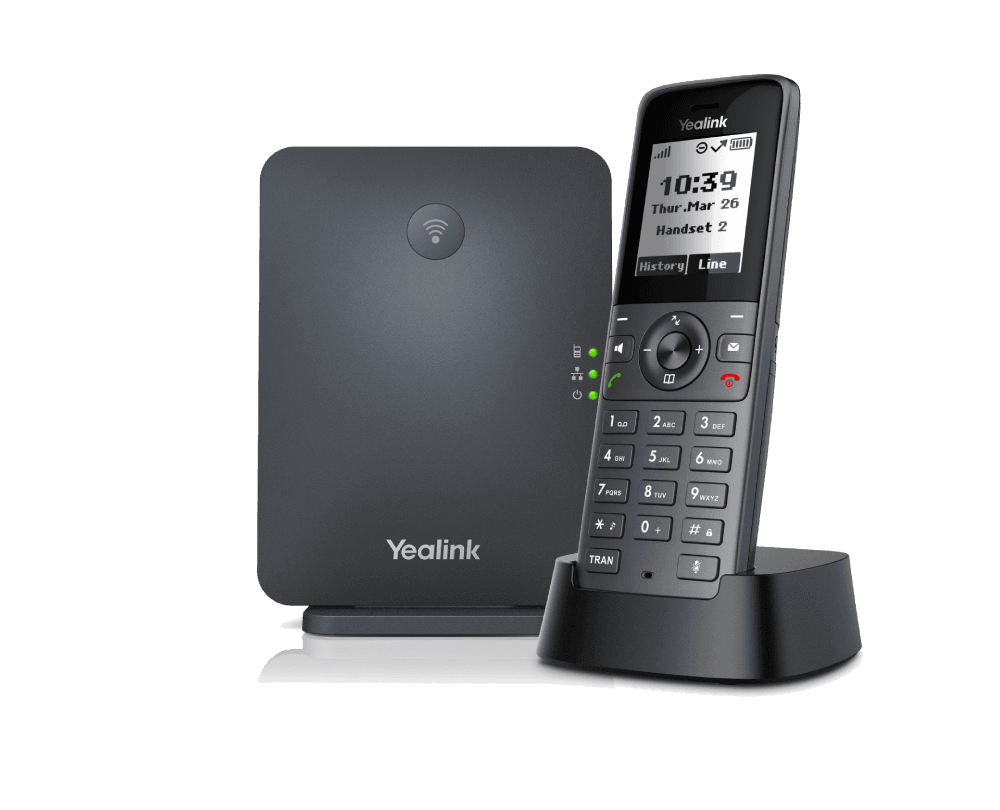
W71P
Basic DECT IP Phone System
Support & downloads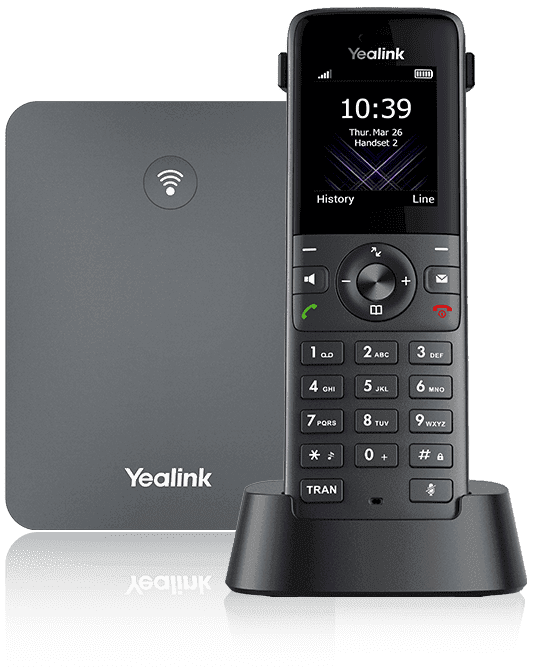
W73H
Basic DECT Handset
Support & downloadsNeed help with your W77P?
The Tech Team™ can provision, update and troubleshoot your Yealink phones, and move your office onto smplVoice cloud voice.
Yealink and Yealink product names are trademarks of Yealink Network Technology Co., Ltd. Product information, images and documents are published by Yealink (source) and provided here for reference by smplVoice. Firmware and documents are Yealink’s original, unmodified files.