

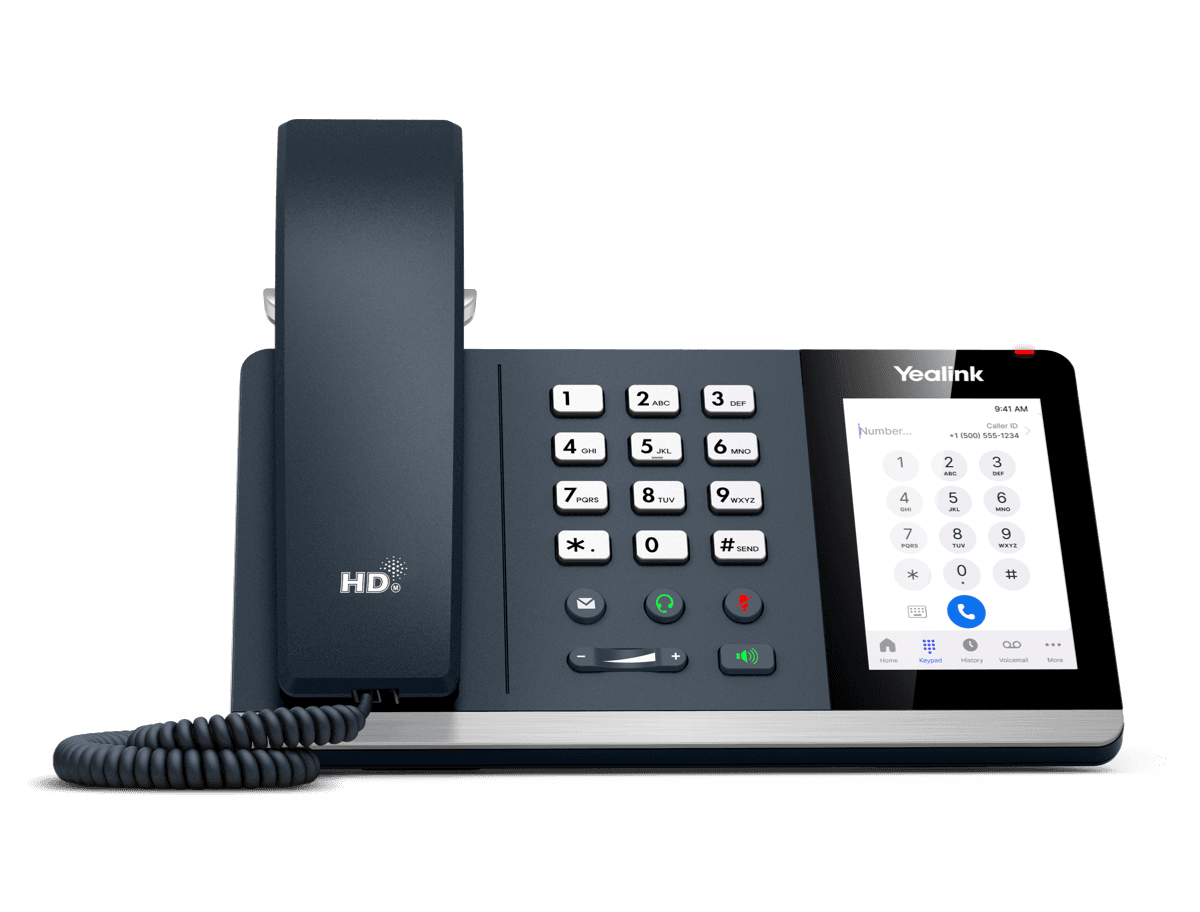
Yealink MP54 Zoom
End of Life. See the EOL notice and replacement options- Brand
- Yealink
- Series
- MP Series (Teams / Zoom)
- Model
- MP54 Zoom
- Status
- End of Life
- Documents
- 11 manuals & files
- Knowledge base
- 62 articles
End of Life · still supported
We still support the Yealink MP54 Zoom
Yealink has stopped supporting the MP54 Zoom, but plenty are still in use. The Tech Team™ keeps them working, and helps you move on only when it makes sense.
Setup & provisioning
Add, reset or re-provision MP54 Zoom phones on your system, including new accounts and line keys.
Firmware & security
Install the last firmware Yealink released for the MP54 Zoom and lock down its settings.
Latest firmwareTroubleshooting
Registration failures, one-way audio, dropped calls, boot loops and factory resets.
Replace when you're ready
Matched to a current Yealink model and set up with your extensions and buttons.
Replacement optionsOverview
About the Yealink MP54 Zoom
Based on Android 9 OS, MP54 is a Zoom-tailored IP phone with a 4-inch capacitive touch screen, which offers a faster response speed and a dedicated Zoom button. It facilitates high-quality collaboration with flexibility thanks to Yealink Optima HD voice, magnet handset, and Bluetooth connectivity to Bluetooth headsets. This easy-to-use and reliable option is ideal for office workers. Moreover, MP54 gives you a rich expansion of features thanks to its Wi-Fi, Bluetooth, and a USB port for a headset.
Key Features and Benefits
Android 9.0
Zoom User Interface
4 inch (800 x 480) Capacitive Touch Screen
Magnet Handset
Optimal HD audio, Yealink Noise Proof Technology
Full-duplex hands-free speakerphone with AEC
Bluetooth Headset via BT41
Wi-Fi via WF50
USB 2.0 port, supports USB Headset
Dual-port Gigabit Ethernet, supports PoE
Wall mountable
Support Yealink/Zoom Device Management Platform
Simple User Interface, Optimal User Experience
MP54 is a Zoom-tailored IP phone with a 4-inch capacitive touch screen, offering a faster response speed, dedicated Zoom buttons, and easy-to-use interface. It facilitates high-quality collaboration with flexibility, thanks to the one-click to join feature an
Specifications
MP54 Zoom technical specifications
- HD voice: HD handset, HD speaker Hearing aid compatible (HAC) handset, magnet handset Yealink Noise Proof Technology Full-duplex hands-free speakerphone with AEC Audio codec: G.722, G.722.1, G.722.1C, G.711 (A/μ), G.723, G.726, G.729AB, ILBC VAD, CNG, AEC, PLC, AJB, AGC
- Incoming/Outgoing P2P call Cloud PSTN call Call hold/Call mute/Call transfer/Call forward Synchronized call logs Visual voicemail
Documents
MP54 Zoom manuals & downloads
Datasheets
5Quick Start Guides
1Deployment
2Other Downloads
1Firmware
MP54 Zoom firmware & release notes
- MP54 Zoom 122.30.0.50 - Firmware & Release NoteLatestROMReleased Nov 6, 2025 Download
- MP54 Zoom 122.30.0.45 - Firmware & Release NoteROMReleased Nov 5, 2025Withdrawn by Yealink
Knowledge base
MP54 Zoom how-to articles
Device Customization12
- Acoustic ShieldNov 4, 2025
- Analog Headset ModeNov 4, 2025
- BacklightNov 4, 2025
- BluetoothNov 4, 2025
- LanguageDec 27, 2025
Network Connectivity9
- 802.1x AuthenticationOct 21, 2025
- Configure Proxy ServerDec 27, 2025
- Configure VPNNov 4, 2025
- DHCP Option for IPv4Dec 27, 2025
- DHCP Option for IPv6Oct 21, 2025
Troubleshooting9
- Capture PacketsNov 4, 2025
- Configure Local LogsNov 4, 2025
- Configure SyslogNov 4, 2025
- Export All Diagnostic Files for Zoom PhonesNov 4, 2025
- Perform Recovery Mode on Zoom PhonesNov 4, 2025
Call Features6
- Call Park and RetrieveOct 21, 2025
- Manage VoicemailsOct 21, 2025
- Set Up Auto ReceptionistOct 21, 2025
- Set Up Call QueueOct 21, 2025
- Set Up Hot DeskingOct 21, 2025
Security Features6
- Administrator PasswordDec 27, 2025
- Encrypt Configuration FilesDec 27, 2025
- Phone LockNov 4, 2025
- Simple Certificate Enrollment ProtocolNov 4, 2025
- Transport Layer Security (TLS)Nov 4, 2025
Device Provisioning4
Update Firmware & Zoom App4
Call SIP or H.323 Users1
Change Microphone Settings1
Change Phone Settings1
Change Speaker Settings1
Configuration Methods1
Related
More in the MP Series (Teams / Zoom)
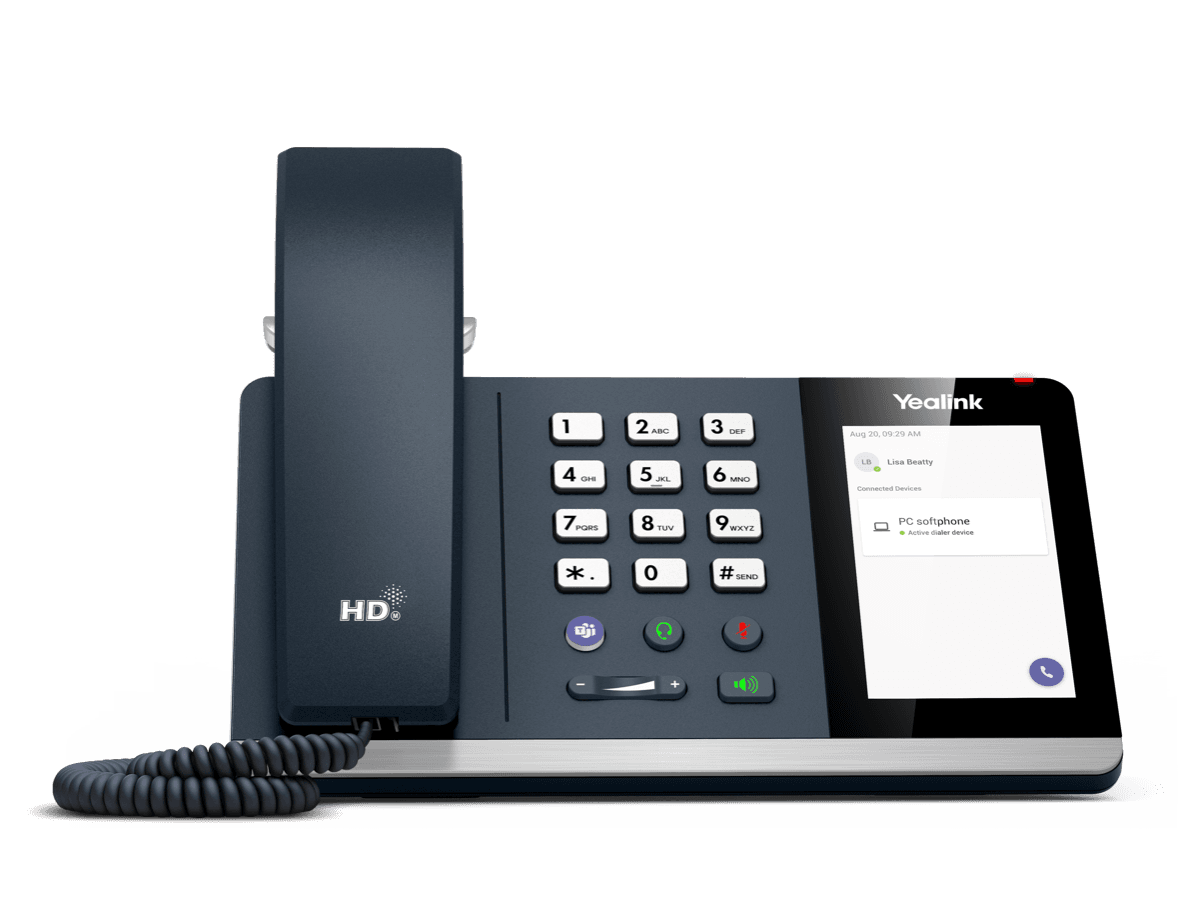
MP45
USB Phone Compatible with Microsoft® Teams
Support & downloads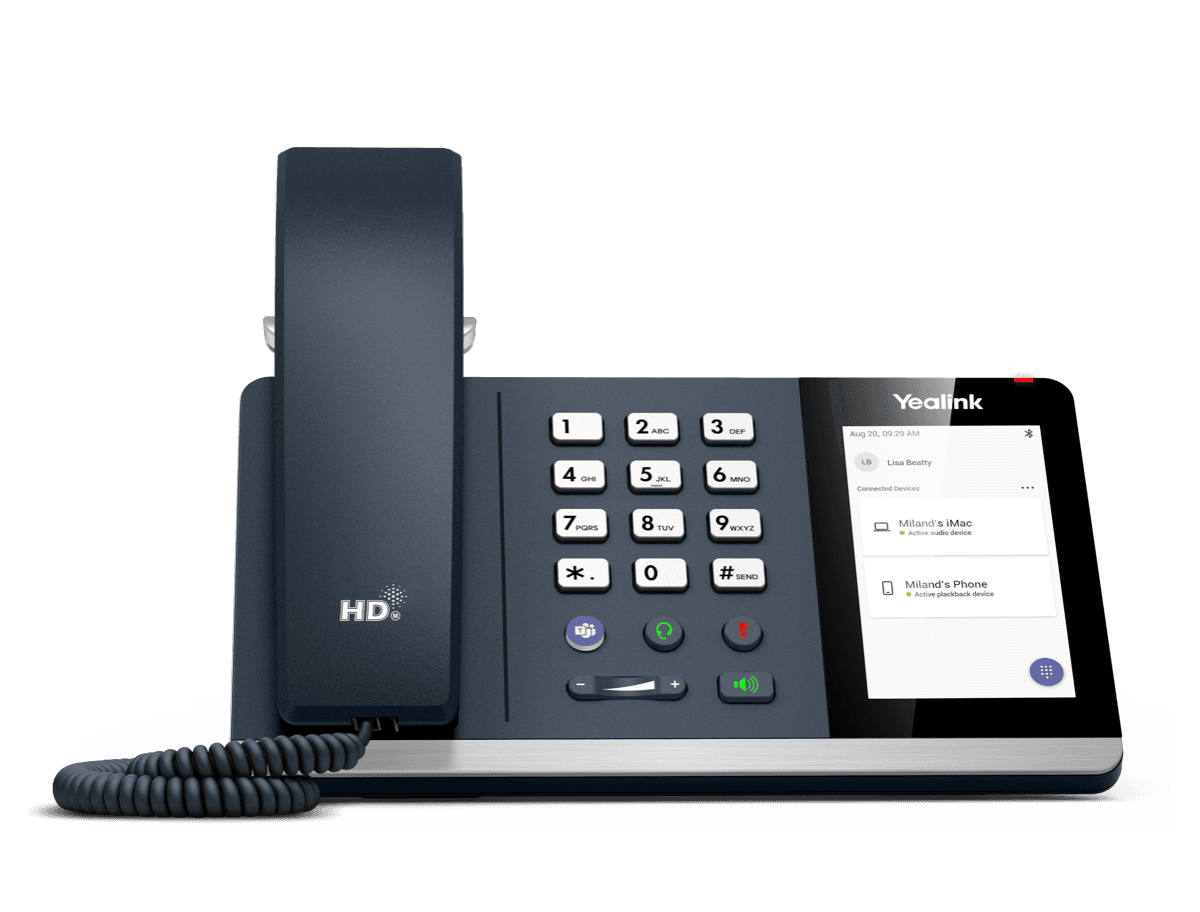
MP50
MP50-Teams Edition Yealink USB Phone Compatible with Microsoft® Teams & UC
Support & downloads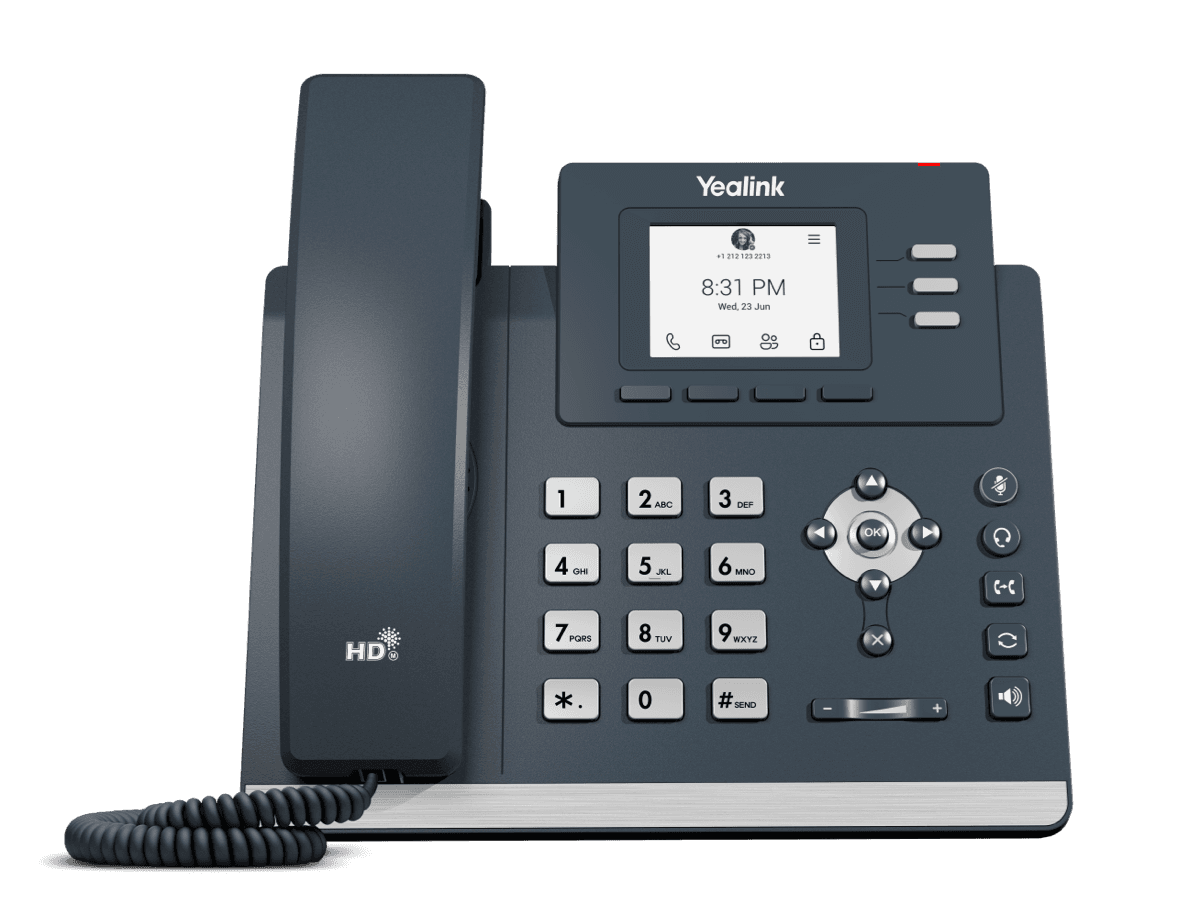
MP52 E2 Teams
Common Area Microsoft Teams Phone
Support & downloads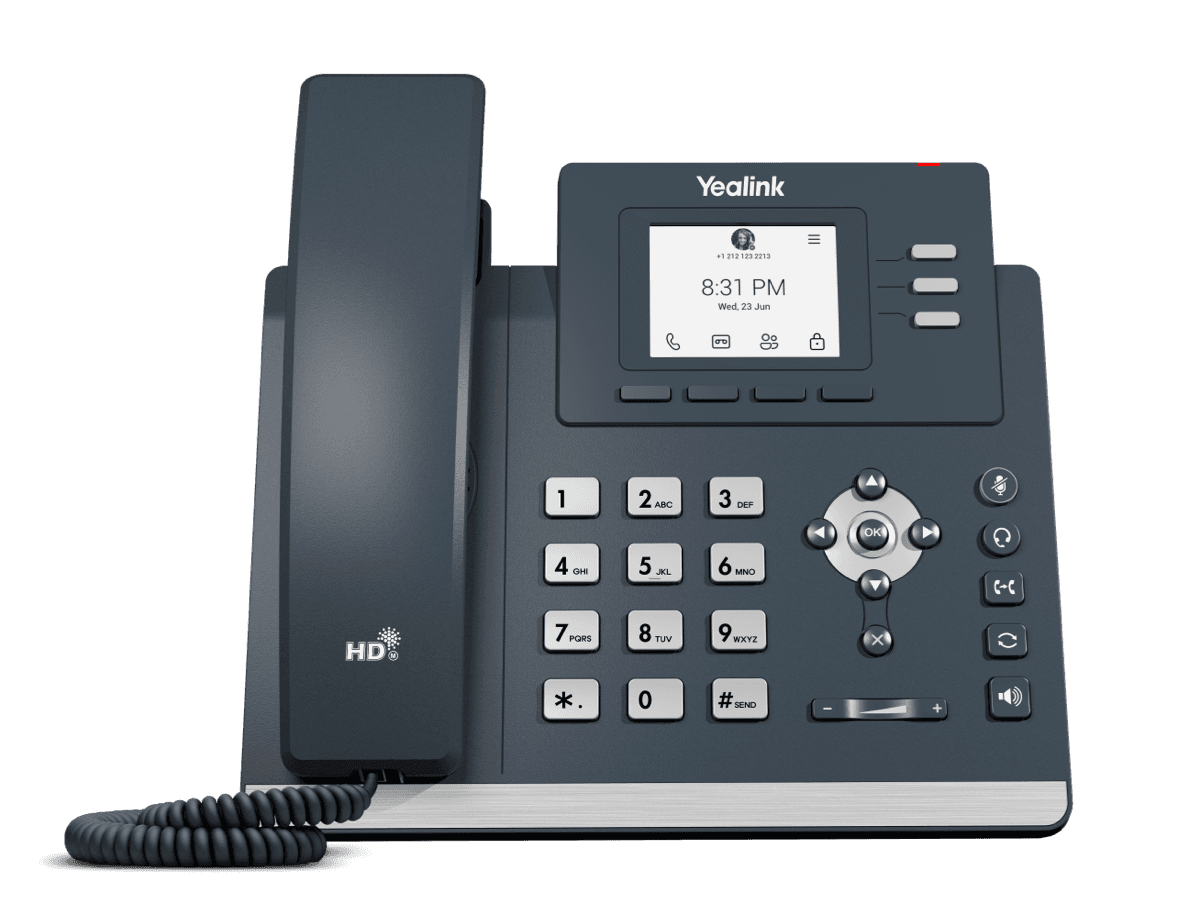
MP52 Teams Audio Phone
Microsoft Phone MP52
Support & downloads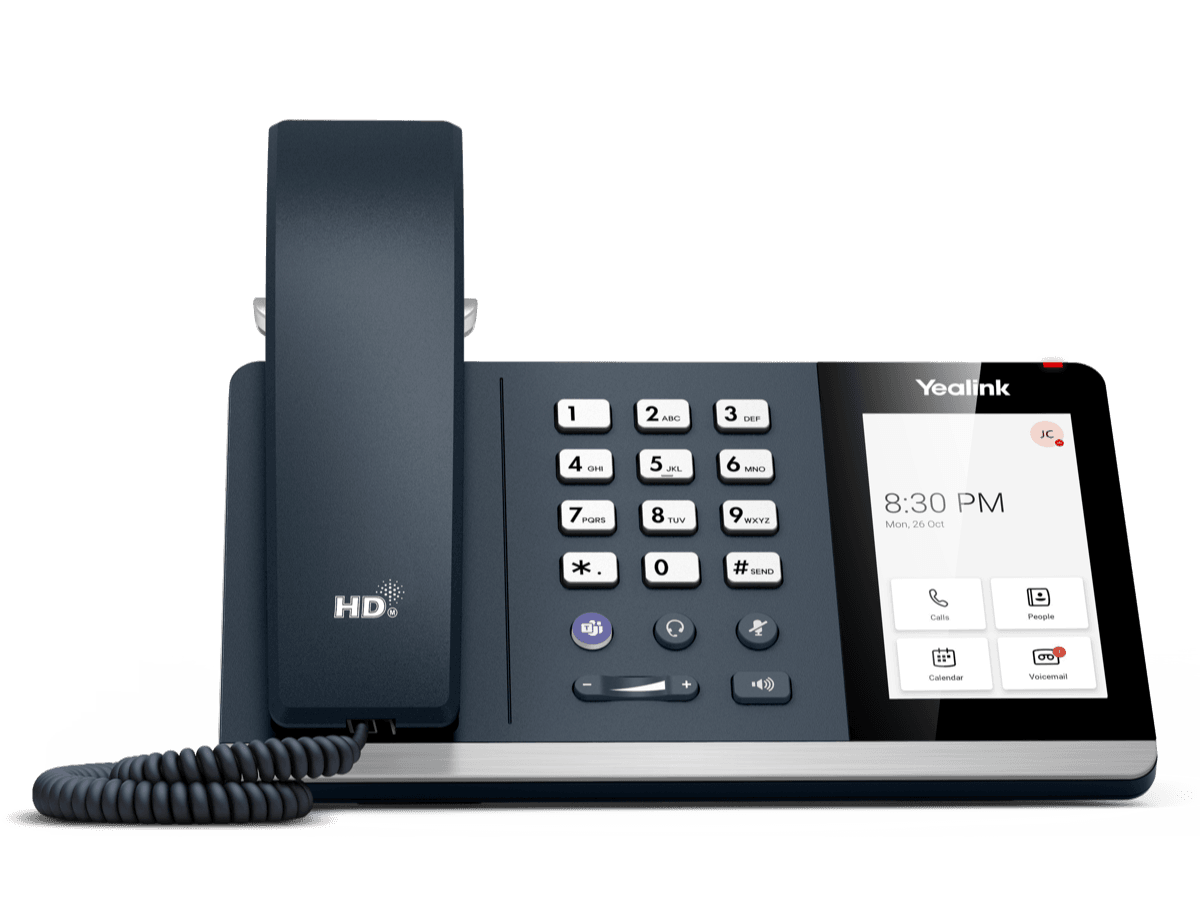
MP54 E2 Teams
Entry-level Microsoft Teams Phone for General Office and Front Desks
Support & downloads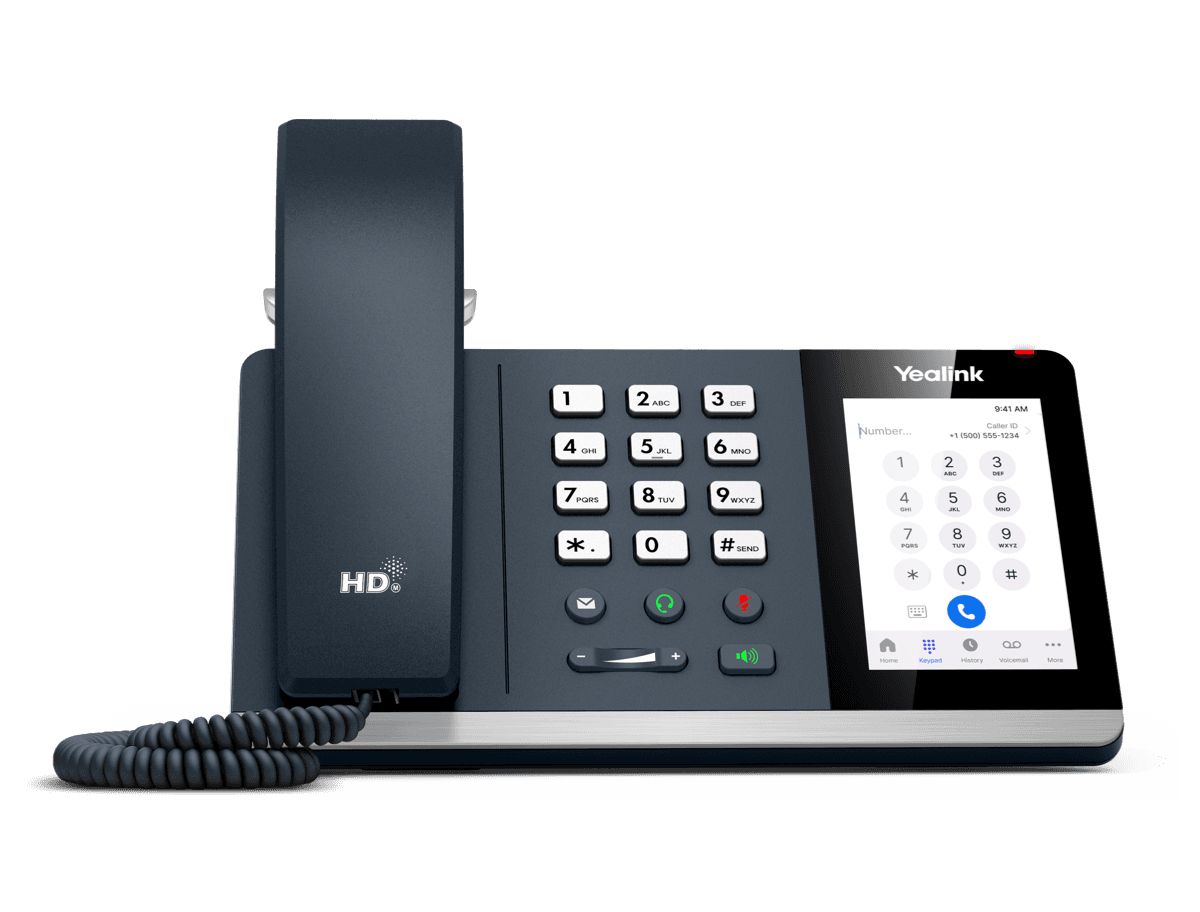
MP54 E2 Zoom
Entry-level Microsoft Teams Phone for General Office and Front Desks
Support & downloads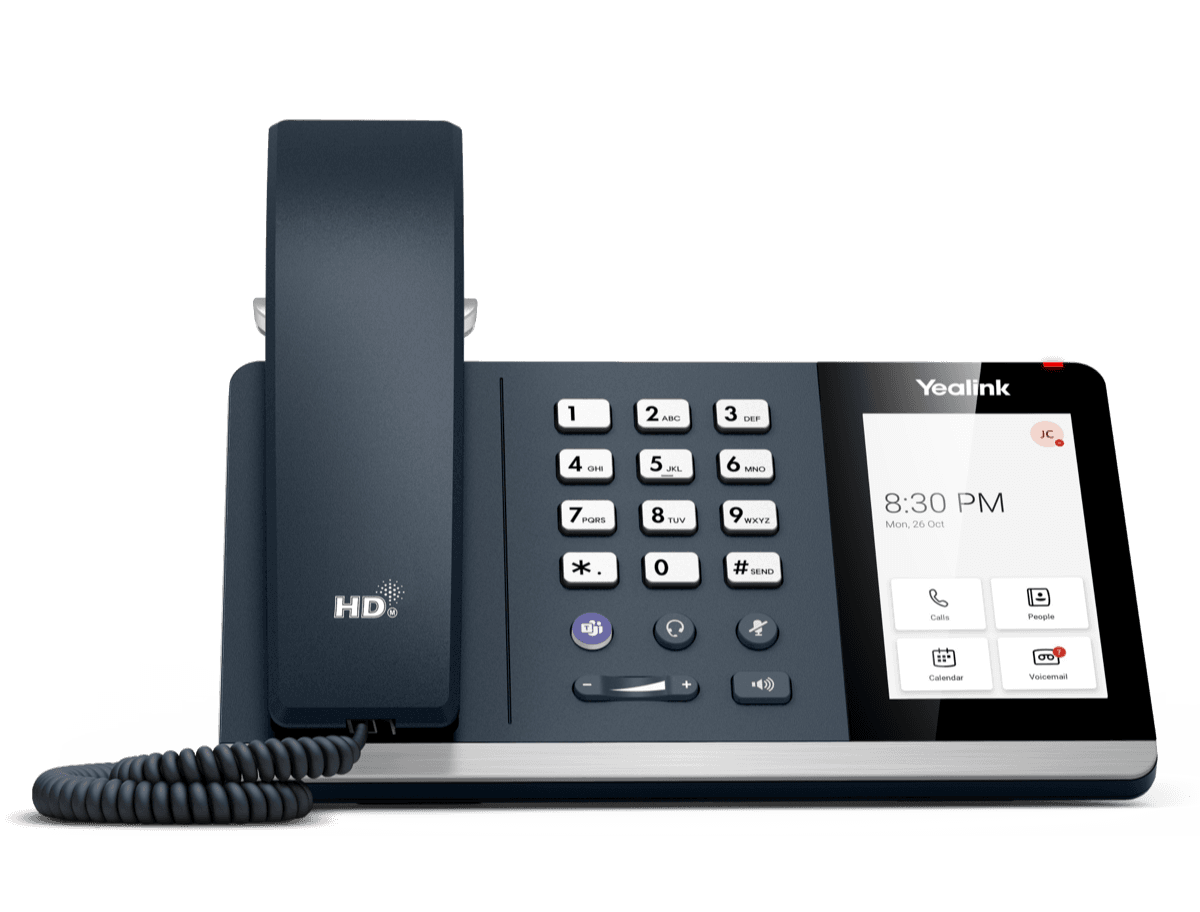
MP54 Teams Audio Phone
Support & downloads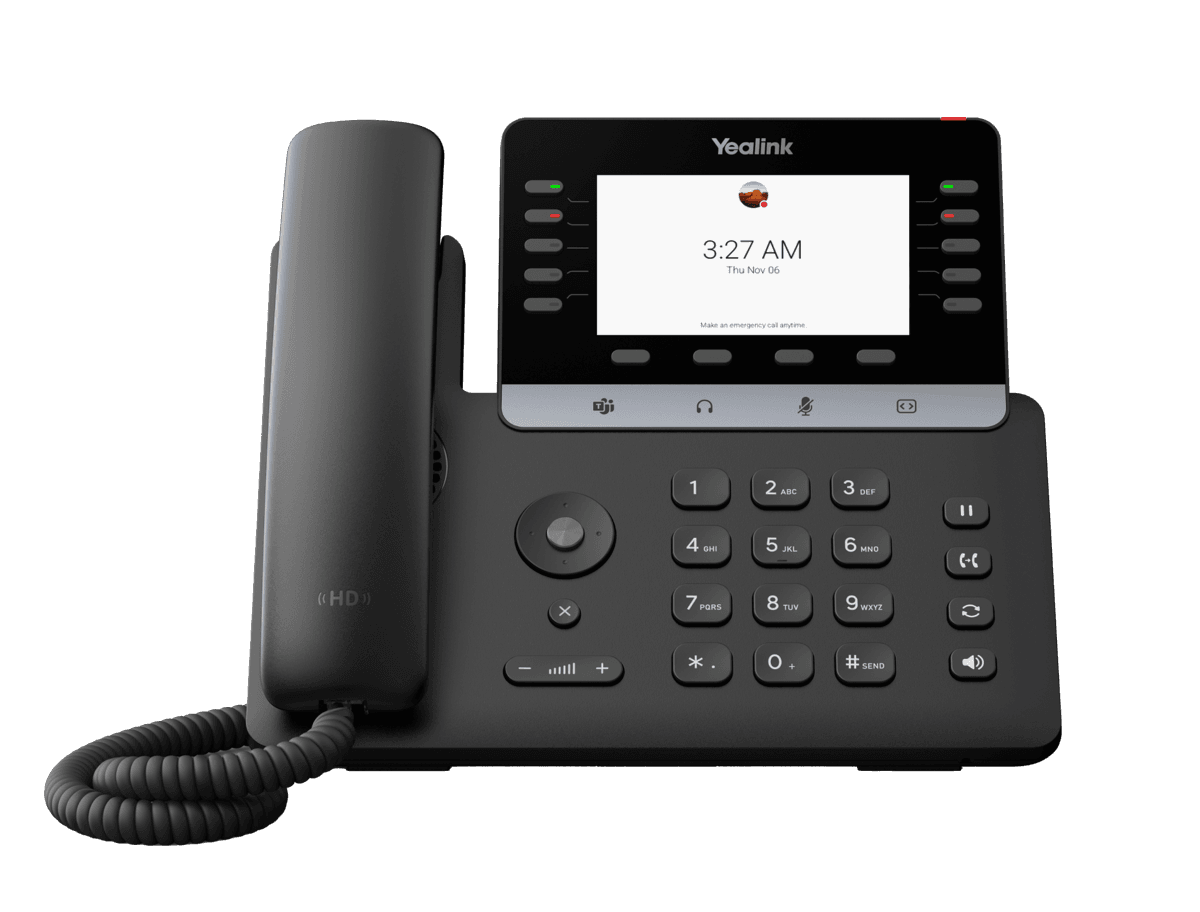
MP55 E2 Teams
Purpose-Built Phone for Vertical Industries
Support & downloadsNeed help with your MP54 Zoom?
The Tech Team™ can provision, update and troubleshoot your Yealink phones, and move your office onto smplVoice cloud voice.
Yealink and Yealink product names are trademarks of Yealink Network Technology Co., Ltd. Product information, images and documents are published by Yealink and provided here for reference by smplVoice. Firmware and documents are Yealink’s original, unmodified files.