

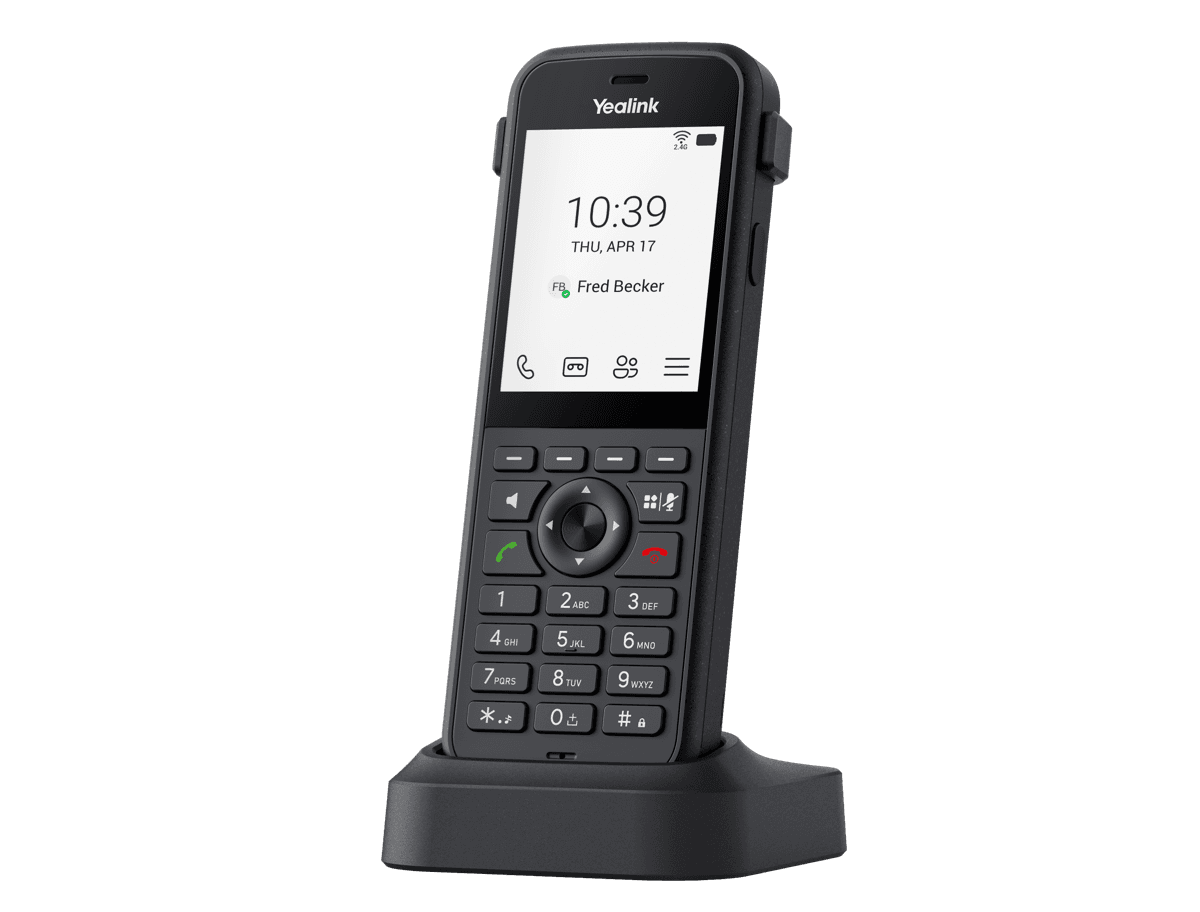
Yealink MP66W Teams
Wireless Teams Phone
- Brand
- Yealink
- Series
- MP Series (Teams / Zoom)
- Model
- MP66W Teams
- Status
- Current
- Documents
- 8 manuals & files
- Knowledge base
- 97 articles
Overview
About the Yealink MP66W Teams
MP66W is an enterprise portable Teams Wi-Fi color screen phone that meets wireless communication needs. MP66W meets the IP67 protection standard, effectively providing waterproof, dustproof, and 1.8-meter drop-proof capabilities. The Android 15 OS-based MP66W delivers a native Teams calling and meeting experience. It integrates Yealink's Optima HD Audio and Smart Noise Cancellation technology to deliver exceptional audio quality and clear voice communication. It is equipped with a built-in Bluetooth module and a tri-band 2.4G/5G/6G* Wi-Fi 6E module, combined with advanced seamless roaming technology. In addition, MP66W is equipped with a 3000mAh battery, providing a talk time of 8 hours and a standby time of 80 hours. It is widely used in various wireless scenarios such as healthcare, manufacturing, retail, warehouses, transportation, and education.
* 6G Wi-Fi is coming soon.
Key Features and Benefits
IP67-rated waterproof and dustproof, drop-proof up to 1.8 meters
Antibacterial design, chemical cleaning resistant
MDEP (Android 15)
2.8-inch 240*320 TFT color screen
Tri-band 2.4G/5G/6G Wi-Fi 6E with 802.11k/v/r roaming
HD audio, noise cancellation, and acoustic
Specifications
MP66W Teams technical specifications
- Description
- HD voice: HD handset, HD speaker Hearing aid compatible (HAC) handset Acoustic Shield AI Noise Cancellation Dual mic noise cancellation Audio codec: SILK, G.722, G.722.1, G.722.1C, G.711(A/μ), G.723, G.726, G.729AB, iLBC, ARES Full-duplex hands-free speakerphone with AEC VAD,CNG, AEC, PLC, AJB, AGC
Documents
MP66W Teams manuals & downloads
Datasheets
1Quick Start Guides
1Deployment
5Other Downloads
1Knowledge base
MP66W Teams how-to articles
Perform Teams Call Operations17
- Answer, End, or Reject CallsAug 21, 2026
- Call QueueAug 21, 2026
- Conference CallsAug 21, 2026
- Copilot in TeamsAug 21, 2026
- Forward CallsAug 21, 2026
Device Customization14
- Acoustic ShieldAug 21, 2026
- BacklightAug 21, 2026
- BluetoothAug 21, 2026
- Charging ToneAug 21, 2026
- LanguageAug 21, 2026
Troubleshooting10
- Analyze Configuration FilesAug 21, 2026
- Capture PacketsAug 21, 2026
- Configure Local LogsAug 21, 2026
- Configure SyslogAug 21, 2026
- Export All Diagnostic Files for MP Teams PhonesAug 21, 2026
Teams Device Settings9
- Accessibility FeaturesAug 21, 2026
- Audio SettingAug 21, 2026
- BluetoothAug 21, 2026
- Cradle Call SettingAug 21, 2026
- DisplayAug 21, 2026
Call Features7
- Auto AnwserAug 21, 2026
- Call Park and RetrieveAug 21, 2026
- Prepare Your Teams LicensesAug 21, 2026
- Set Up Auto AttendantsAug 21, 2026
- Set Up Call QueueAug 21, 2026
Network Connectivity6
- Configure Proxy ServerAug 21, 2026
- DHCP OptionAug 26, 2026
- IPv4 and IPv6 Network SettingsAug 21, 2026
- Network RequirementsAug 21, 2026
- VPNAug 21, 2026
Device Provisioning5
Getting Started5
Security Features5
Manage Devices on Intune or Teams Admin Center4
Contacts and Favorites3
Related
More in the MP Series (Teams / Zoom)
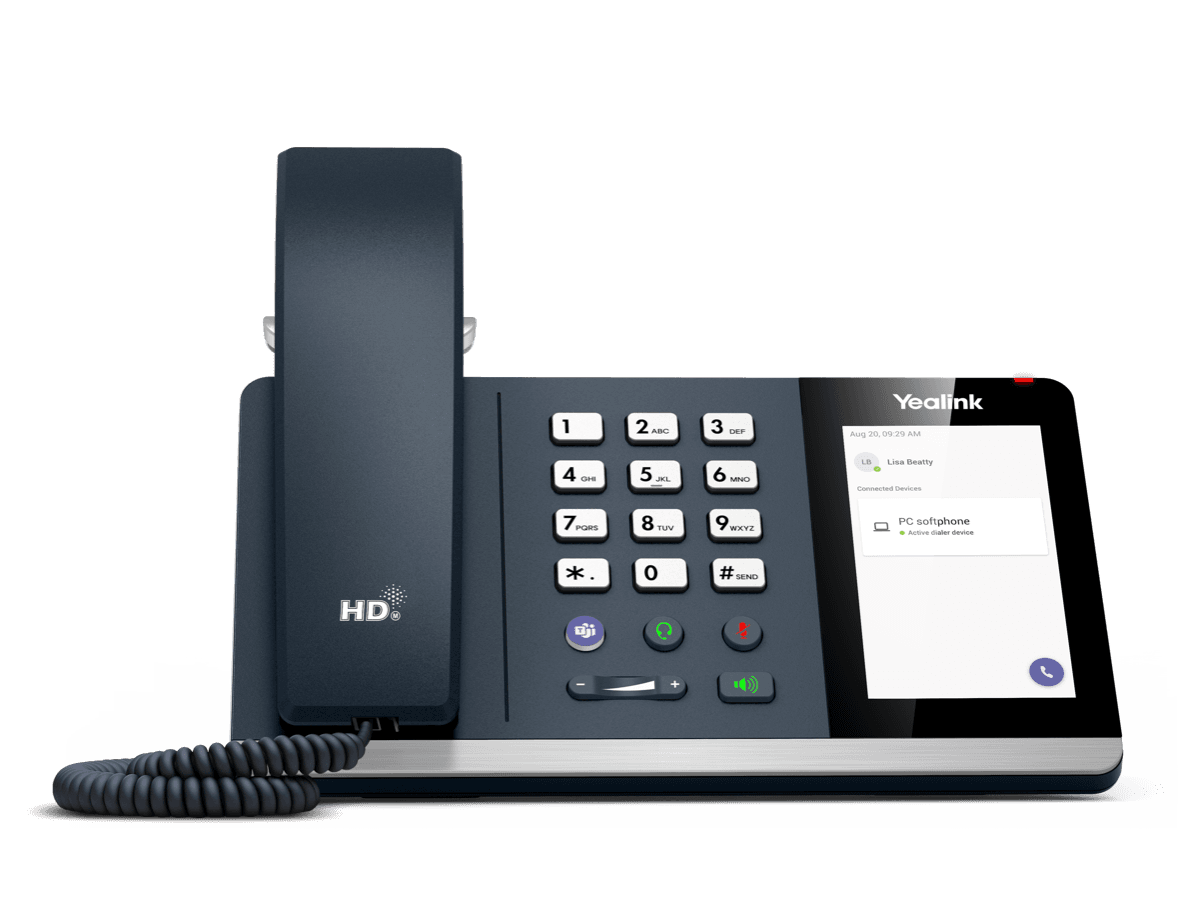
MP45
USB Phone Compatible with Microsoft® Teams
Support & downloads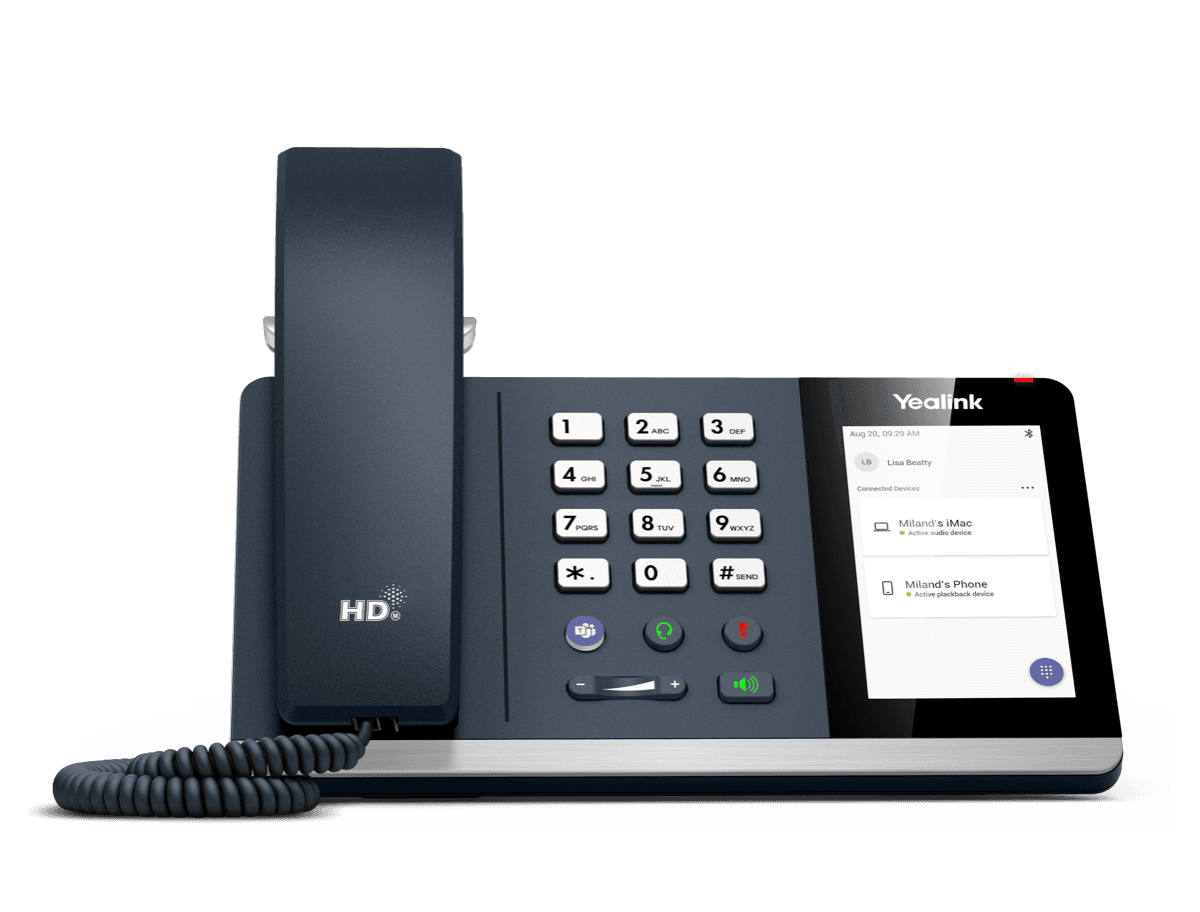
MP50
MP50-Teams Edition Yealink USB Phone Compatible with Microsoft® Teams & UC
Support & downloads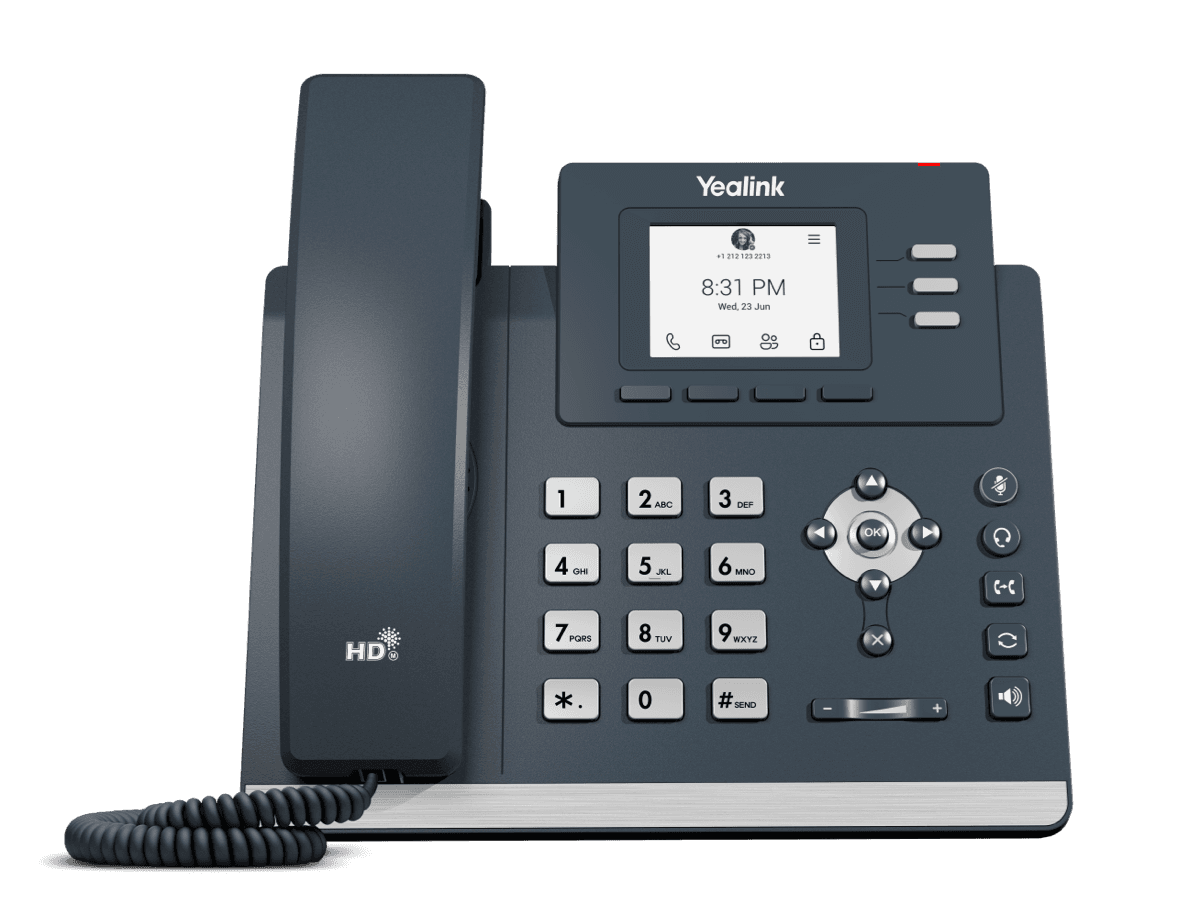
MP52 E2 Teams
Common Area Microsoft Teams Phone
Support & downloads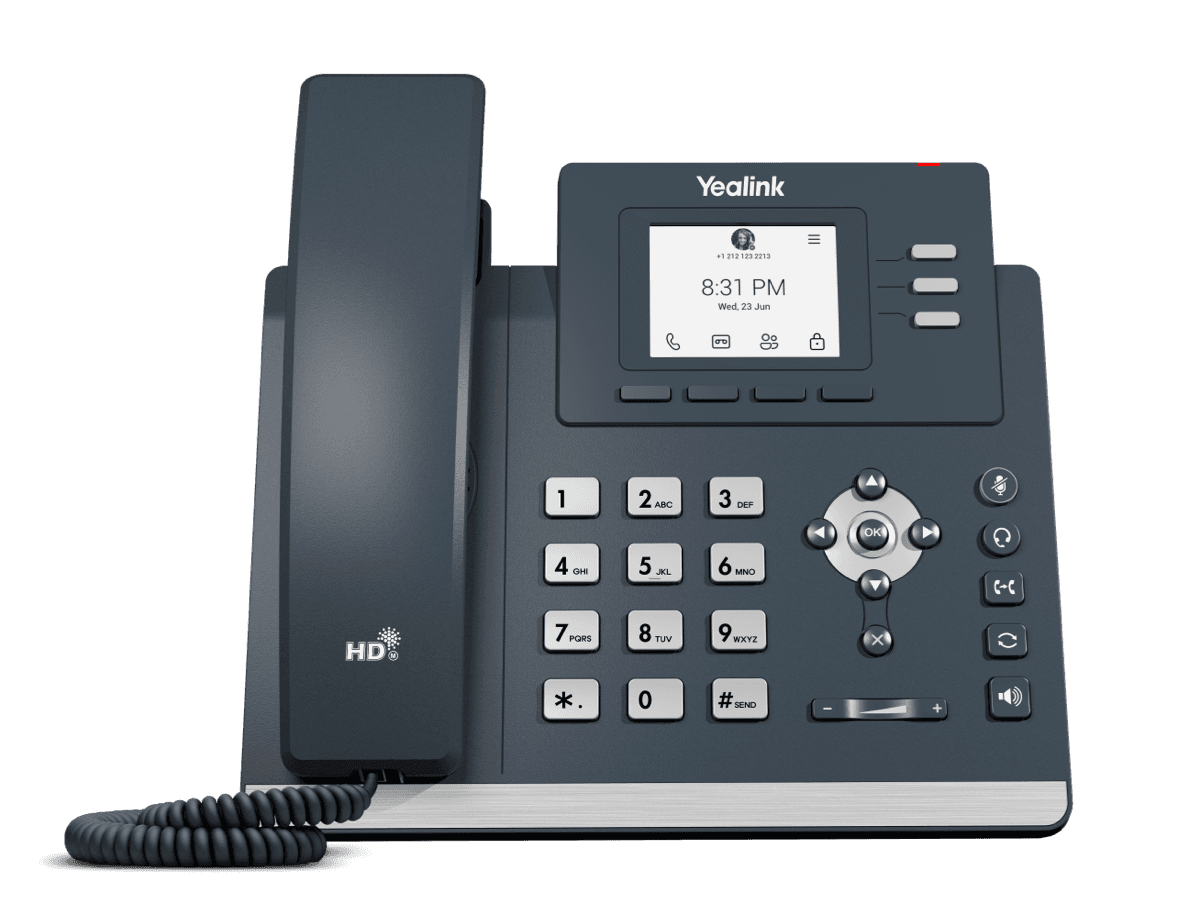
MP52 Teams Audio Phone
Microsoft Phone MP52
Support & downloads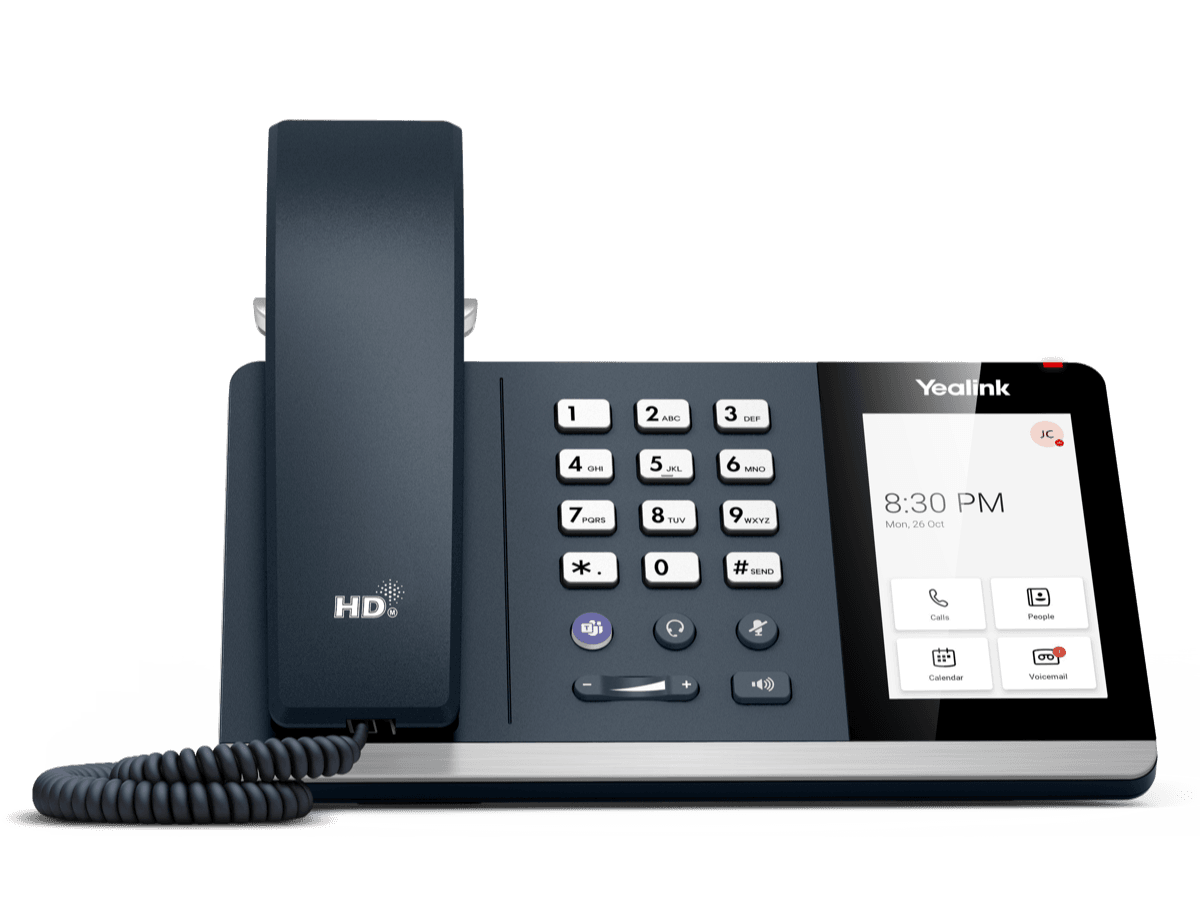
MP54 E2 Teams
Entry-level Microsoft Teams Phone for General Office and Front Desks
Support & downloads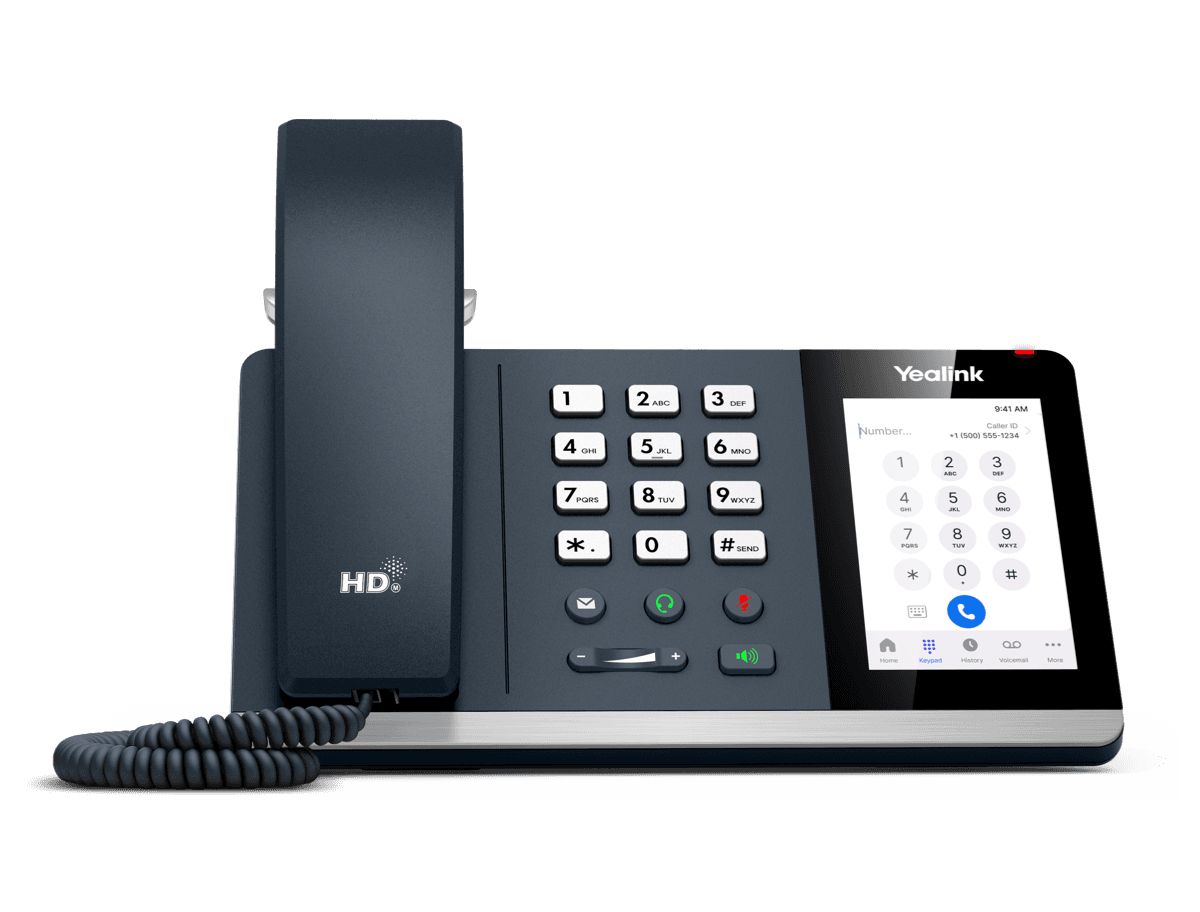
MP54 E2 Zoom
Entry-level Microsoft Teams Phone for General Office and Front Desks
Support & downloads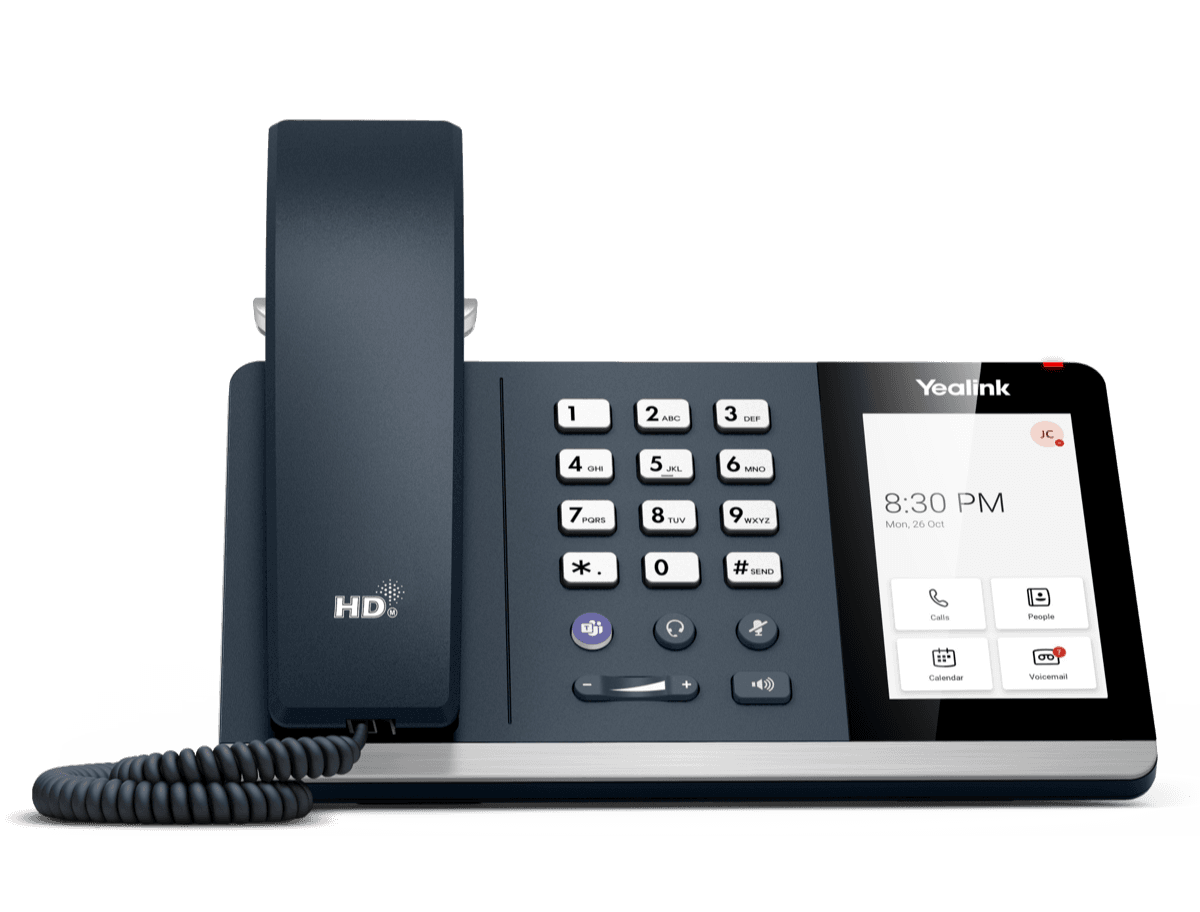
MP54 Teams Audio Phone
Support & downloads
MP55 E2 Teams
Purpose-Built Phone for Vertical Industries
Support & downloadsNeed help with your MP66W Teams?
The Tech Team™ can provision, update and troubleshoot your Yealink phones, and move your office onto smplVoice cloud voice.
Yealink and Yealink product names are trademarks of Yealink Network Technology Co., Ltd. Product information, images and documents are published by Yealink and provided here for reference by smplVoice. Firmware and documents are Yealink’s original, unmodified files.