

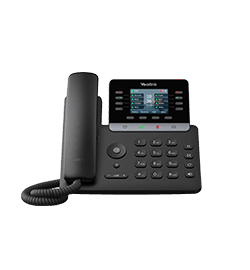
Yealink SIP-T73W
All-in-one business phone
- Brand
- Yealink
- Series
- T7 Series
- Model
- SIP-T73W
- Status
- Current
- Documents
- 23 manuals & files
- Knowledge base
- 291 articles
Overview
About the Yealink SIP-T73W
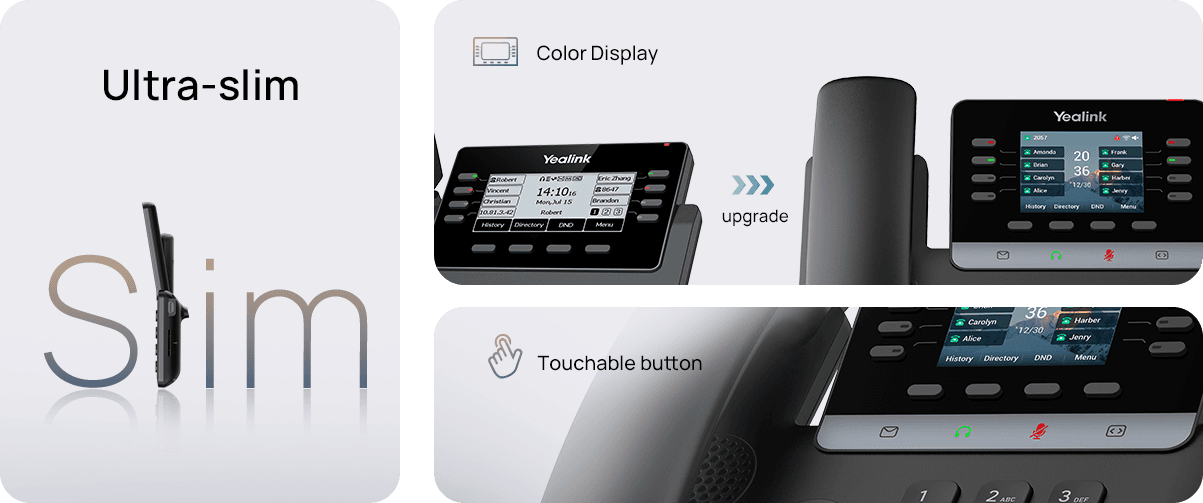
.temp-page4 .row {padding-top:1rem;padding-bottom: 1.2rem;}The all-new fashionable design, featuring slimmer body, color display, and touchable buttons, fits into your modern style. Enjoy comfortable hand feel when you start to work with it!
Specifications
SIP-T73W technical specifications
- HD voice: HD handset, HD speaker
- Hearing aid compatible (HAC) handset
- Acoustic Shield
- Smart Noise Filtering
- Audio codec: AMR-WB (optional), G.722
- Narrowband codec: AMR-NB (optional), PCMU (G.711μ), PCMA (G.711A), G.723.1, G.729, G.729A, G.729B, G.729AB, G.726, iLBC
- DTMF: In-band, Out-of-band (RFC 2833) and SIP INFO
- Full-duplex hands-free speakerphone with AEC
- VAD, CNG, AEC, PLC, AJB, AGC
- LCD screen
- 2.8-inch 320x240 resolution screen
- Supports wallpaper and screen saver
- Incoming calls and unread message indicator lights
- Intuitive user interface
- Supports multi-language operation interface
- Caller ID display of name, number, and photo
- Supports both dark and light themes
Gallery
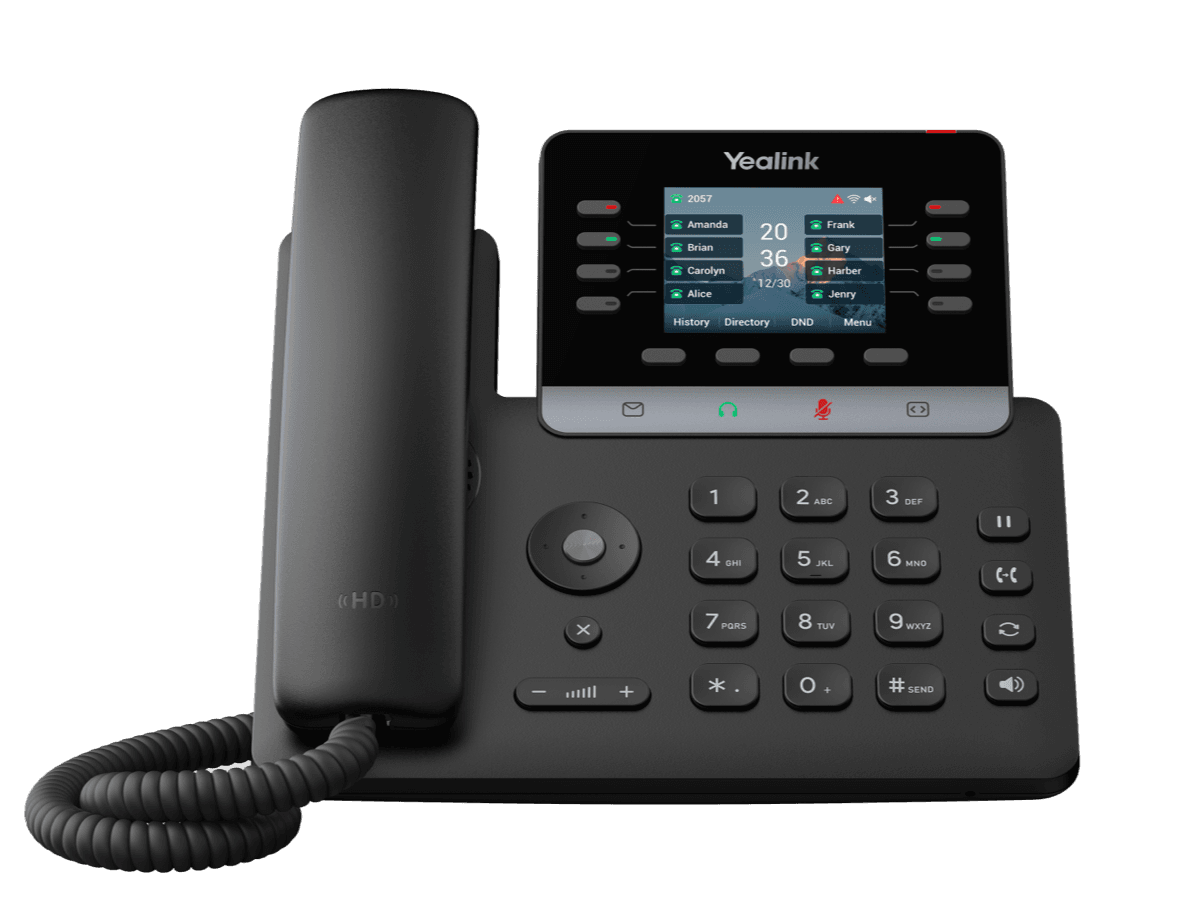
SIP-T73W product photos


Documents
SIP-T73W manuals & downloads
Datasheets
1Quick Start Guides
1Compatibility
7- PBX PartnerAug 24, 2026
- Headset CompatibilityJul 20, 2026
- Yealink IP Phone Features Integrated with BroadSoft UC-One User Guide V1.5PDFJun 15, 2026
- Other Vendor Headset CompatibilityMar 11, 2026
- Yealink SIP Phones Integrated with Metaswitch Configuring Guide V1.5PDFDec 3, 2025
- Yealink SIP Phones Integrated with Metaswitch CommPortal Phone Applications User Guide V1.6PDFDec 3, 2025
Show 1 more compatibilityShow fewer
Deployment
4Firmware
SIP-T73W firmware & release notes
- T73U,T73W,T74U,T74W,T77U,T85W,T87W 185.87.0.35 - Firmware & Release NoteLatestROMReleased Apr 8, 2026 Download
- T73U,T73W,T74U,T74W,T77U,T85W,T87W 185.87.0.35 - Firmware & Release NoteROMReleased Apr 8, 2026 Download
- T73U,T73W,T74U,T74W,T77U,T85W,T87W 185.87.0.35 - Firmware & Release NoteROMReleased Apr 8, 2026 Download
- T73U,T73W,T74U,T74W,T77U,T85W,T87W 185.87.0.35 - Firmware & Release NoteROMReleased Apr 8, 2026 Download
- T73U,T73W,T74U,T74W,T77U,T85W,T87W 185.87.0.35 - Firmware & Release NoteROMReleased Apr 8, 2026 Download
- T73U,T73W,T74U,T74W,T77U,T85W,T87W 185.87.0.35 - Firmware & Release NoteROMReleased Apr 8, 2026 Download
- T73U,T73W,T74U,T74W,T77U,T85W,T87W 185.87.0.35 - Firmware & Release NoteROMReleased Apr 8, 2026 Download
Knowledge base
SIP-T73W how-to articles
Call Features39
- Anonymous CallNov 3, 2025
- Anonymous Call RejectionNov 3, 2025
- Answer CallsMay 6, 2026
- Auto AnswerNov 3, 2025
- Auto RedialNov 3, 2025
Audio Features18
- Acoustic Clarity TechnologyNov 3, 2025
- Acoustic ShieldJul 20, 2026
- Alert ToneNov 3, 2025
- Audio CodecsJul 22, 2026
- Audio VolumeJan 8, 2026
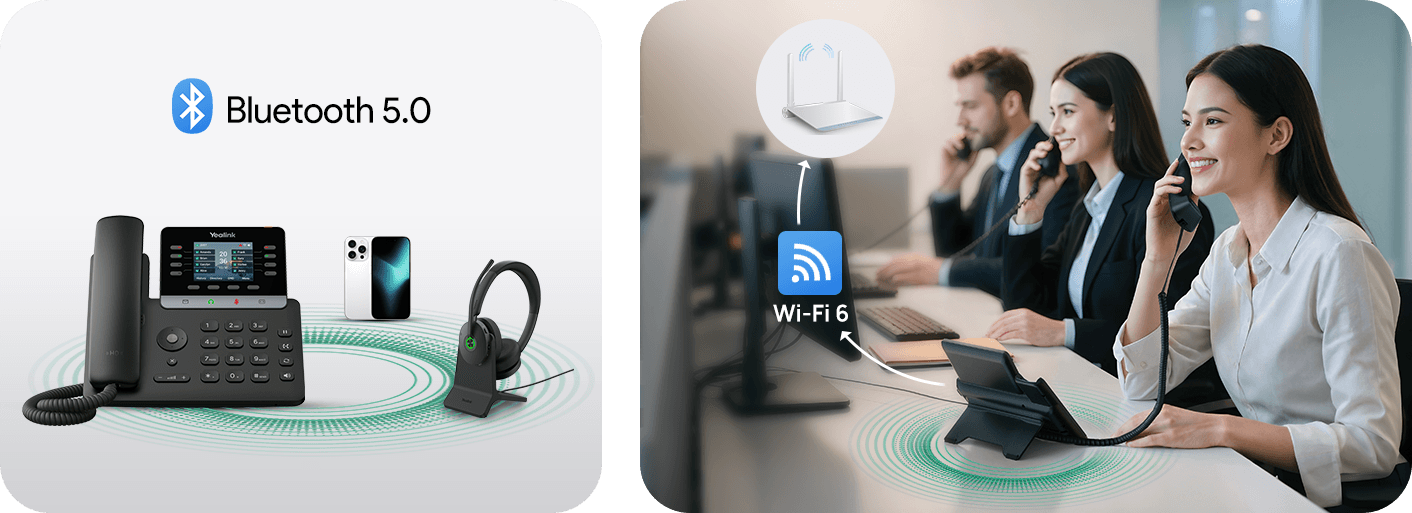
Bluetooth17
- Activate Bluetooth ModeSep 14, 2026
- Bluetooth Device Discovery FeatureSep 14, 2026
- Configure Media Audio FeatureSep 14, 2026
- Configure Phone Audio FeatureSep 14, 2026
- Deactivate Bluetooth ModeSep 14, 2026
Customize Your Phone16
- AccessibilityJun 2, 2026
- Adjust Screen ContrastJun 2, 2026
- Adjust TransparencyJun 2, 2026
- Change Administrator PasswordJun 2, 2026
- Change Backlight & TimeJun 2, 2026
Directory and Call Log16
- Call LogNov 3, 2025
- CardDAV DirectoryDec 26, 2025
- Comparison of Different ContactsNov 3, 2025
- Directory List for DirectoryDir Soft KeyNov 3, 2025
- Directory Search SettingsNov 3, 2025
Auto Provisioning Guide14
- AppendixNov 3, 2025
- Configure a Provisioning ServerJul 2, 2026
- Download and Verify ConfigurationsJul 2, 2026
- Get StartedDec 27, 2025
- GlossaryJan 13, 2026
Network Configurations14
- 802.1x AuthenticationSep 15, 2026
- DHCP OptionSep 15, 2026
- DHCP Option for IPv6Dec 27, 2025
- How to access the web user interfaceSep 15, 2026
- Internet Port and PC PortSep 15, 2026
Phone Customization14
- Analog HeadsetMar 5, 2026
- AssessibilityJul 20, 2026
- BluetoothDec 31, 2025
- DisplayJul 27, 2026
- DSS KeysJan 28, 2026
Advanced Features13
- Automatic Call Distribution (ACD)Nov 3, 2025
- Busy Lamp FieldDec 27, 2025
- Call CompletionNov 3, 2025
- Call Park and RetrieveDec 27, 2025
- Call PickupDec 27, 2025
Security Features13
- Auto Logout TimeNov 3, 2025
- Call Quality Statistic (QoE)Jun 3, 2026
- Emergency AlarmJan 6, 2026
- Encrypting and Decrypting FilesDec 27, 2025
- Incoming Network Signaling ValidationNov 3, 2025
System Applications for VP59, T58A, T58W, T88W (Pro), T88V Pro12
See all 12 articlesMore topics
Related
More in the T7 Series
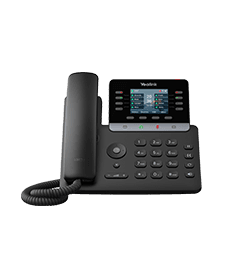
SIP-T73U
All-in-one business phone
Support & downloads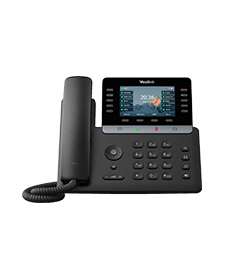
SIP-T74U
Multifunctional SIP Phone for executives and professionals
Support & downloads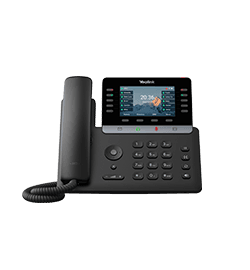
SIP-T74W
Multifunctional SIP Phone for managers and professionals
Support & downloads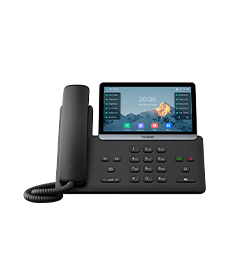
SIP-T77U
Revolutionary SIP Phone for executives and professionals
Support & downloads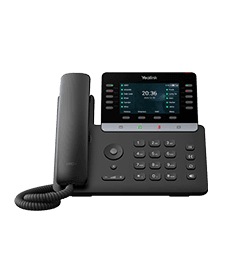
T74LTE
4G Business Phone for Europe
Support & downloads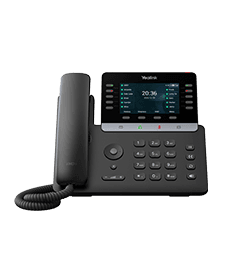
T74LTE-US
4G Business Phone for US
Support & downloadsNeed help with your SIP-T73W?
The Tech Team™ can provision, update and troubleshoot your Yealink phones, and move your office onto smplVoice cloud voice.
Yealink and Yealink product names are trademarks of Yealink Network Technology Co., Ltd. Product information, images and documents are published by Yealink (source) and provided here for reference by smplVoice. Firmware and documents are Yealink’s original, unmodified files.