

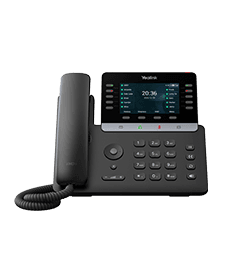
Yealink T74LTE-US
4G Business Phone for US
- Brand
- Yealink
- Series
- T7 Series
- Model
- T74LTE-US
- Status
- Current
- Documents
- 19 manuals & files
- Knowledge base
- 476 articles
Overview
About the Yealink T74LTE-US
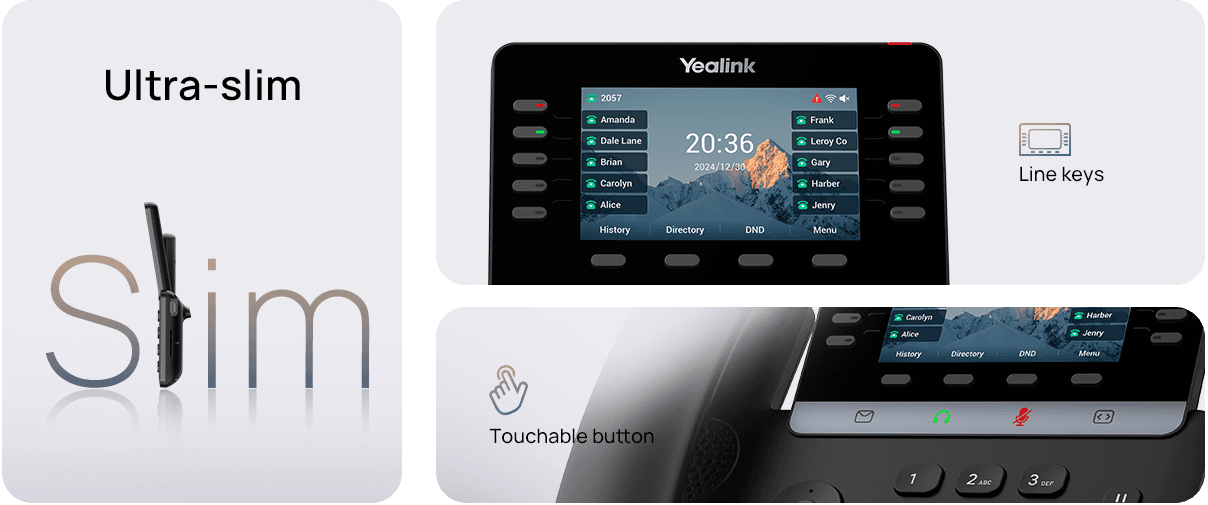
The all-new fashionable design, featuring slimmer body, line keys, and touchable buttons, fits into your modern style. Enjoy comfortable hand feel when you start to work with it!
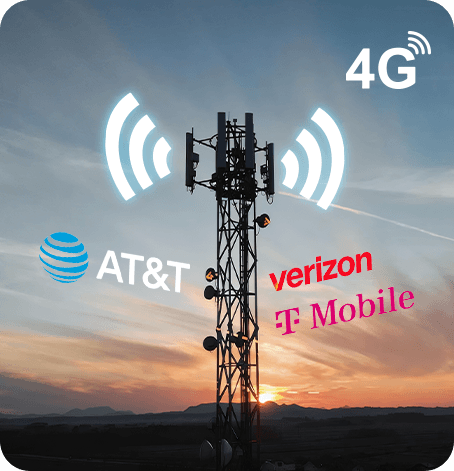
Ensure business continuity with carrier-grade network reliability and crystal-clear HD calling.(AT&T/Verizon/T-Mobile Certified).
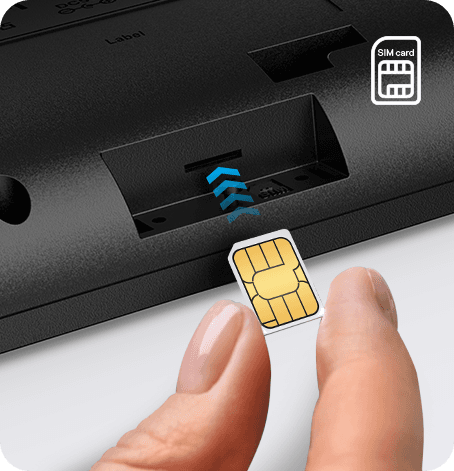
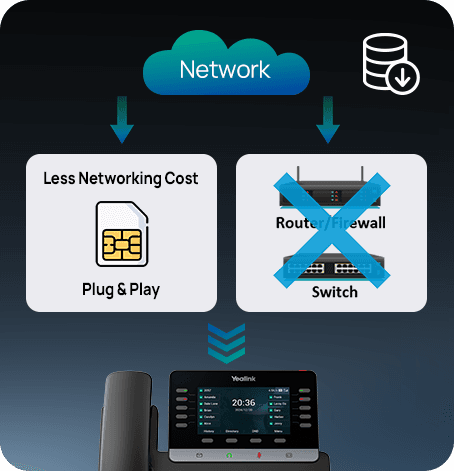
Simplify deployment with SIM card plug-and-play for instant connectivity. (Note: please ensure that the SIM card is activated before using the phone.)
Specifications
T74LTE-US technical specifications
- HD voice: HD handset, HD speaker
- Hearing aid compatible (HAC) handset
- Acoustic Shield
- Smart Noise Filtering
- Audio codec: EVS, Opus, G.722, PCMA, PCMU, G.729, G.729A, G.726, G.723.1, iLBC, AMR, AMR-WB
- DTMF: In-band, Out-of-band (RFC 2833)
- Full-duplex hands-free speakerphone with AEC
- VAD, CNG, AEC, PLC, AJB, AGC
- 16 accounts(Contains 1 IMS account)
- One-touch speed dial, hotline, Intercom
- Call forward, call waiting, call transfer
- Mute, DND, call hold, redial, call return, auto answer
- Group listening
- SMS, emergency call (E911)
- 6-way conferencing
- Ringtone selection/import/delete
- Set date and time manually or automatically
- Dial plan, XML Browser, Action URL/URI
- Built-in dual-band Wi-Fi: - Network standard: IEEE802.11a/b/g/n/ac - Frequency range: 2.4GHz/5.0GHz
- Built-in Bluetooth for: - Bluetooth headset, - Mobile contacts synchronization
- USB port (2.0 compliant) for: - Wired/wireless USB headset - USB call recording through USB flash drive - Export Qlog through USB flash drive
- Enhanced DSS key
- 100M Ethernet port, can be used as a WAN port & LAN port.
Gallery
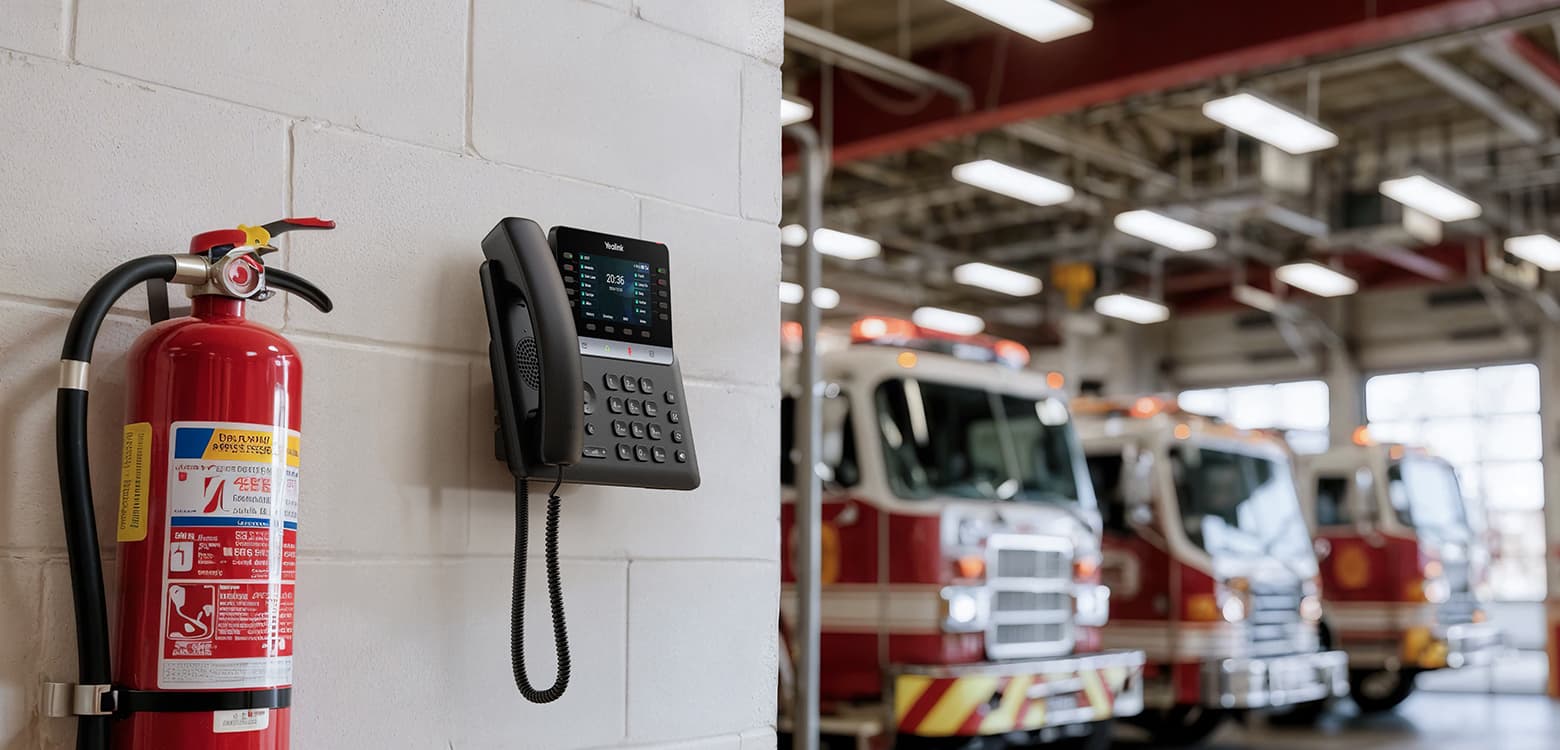
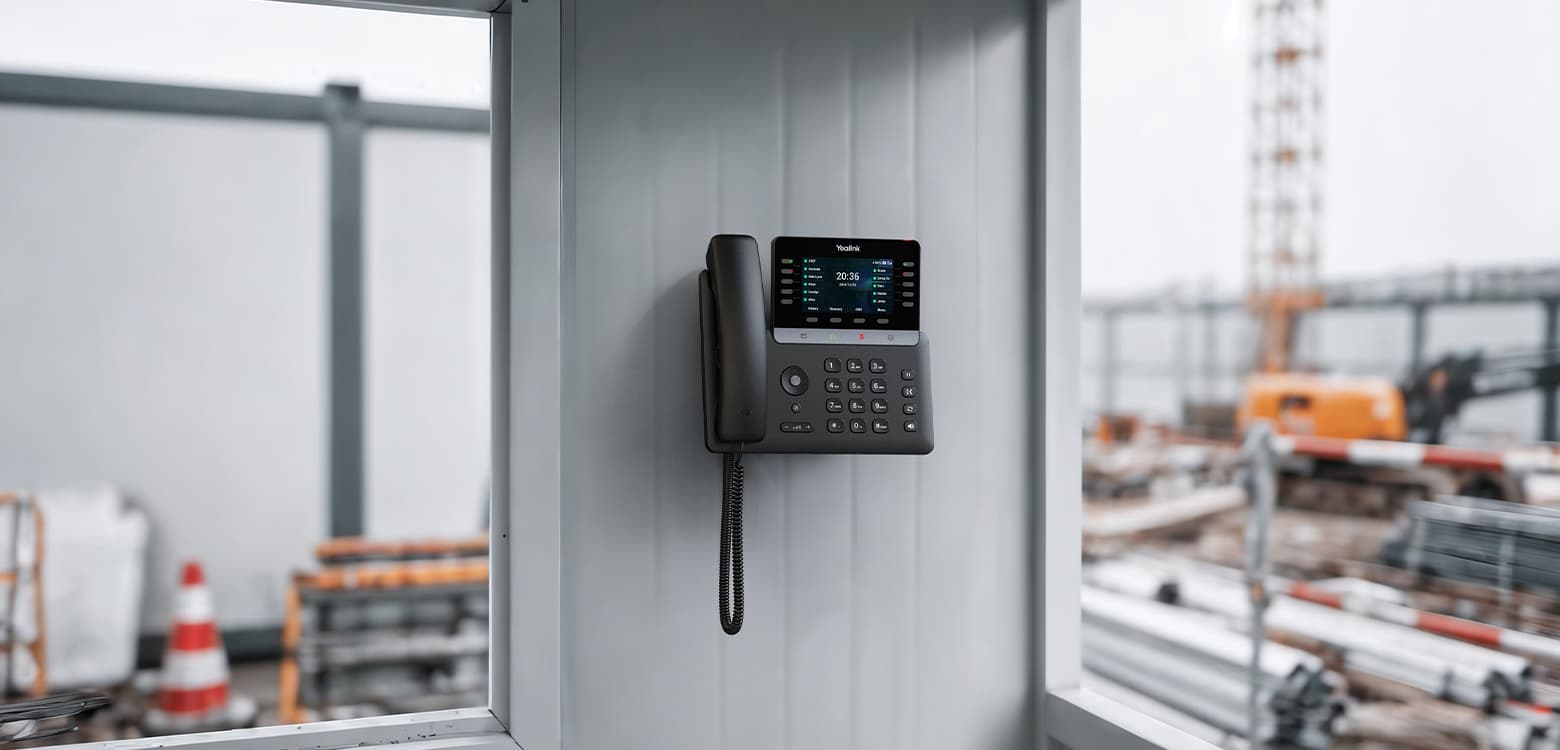
T74LTE-US product photos


Documents
T74LTE-US manuals & downloads
Datasheets
6Quick Start Guides
2Compatibility
3Other Downloads
1Firmware
T74LTE-US firmware & release notes
- T74LTE(US) 190.87.0.30 - Firmware & Release NoteLatestROMReleased Aug 3, 2026 Download
- T74LTE 190.87.0.30 - Firmware & Release NoteROMReleased Aug 3, 2026Withdrawn by Yealink
Knowledge base
T74LTE-US how-to articles
Call Features42
- Answer CallsJun 15, 2026
- Auto AnswerJun 15, 2026
- Auto RedialJun 15, 2026
- Call ForwardJun 15, 2026
- Call HoldJun 15, 2026
Phone Customization28
- Analog HeadsetJun 15, 2026
- BacklightJun 15, 2026
- BatteryJun 15, 2026
- BluetoothJun 15, 2026
- Call DisplayJun 30, 2026
Audio Features14
- Acoustic Clarity TechnologyJun 15, 2026
- Alert ToneJun 15, 2026
- Audio CodecsJul 22, 2026
- Audio VolumeJun 15, 2026
- DTMFJun 15, 2026
Customize Your Phone14
- AccessibilityJun 15, 2026
- BatteryJun 15, 2026
- Change the Administrator PasswordJun 15, 2026
- Change the LanguageJun 15, 2026
- Change the Screen Backlight and TimeJun 15, 2026
Security Features12
- Auto Logout TimeJun 15, 2026
- Change Default PasswordJun 15, 2026
- Emergency Dialplan and Enhanced 911Jun 15, 2026
- Emergency Test Calling NumbersJun 15, 2026
- Encrypting and Decrypting FilesJun 15, 2026
General Features11
- 100 Reliable RetransmissionJun 15, 2026
- Accept SIP Trust Server OnlyJun 15, 2026
- Busy Tone DelayJun 15, 2026
- CFG File Version InformationJun 15, 2026
- Hide Feature Access CodesJun 15, 2026
Getting Started11
- Before You BeginJun 15, 2026
- Entering InformationJun 15, 2026
- Hardware OverviewJun 15, 2026
- Initialization Process OverviewJun 15, 2026
- Insert a SIM CardJun 15, 2026
Advanced Features10
- Action URIJun 15, 2026
- Action URLJun 15, 2026
- Call Park and RetrieveJun 15, 2026
- Call PickupJun 15, 2026
- Device ManagementJun 15, 2026
Directory and Call Log10
- Call LogJun 15, 2026
- Directory List for Directory IconJun 15, 2026
- Directory Search SettingsJun 15, 2026
- Favorite ContactsJun 15, 2026
- Google ContactsJun 15, 2026
Troubleshooting10
- Analyze Configuration FilesJun 15, 2026
- Example of TroubleshootingJun 15, 2026
- Export All the Diagnostic FilesJun 15, 2026
- Get StartJun 15, 2026
- Log FilesJun 15, 2026
Related
More in the T7 Series
SIP-T73U
All-in-one business phone
Support & downloads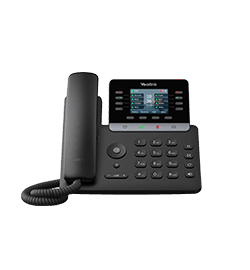
SIP-T73W
All-in-one business phone
Support & downloads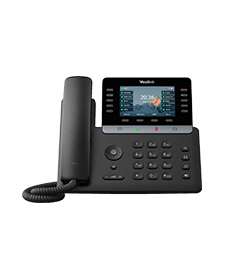
SIP-T74U
Multifunctional SIP Phone for executives and professionals
Support & downloads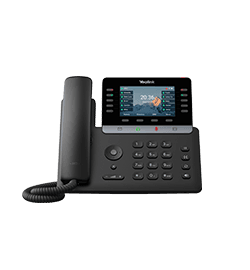
SIP-T74W
Multifunctional SIP Phone for managers and professionals
Support & downloads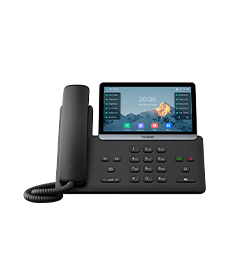
SIP-T77U
Revolutionary SIP Phone for executives and professionals
Support & downloads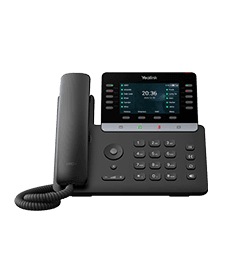
T74LTE
4G Business Phone for Europe
Support & downloadsNeed help with your T74LTE-US?
The Tech Team™ can provision, update and troubleshoot your Yealink phones, and move your office onto smplVoice cloud voice.
Yealink and Yealink product names are trademarks of Yealink Network Technology Co., Ltd. Product information, images and documents are published by Yealink (source) and provided here for reference by smplVoice. Firmware and documents are Yealink’s original, unmodified files.