

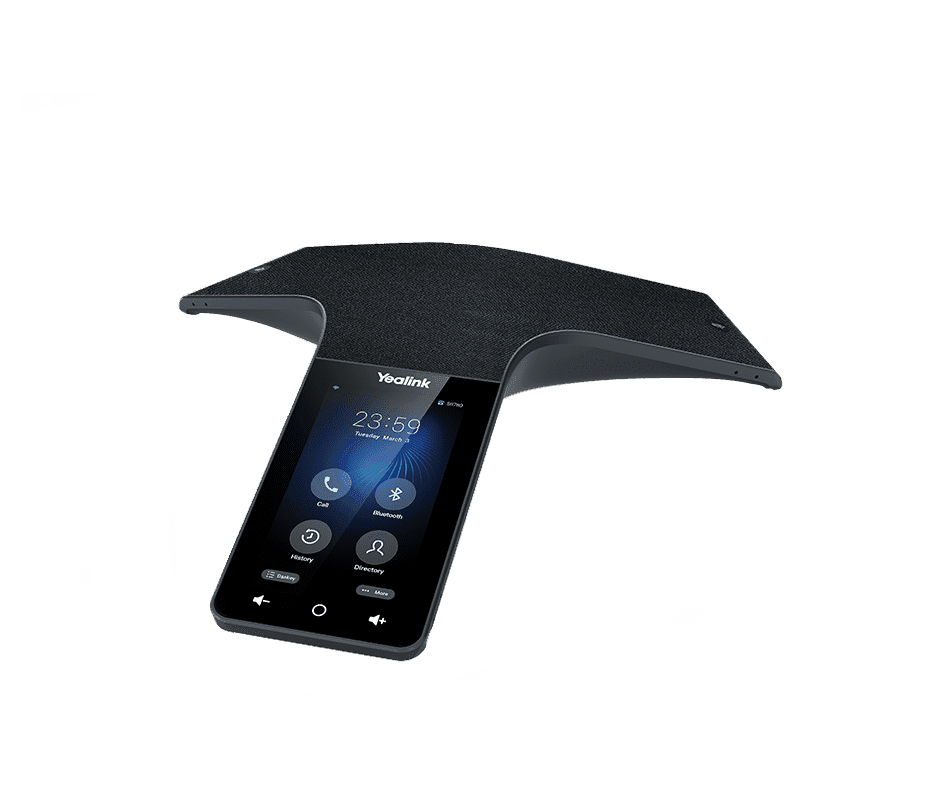
Yealink CP965
Flagship conference phone for medium to large rooms
- Brand
- Yealink
- Series
- CP Series (Conference)
- Model
- CP965
- Status
- Current
- Documents
- 52 manuals & files
- Knowledge base
- 531 articles
Overview
About the Yealink CP965
13-MICROPHONE ARRAYGame-changing Audio Presence,Immersive Conversation Environment.
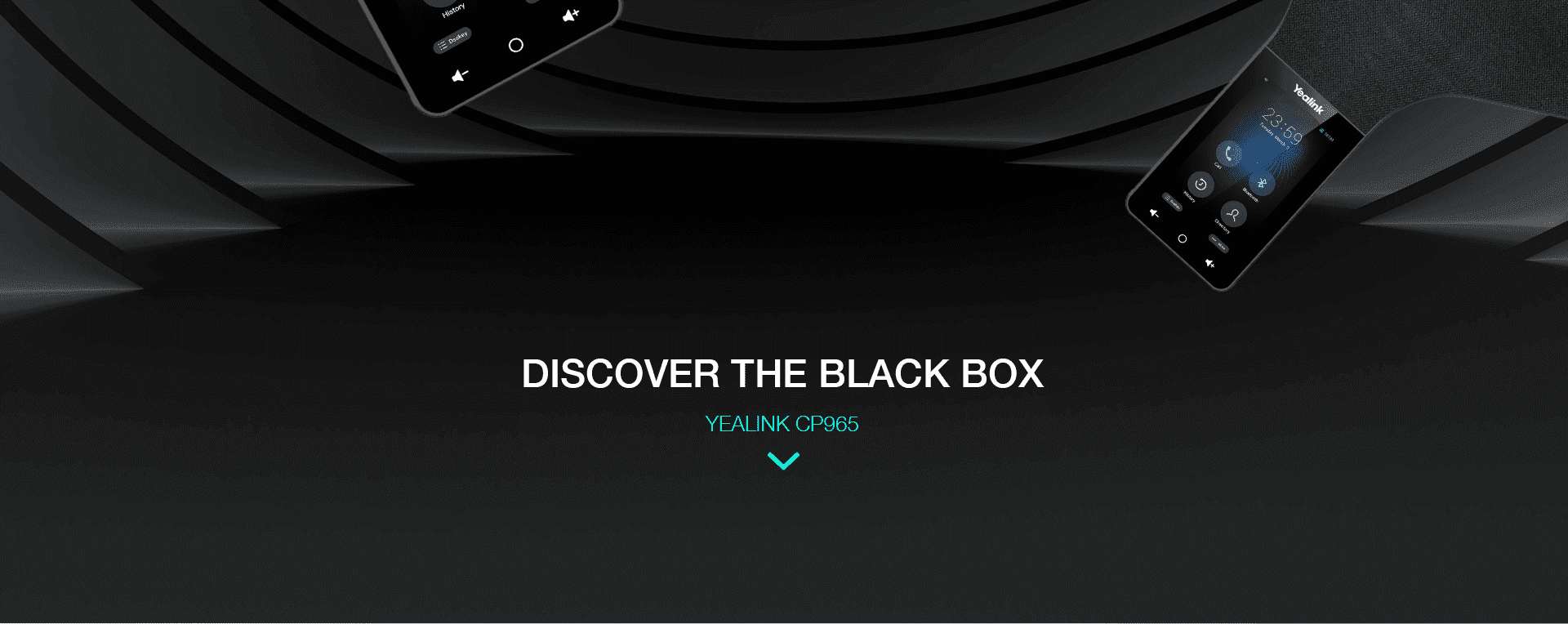
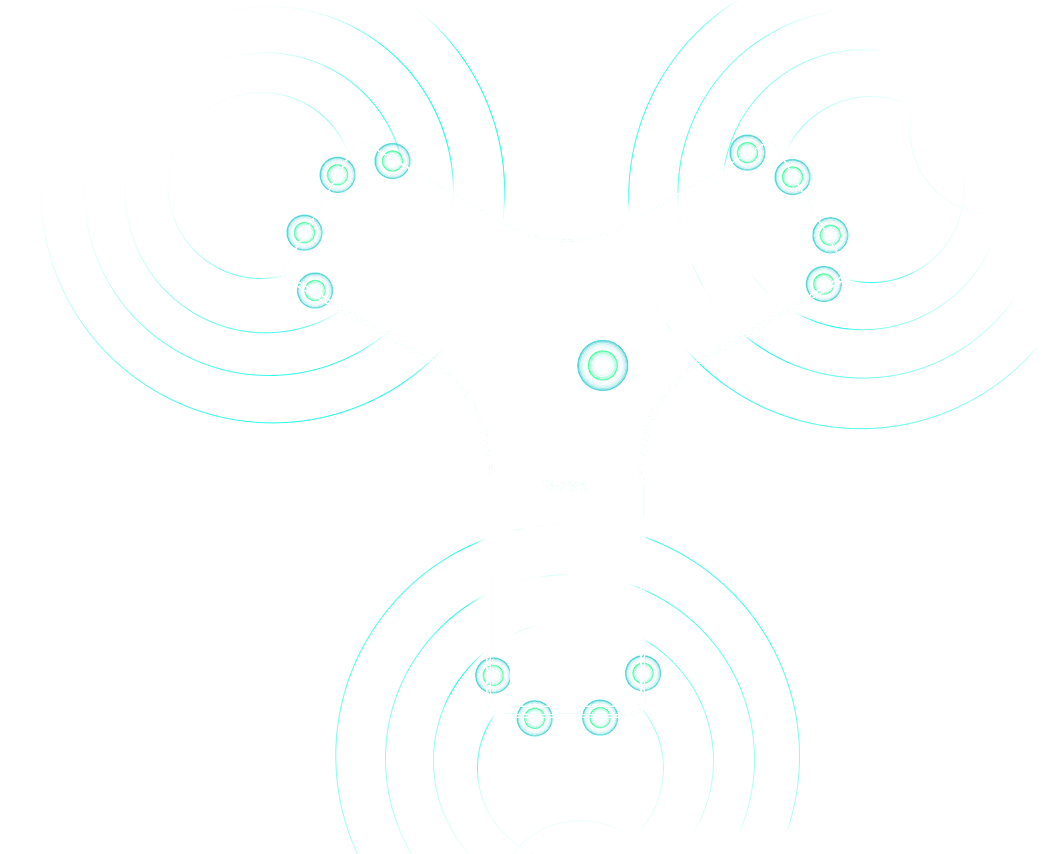
Inside the stunning appearance, a set of powerful technology and professional components are wrapped to boost the CP965 with outstanding audio performance.The 13-microphone array is elaborately positioned in every "foot" and the center of the CP965 to assure omnidirectional voice pickup and effective noise-cancellation. The advanced speaker also activates a max. 94db/0.5m performance.With this magic black box, attendees from every corner of the room can hear and be heard with equitable clarity.
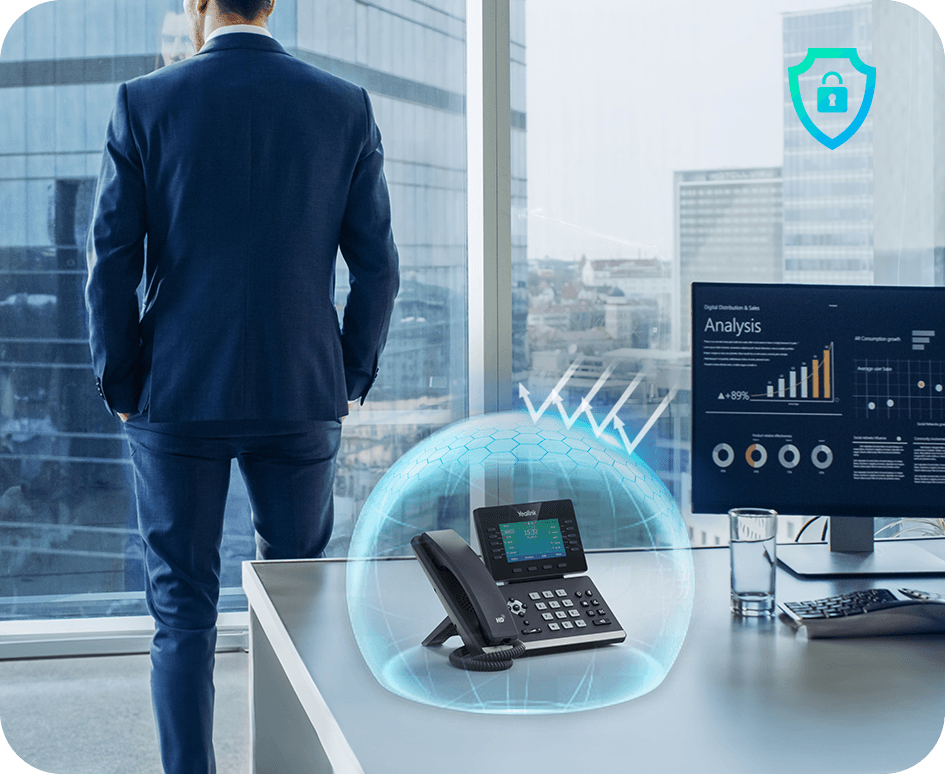
Diving into the field of audio communication for more than 20 years, Yealink has developed a series of acoustic technology including Smart Noise Filtering, Optimal HD audio and Noise Proof Technology to eliminate all the distracting sounds.The next-generation technology, powered by solid processing performance, significantly improves the audio quality in collaboration. The exchange of verbal message can be more productive than ever.
● BYOD - BYOD - By simply connecting mobile devices (such as computer, smart phone etc.) through Bluetooth or Type C or use the USB 2.0 port to connect PSTN device CPN10, to realize Hybrid UC meeting (including PSTN, SIP, mobile phone). ● Wireless microphones - The DECT wireless expansion microphone CPW65, can provide an extra 10-meter voice pickup range to expand the covering area of CP965 without cord restraint.● PSTN conference - With Yealink CPN10, the CP965 also supports 3-way local conference.
Key features
- Modest Design, Easy-to-Use User Interface
- HD Audio, Smooth Communication
- Rich Features and High Expandability
- Red Dot[2021]
- Android 9.0
- 5-inch multi-touch screen with 720x1280 resolution
- Optimal HD audio, full duplex technology
- Yealink Noise Proof Technology
- 20-foot (6-meter) and 360-degree voice pickup
- Built-in 12-microphone array for voice pickup
- Built-in 1-microphone array for noise cancellation
- Power over Ethernet
- 10-way conference call
- Hybrid UC meeting
- Built-in Wi-Fi (2.4GHz/5GHz, 802.11a/b/g/n)
Specifications
CP965 technical specifications
- Optimal HD audio
- Yealink Noise Proof Technology
- Smart Noise Filtering
- 13ft (4m) high-quality voice pickup range, Maximum 20ft (6m) voice pickup range
- Apply toa medium to large conference room
- Built-in 12-microphone array, 360-degree voice pickup
- Built-in 1-microphone array, decreases noise
- Loudspeaker- Frequency: 100-20,000 Hz- Volume: 94 dB at 0.5-m peak volume
- 56mm diameter and 5W speaker
- Full-duplex speakerphone with AEC
- Echo cancellation tail length is up to 320ms
- Background noise suppression
- Codecs: G722, G722.1C, G726, G.729, G.729A, G723, iLBC, PCMU(G.711µ), PCMA (G.711A)
- DTMF: In-band, Out-of-band (RFC 2833) and SIP INFO
- VAD, CNG, PLC, AJB, AGC
- 1 SIP account
- Call hold, mute, DND, call recording, hotline
- 10-way conference call
- Analog PSTN calls via CPN10
- Redial, call waiting, emergency call
- Call forward, call transfer, call return, dial plan
- Ring tone selection/import/delete
- Set the date and time manually or automatically
- Volume adjustment
- Pairing via Bluetooth
- Create a meeting directly
- Join meeting seamlessly
- Active Speaker
Gallery
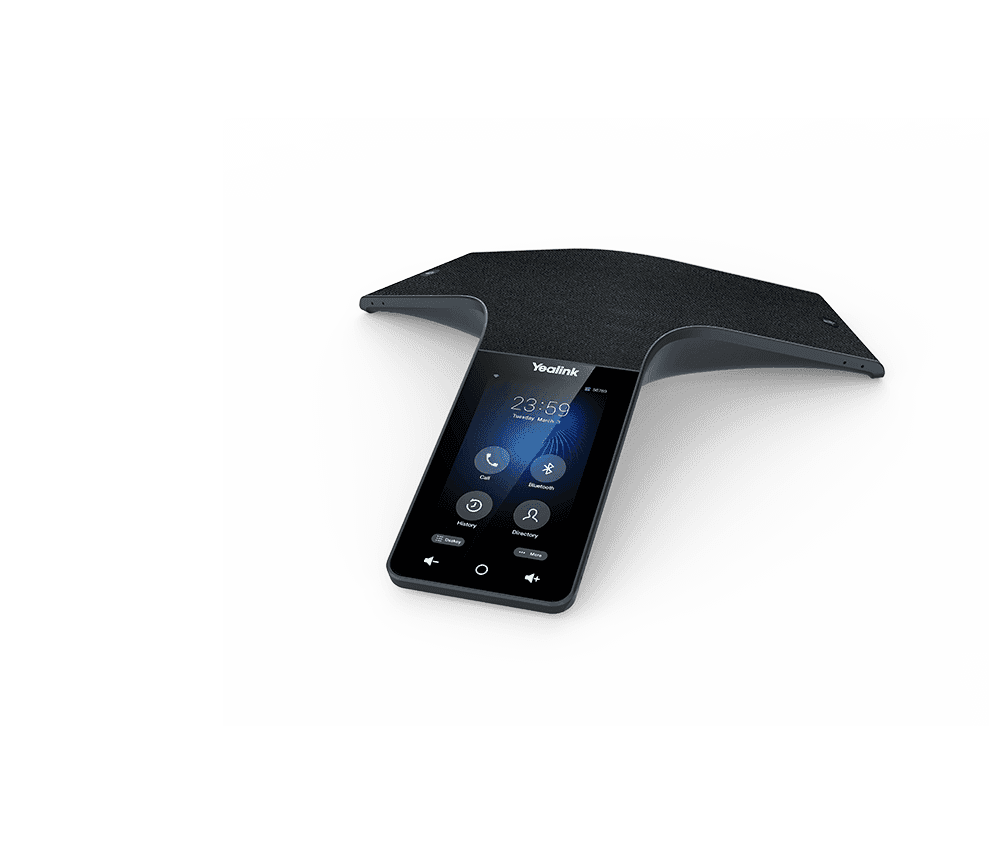
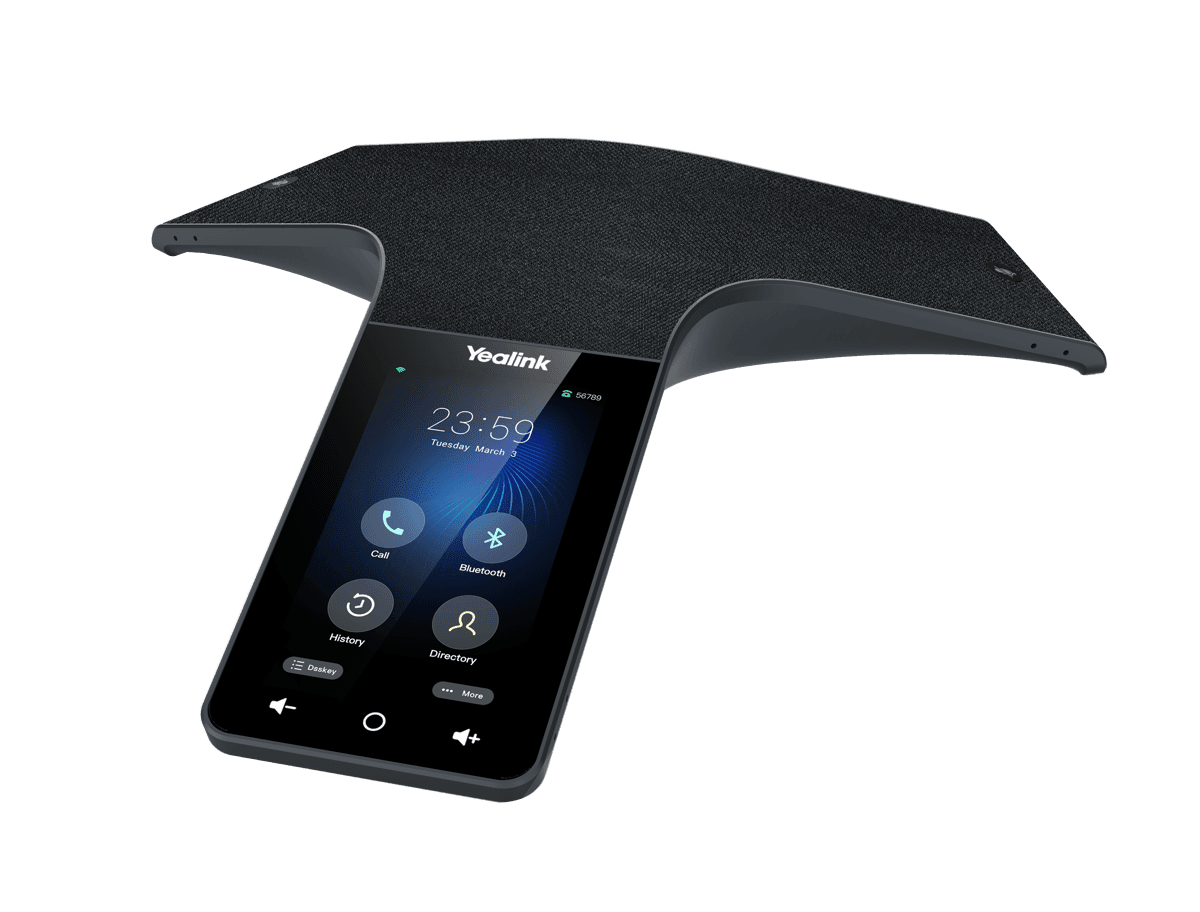
CP965 product photos



Documents
CP965 manuals & downloads
Datasheets
6- Yealink CP965 DatasheetJul 20, 2026
- Yealink UVC84-CP965-BYOD DatasheetJan 13, 2026
- Yealink CP965 Teams Audio Phone DatasheetDec 3, 2025
- Yealink CP965 Teams Audio Phone Datasheet (DE)PDFDec 3, 2025
- Yealink CP965 Teams Audio Phone Datasheet (ES)PDFDec 3, 2025
- Yealink CP965 Teams Audio Phone Datasheet (FR)PDFDec 3, 2025
Quick Start Guides
3Compatibility
6- PBX PartnerAug 24, 2026
- Headset CompatibilityJul 20, 2026
- Yealink IP Phone Features Integrated with BroadSoft UC-One User Guide V1.5PDFJun 15, 2026
- Yealink SIP Phones Integrated with Metaswitch Configuring Guide V1.5PDFDec 3, 2025
- Yealink SIP Phones Integrated with Metaswitch CommPortal Phone Applications User Guide V1.6PDFDec 3, 2025
- Yealink IP Phones Deployment Guide for BroadSoft UC-One Environment V1.6PDFDec 3, 2025
Deployment
6- Yealink SIP Phones TemplateApr 29, 2026
- Quick SetupDec 27, 2025
- Configuration Reference GuideDec 27, 2025
- Yealink Teams Phone Setup Guide with Microsoft Configuration PlatformsDec 27, 2025
- Yealink Teams HD IP Phones Auto Provisioning Guide V15.52PDFDec 3, 2025
- Yealink SIP IP Phones Auto Provisioning Guide V1.5PDFDec 3, 2025
Technical Topics
16- Yealink SIP IP Phones XML Browser Developer's Guide V1.0PDFJun 15, 2026
- Using Security Certificates on Yealink IP Phones V1.4PDFMay 25, 2026
- Yealink Phonebook Generation Tool User GuidePDFApr 3, 2026
- Yealink Configuration Encryption Tool User Guide V1.2PDFApr 3, 2026
- Calling and Connected Line Identification Presentation on Yealink IP PhonesPDFApr 3, 2026
- LDAP Directory on Yealink IP PhonesPDFApr 3, 2026
Show 10 more technical topicsShow fewer
- Recovery Mode on Yealink IP Phones V86PDFApr 3, 2026
- Server Redundancy on Yealink IP PhonesPDFApr 3, 2026
- OpenVPN Feature on Yealink IP Phones V1.0PDFApr 3, 2026
- Using Ribbon Features on Yealink IP Phones V1.0PDFApr 3, 2026
- Using Enhanced DSS Keys on Yealink IP Phones V1.0PDFApr 3, 2026
- VLAN Feature on Yealink IP PhonesPDFApr 3, 2026
- Yealink 802.1X AuthenticationPDFApr 3, 2026
- Yealink Configuration Generator Tool User Guide V86PDFApr 3, 2026
- Yealink SIP IP Phones Configuration Guide for User Access LevelApr 3, 2026
- Yealink SIP Phones Language PacksApr 3, 2026
Other Downloads
1Firmware
CP965 firmware & release notes
- CP965 143.87.0.25 - Firmware & Release NoteLatestROMReleased Apr 8, 2026 Download
- CP965 Teams Audio Phone 143.15.0.144 - Firmware & Release NoteROMReleased Nov 5, 2025 Download
- CP965 143.87.0.20 - Firmware & Release NoteROMReleased Dec 27, 2025Withdrawn by Yealink
- CP965 143.20.0.15 - Firmware & Release NoteROMReleased Dec 3, 2025Withdrawn by Yealink
- CP965 143.20.0.25 - Firmware & Release NoteROMReleased Dec 3, 2025Withdrawn by Yealink
- CP965 143.20.0.5 - Firmware & Release NoteROMReleased Dec 3, 2025Withdrawn by Yealink
- CP965 Teams Audio Phone 143.15.0.54 - Firmware & Release NoteROMReleased Nov 5, 2025Withdrawn by Yealink
- CP965 Teams Audio Phone 143.15.0.68 - Firmware & Release NoteROMReleased Nov 5, 2025Withdrawn by Yealink
Show 5 more firmware filesShow fewer
- CP965 Teams Audio Phone 143.15.0.74 - Firmware & Release NoteROMNov 5, 2025
- CP965 Teams Audio Phone 143.15.0.135 - Firmware & Release NoteROMNov 5, 2025
- CP965 Teams Audio Phone 143.15.0.138 - Firmware & Release NoteROMNov 5, 2025
- CP965 Teams Audio Phone 143.15.0.27 - Firmware & Release NoteROMNov 5, 2025
- Teams CP965 PATCHROMNov 5, 2025
Knowledge base
CP965 how-to articles
Call Features44
- Anonymous CallNov 3, 2025
- Anonymous Call RejectionNov 3, 2025
- Answer CallsMay 6, 2026
- Auto AnswerNov 3, 2025
- Auto AnwserAug 21, 2026
Audio Features18
- Acoustic Clarity TechnologyNov 3, 2025
- Acoustic ShieldJul 20, 2026
- Alert ToneNov 3, 2025
- Audio CodecsJul 22, 2026
- Audio VolumeJan 8, 2026
Bluetooth18
- Activate Bluetooth ModeSep 14, 2026
- BluetoothJan 22, 2026
- Bluetooth Device Discovery FeatureSep 14, 2026
- Configure Media Audio FeatureSep 14, 2026
- Configure Phone Audio FeatureSep 14, 2026
Troubleshooting18
- Analyze Configuration FilesAug 21, 2026
- Capture PacketsAug 21, 2026
- Configure Local LogsAug 21, 2026
- Configure SyslogAug 21, 2026
- Example of TroubleshootingMay 9, 2026
Perform Teams Call Operations17
- Answer, End or Reject CallsDec 3, 2025
- Block Calls with No Caller IDsDec 3, 2025
- Boss-Admin DelegatesDec 3, 2025
- Call QueueAug 21, 2026
- DelegatesDec 3, 2025
Customize Your Phone16
- AccessibilityJun 2, 2026
- Adjust Screen ContrastJun 2, 2026
- Adjust TransparencyJun 2, 2026
- Change Administrator PasswordJun 2, 2026
- Change Backlight & TimeJun 2, 2026
Directory and Call Log16
- Call LogNov 3, 2025
- CardDAV DirectoryDec 26, 2025
- Comparison of Different ContactsNov 3, 2025
- Directory List for DirectoryDir Soft KeyNov 3, 2025
- Directory Search SettingsNov 3, 2025
Phone Customization15
- Analog HeadsetMar 5, 2026
- BluetoothDec 31, 2025
- DisplayJul 27, 2026
- Door PhoneJul 7, 2026
- DSS KeysJan 28, 2026
Auto Provisioning Guide14
- AppendixNov 3, 2025
- Configure a Provisioning ServerJul 2, 2026
- Download and Verify ConfigurationsJul 2, 2026
- Get StartedDec 27, 2025
- GlossaryJan 13, 2026
Network Configurations14
- 802.1x AuthenticationSep 15, 2026
- DHCP OptionSep 15, 2026
- DHCP Option for IPv6Dec 27, 2025
- How to access the web user interfaceSep 15, 2026
- Internet Port and PC PortSep 15, 2026
More topics
Related
More in the CP Series (Conference)
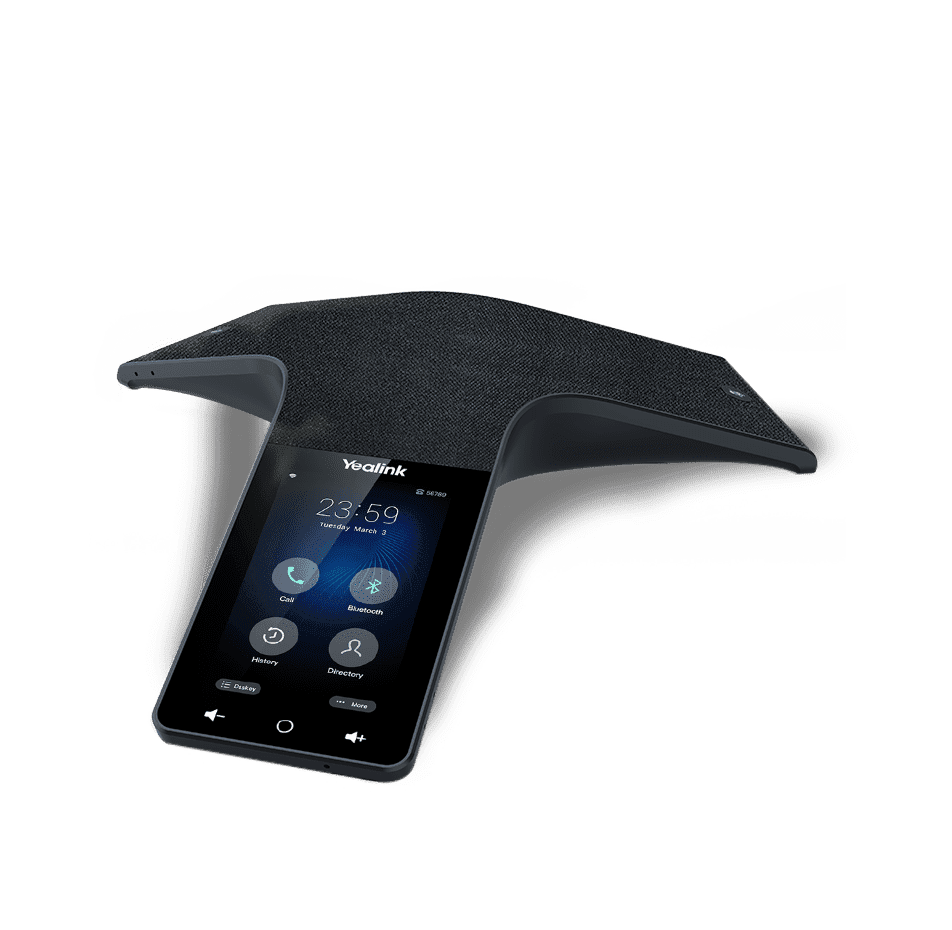
CP925
HD IP conference phone for small to medium conference rooms
Support & downloads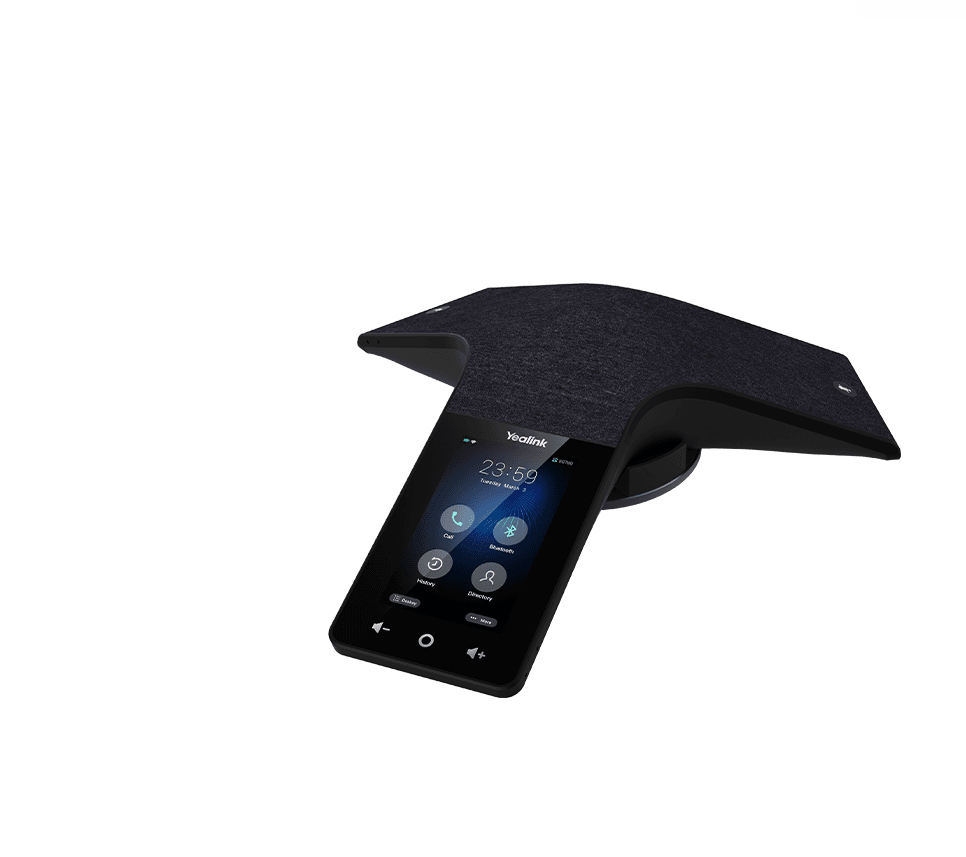
CP935W
Wireless Wi-Fi Touch-Sensitive Conference Phone
Support & downloads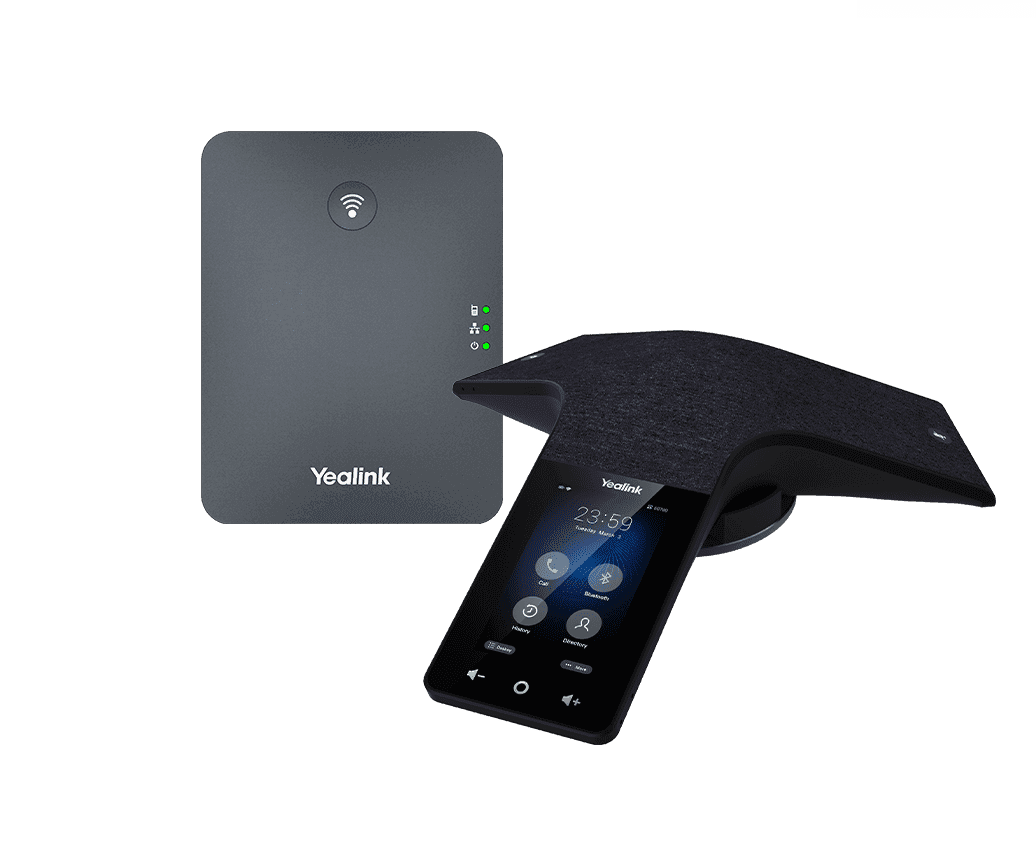
CP935W-Base
Wireless DECT Touch-Sensitive Conference Phone
Support & downloads
CP860
Support & downloads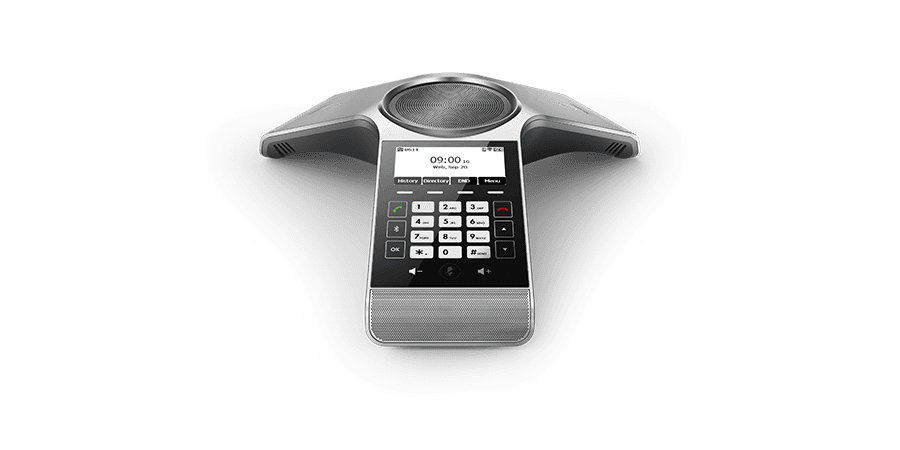
CP920
Touch-sensitive HD IP Conference Phone
Support & downloads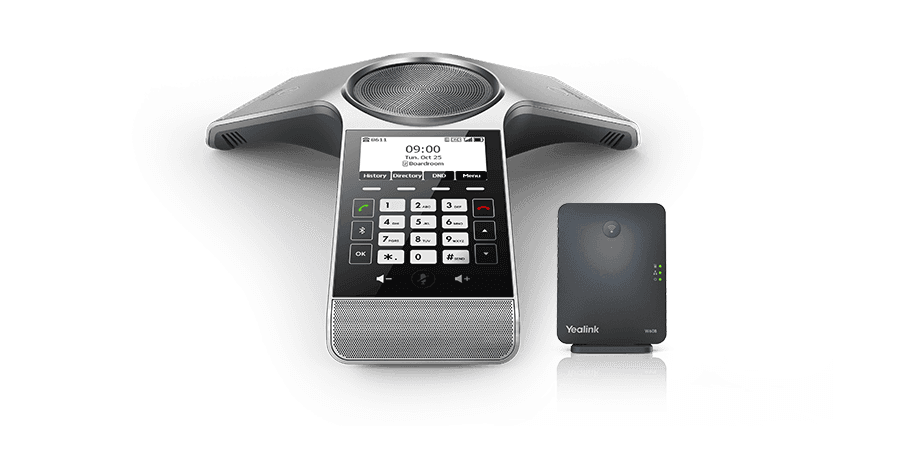
CP930W-Base
Wireless DECT Conference Phone with significant mobility
Support & downloads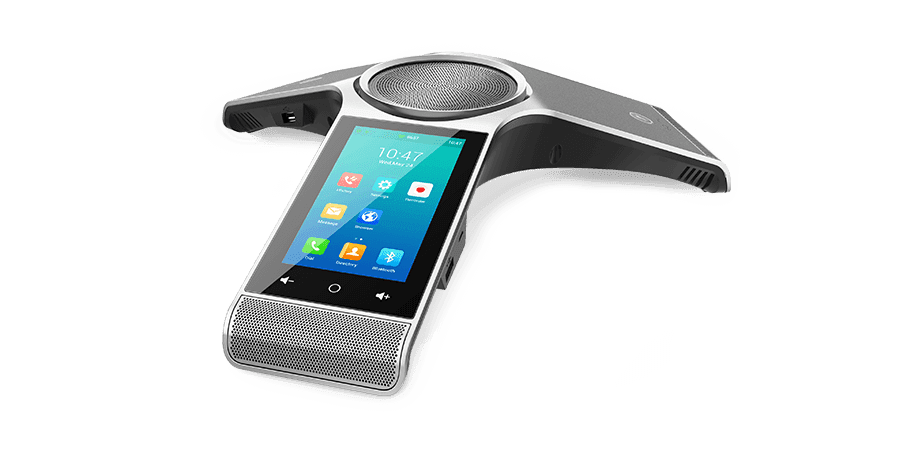
CP960
Optima HD IP conference phone
Support & downloads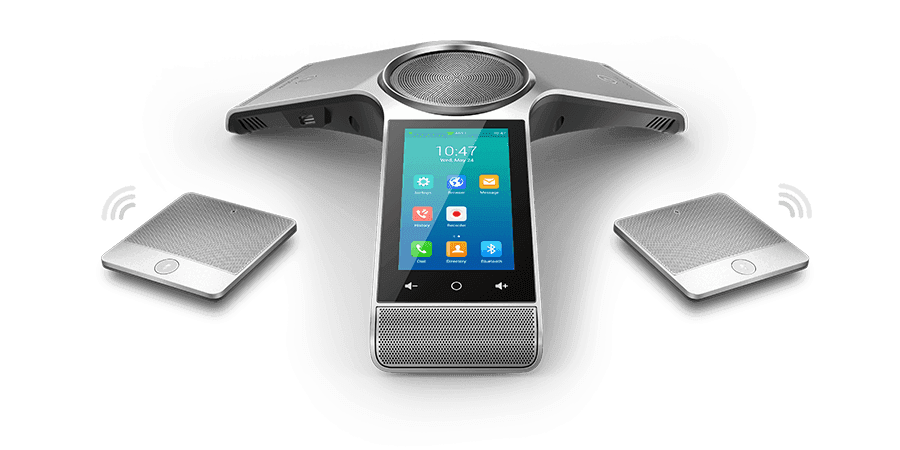
CP960-WirelessMic
Optima HD IP conference phone
Support & downloadsNeed help with your CP965?
The Tech Team™ can provision, update and troubleshoot your Yealink phones, and move your office onto smplVoice cloud voice.
Yealink and Yealink product names are trademarks of Yealink Network Technology Co., Ltd. Product information, images and documents are published by Yealink (source) and provided here for reference by smplVoice. Firmware and documents are Yealink’s original, unmodified files.